
Overview
Once a document is ready for review, submit it for approval through a configured approval chain. This moves the document from Editing to Awaiting Approval and notifies the designated approvers.
Who can access this: Admin Quality Manager Document Manager
Navigation:
Navigation:
Step-by-Step Instructions
Open the document you want to submit and click the Workflow & Approval tab.
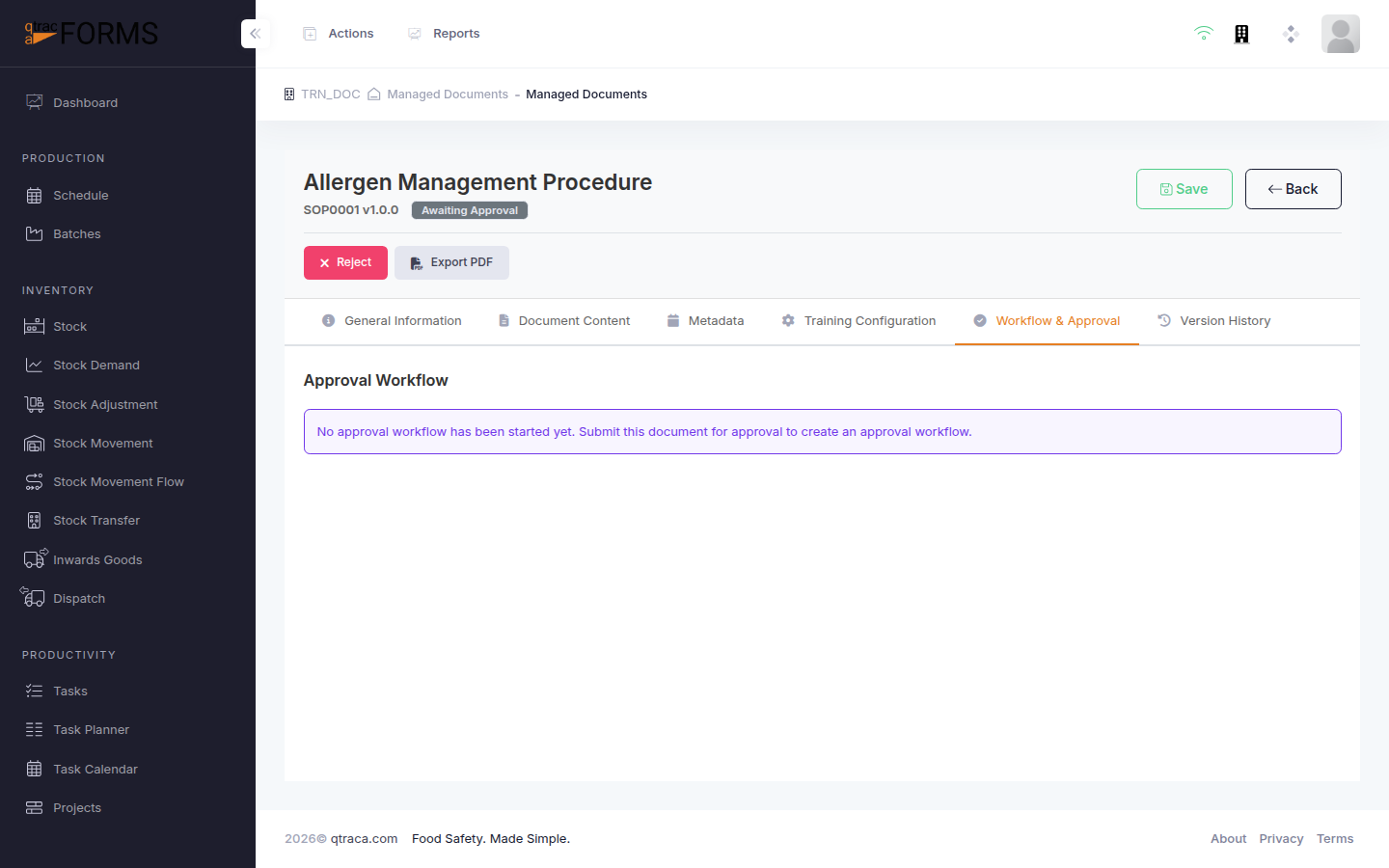
Select an Approval Chain from the dropdown. Approval chains define the sequence of approvers who must review the document. Each chain can have one or more steps with designated approvers.
Review the approval steps displayed. Each step shows the approver's name and role.
Click the Submit for Approval button. A confirmation dialog will appear.
Confirm the submission. The document status will change to Awaiting Approval and the first approver in the chain will be notified.
Important: Once submitted for approval, the document content is locked and cannot be edited. If changes are needed, an approver must reject the document, which returns it to Editing status.
Tip: Before submitting, ensure all document content is finalised, metadata is complete (especially the author and review date), and any required training configuration is set up.