
Overview
QTRACA's Document Management module provides a centralised system for creating, reviewing, approving, and publishing controlled documents. From Standard Operating Procedures (SOPs) and policies to forms and work instructions, every document follows a structured lifecycle with full version control and audit trail.
Navigation:
Navigating to Document Management
In the left sidebar, look for the Document Control section under the Quality heading. Click on it to expand the submenu.
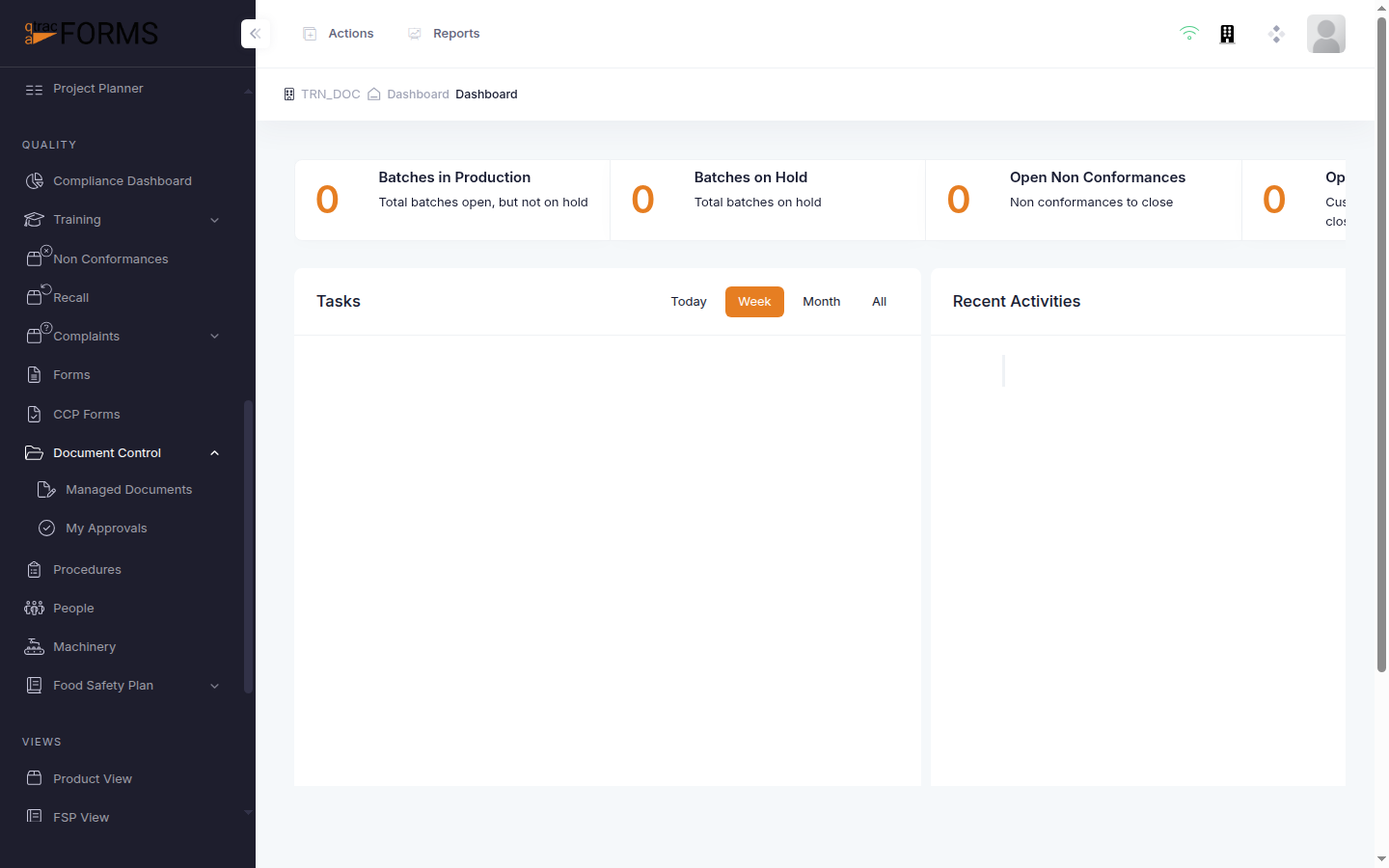
Click Managed Documents to open the document list. You will also see My Approvals — this is where pending approval requests appear (covered in the Approving or Rejecting a Document article).
The Document List
The Managed Documents page displays all documents in a searchable, sortable table.
Understanding the Columns
| Column | Description |
|---|---|
| Actions | Quick action icons — edit (pencil), version history (clock), approve (checkmark), and delete (trash, for drafts only) |
| Document # | Auto-generated identifier based on the document category prefix and sequence number (e.g., SOP0001, POL0002) |
| Title | The document name |
| Category | Colour-coded category badge (SOP, POL, FORM, etc.) |
| Version | Current version number using semantic versioning (e.g., 1.0.0) |
| Status | Current lifecycle status — Editing, Awaiting Approval, Published, or Retired |
| Effective Date | The date the published version becomes effective |
| Review Due | Next scheduled review date |
| Author | The document author |
| Training | Whether training is required when this document is published |
Filtering and Searching
Use the search bar at the top of the table to find documents by title or number. You can also filter by Status using the dropdown filter button to quickly find documents in a specific lifecycle state.
Document Lifecycle
Every document in QTRACA follows a defined lifecycle:
- Editing — The document is being drafted or revised. Only the author/editor can modify it.
- Awaiting Approval — The document has been submitted for review through an approval chain.
- Published — The document has been approved and is the current active version.
- Retired — The document is no longer active but is preserved for historical reference.
Creating a New Document
Click the + New Document button in the top right corner. You'll see two options:
- Blank Document — Start with an empty document and write the content yourself
- Generate with AI — Use QTRACA's AI wizard to generate a document draft from a topic catalog or custom prompt