
The LTC1/LTC2-LB has two working modes:
Deep Sleep Mode: Sensor doesn't have any LoRaWAN activate. This mode is used for storage and shipping to save battery life.
Working Mode: In this mode, Sensor will work as LoRaWAN Sensor to Join LoRaWAN network and send out sensor data to server. Between each sampling/tx/rx periodically, sensor will be in IDLE mode), in IDLE mode, sensor has the same power consumption as Deep Sleep mode.
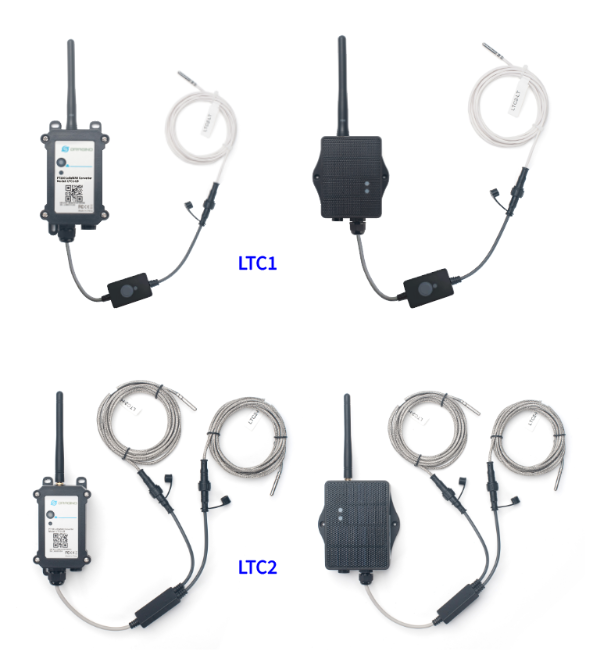
The LTC1/LTC2-LB is set in deep sleep mode by default; The ACT button on the front is to switch to different modes:
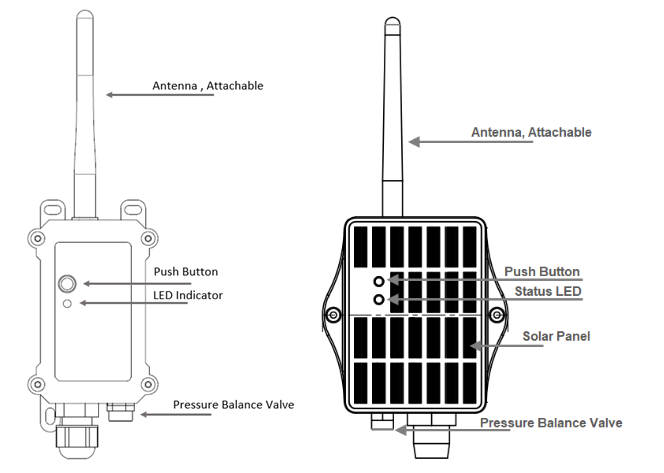
| Behavior on ACT | Function | Action |
|---|---|---|
 1~3s | Send an uplink | If sensor is already Joined to LoRaWAN network, sensor will send an uplink packet, blue led will blink once. |
 >3s | Active Device | Green led will fast blink 5 times, device will enter OTA mode for 3 seconds. And then start to JOIN LoRaWAN network. |
 x5 | Deactivate Device | Red led will solid on for 5 seconds. Means LTC2-LB is in Deep Sleep Mode. |