
For each sensor you have you will need to set it up in QTRACA. To do this follow these steps:
- Go to 'Remote Devices'
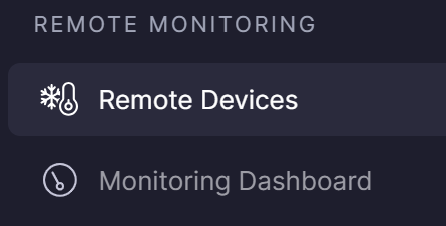
- Click on 'New IoT Device'
- In the 'Name' field give your device a descriptive name that allows you to identify it.
- In the 'Type' field select your Dragino sensor type either LHT65 or LTC2.
- In the 'Serial Number (SN)' field add the serial number from your device.
- In the 'DEV EUI' field add the DEV EUI from your device. (This will be on a separate label either stuck to the box or in the box.)
- In the 'APP EUI' field add the APP EUI from your device. (This will be on a separate label either stuck to the box or in the box.)
- In the 'App Key' add the App Key from your device.(This will be on a separate label either stuck to the box or in the box.)
- Take note of the Gateway URL. You will need this when setting up the gateway.
- Set other fields as required.
- Save your device.
| Important: Do not throw your packaging away until you have secured the sticker with your DEV EUI, APP EUI, and App Key. This sticker will look like this and is required to operate device. Keep in a safe place. 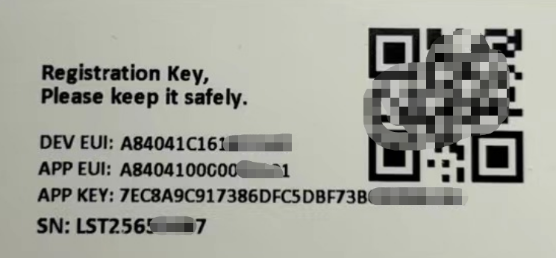 You will need the DEV EUI, APP EUI, APP KEY, and Gateway URL when connecting a device to your Gateway. |