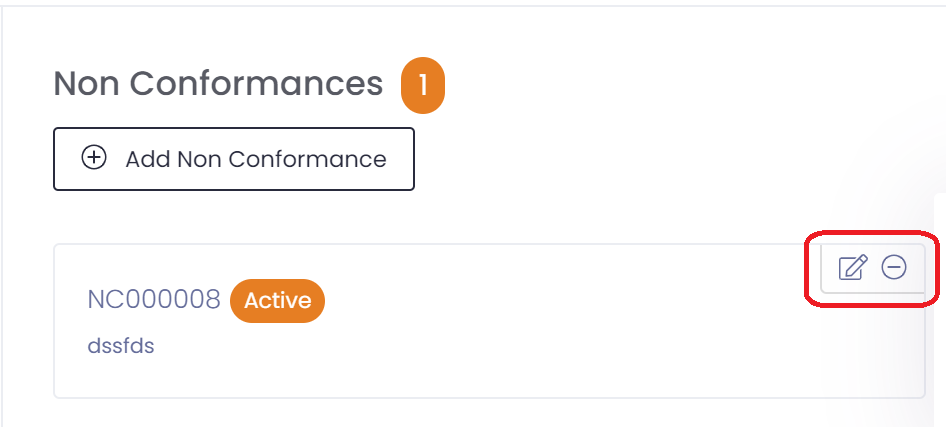
If a non-conformance needs to be raised from a complaint then all you need to do is click the 'Add Non Conformance' button in the right panel of the complaints screen.
This will pop up a non-conformance window for you to add the non-conformance.

When you have non-conformances against the complaint you can view them by clicking on the view button.

They can also be deleted if required, by clicking on the delete button.