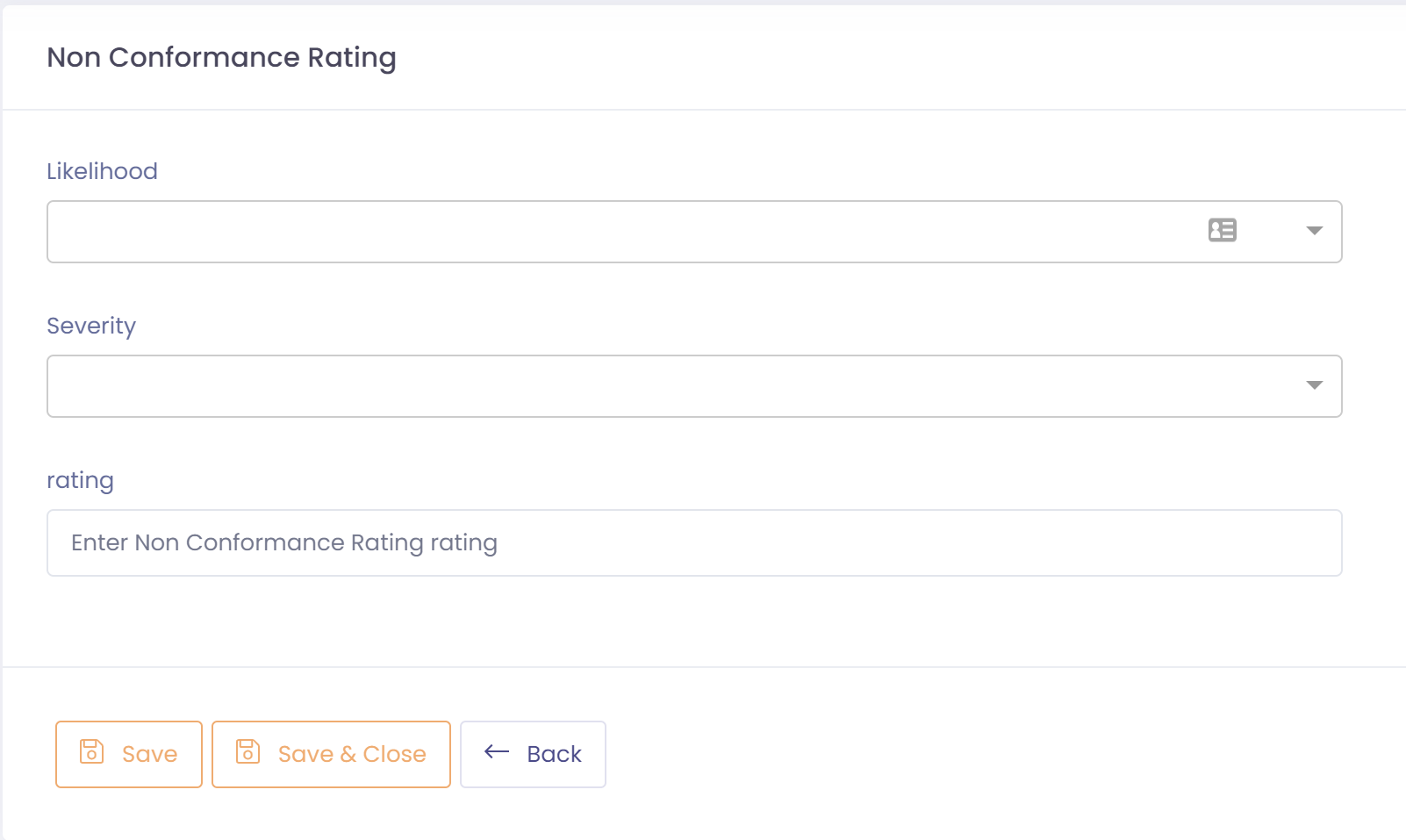
Non-conformance ratings are used to create an overall rating based off the likelihood and severity of a non-conformance. This allows you to visualize non-conformances based off a consistent rating. The rating is built off a matrix of your severity and likelihood values. For example:
Severity
- Minor
- Major
- Critical
Likelihood
- Unlikely
- Likely
- Almost Certain
| Minor | Major | Critical | |
| Unlikely | mn | mn | Mj |
| Likely | mn | Mj | C |
| Almost Certain | Mj | C | C |
To setup a non-conformance rating perform the following steps:
- Go to Setup ---> Non Conformance ---> Non Conformance Ratings
- Click the button 'New Non Conformance Rating'
- Select the Likelihood and Severity for this rating
- Assign a rating to this non-conformance rating
- Save non-conformance rating