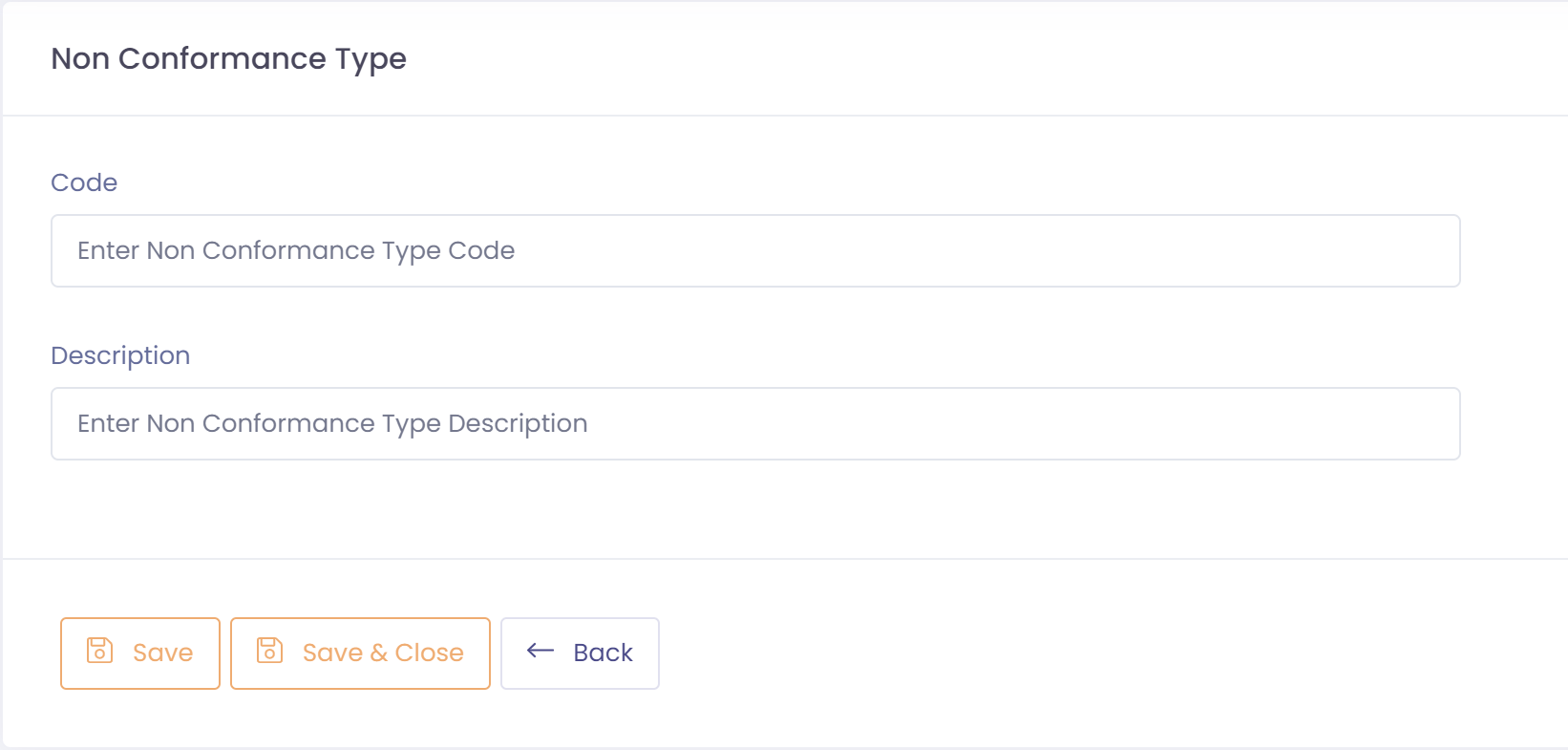
Non-conformance types are used to group non-conformances. An example of this might be that you wish to categorize internal and external non-conformances separately.
To setup a non-conformance type perform the following steps:
- Go to Setup ---> Non Conformance ---> Non Conformance Types
- Click the button 'New Non Conformance Type'
- Assign a code and description to this non-conformance type
- Save non-conformance type