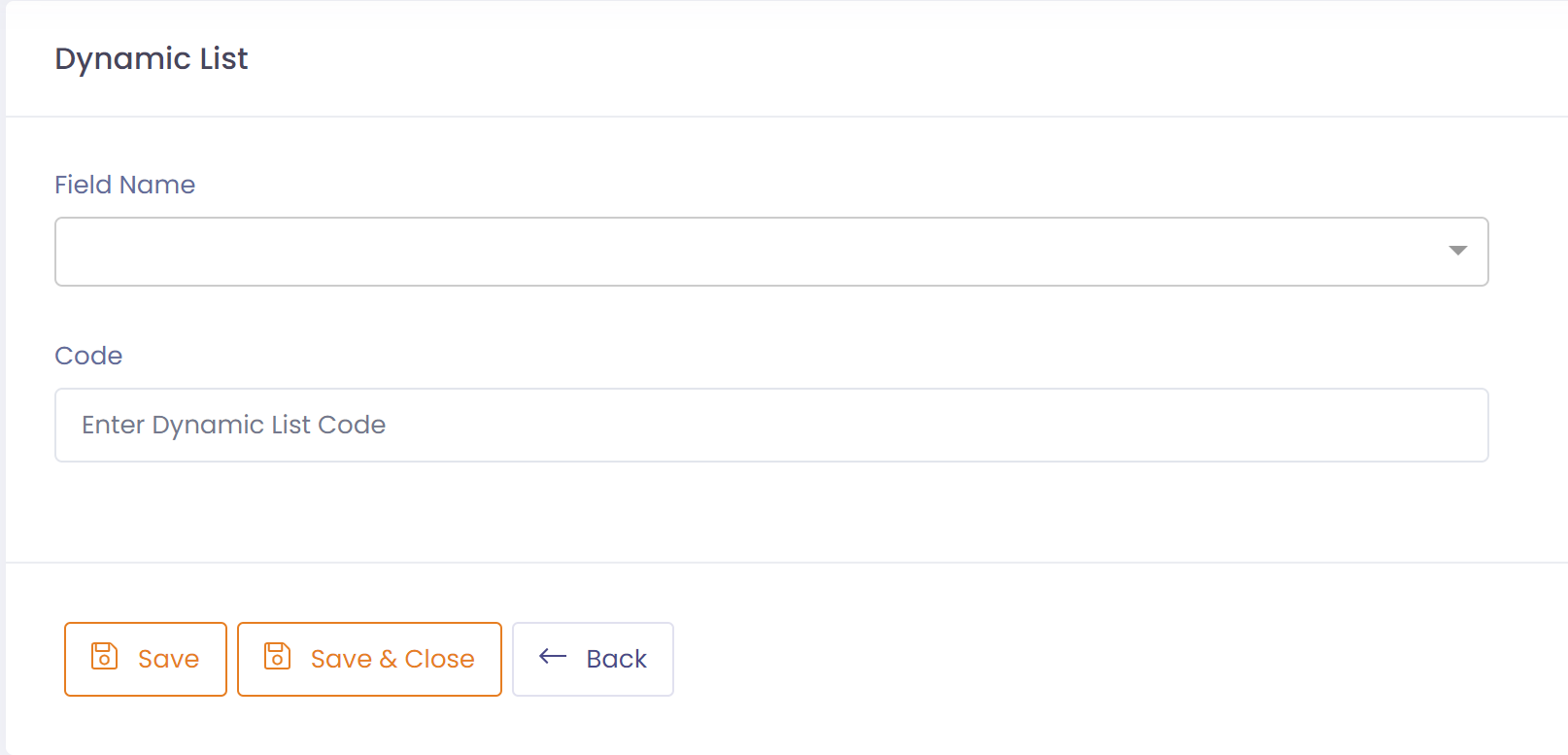
Dynamic Lists allow you to add custom values for certain fields. Using dynamic lists you can customize QTRACA to suit your business processes.
Products
Overhead Costs
Here you can enter any overhead costs you want to capture on a recipe.
Non Conformances
Severity
Here you can categorize the severity of the non-conformance.
Examples are:
- Minor
- Major
- Critical
Root Cause
Here you can categorize the root cause of the investigation.
Examples are:
- Cleaning and Sanitation
- Calibration
- Personnel
- Training
- Packaging
- Labeling
- Storage
- Transport
- Supplier
- Customer
- Retail Handling
Likelihood
Here you can categorize the likelihood of the non-conformance arising again.
Examples are:
- Unlikely
- Likely
- Almost certain
Product Disposition
Here you can categorize the product disposition.
Examples are:
- Dispose
- Use
- Rework
- Return
- Credit
- Replace
Responsible Dept
Here you can categorize your departments and use to capture the source of the non-conformance or complaint.
Examples are:
- Production
- Distribution
- Compliance
Complaints
Customer Complaint Type
Here you can categorize your complaints and record what is the origin of the complaint.
Examples are:
- Packaging
- Labeling
- Product
Consumer Complaint Type
Here you can categorize your complaints and record what is the origin of the complaint.
Examples are:
- Packaging
- Labeling
- Product
Projects and Tasks
Project Type
Here you can categorize your project types, which allows you to group similar projects together. If there is no need to do this you should just create a default type such as 'General'.
Project Status
Here you can categorize the statuses that a project will go through. This allows you to filter active vs closed projects for example.
Examples are:
- To do
- Active
- Completed
Task Planning Status
Here you can categorize the planing statuses that a task will go through. The planning status is used to help you visualize where tasks are in the planning board. Note, the planning status is different to the status, which defines whether a task is active or closed.
Examples are:
- To do
- Active
- Done
Form Reference
Form references are used to create global lookup lists for forms. You may create any number of form references. When entering a form reference you must specify a 'Field Group' which is the key for the lookup that will be used in the form. The field group will be unique for each lookup built.
To setup a dynamic list value perform the following steps:
- Go to Setup ---> Dynamic Lists
- Click the button 'New Dynamic List'
- Select the Field you are entering the value for, e.g. Severity.
- If the field is of type 'Form Reference', enter the Field Group (Key) for list you are creating.
- Enter the new code value for the field you have selected.
- If the field is of type 'Form', select whether the code is active or not.
- Save record.