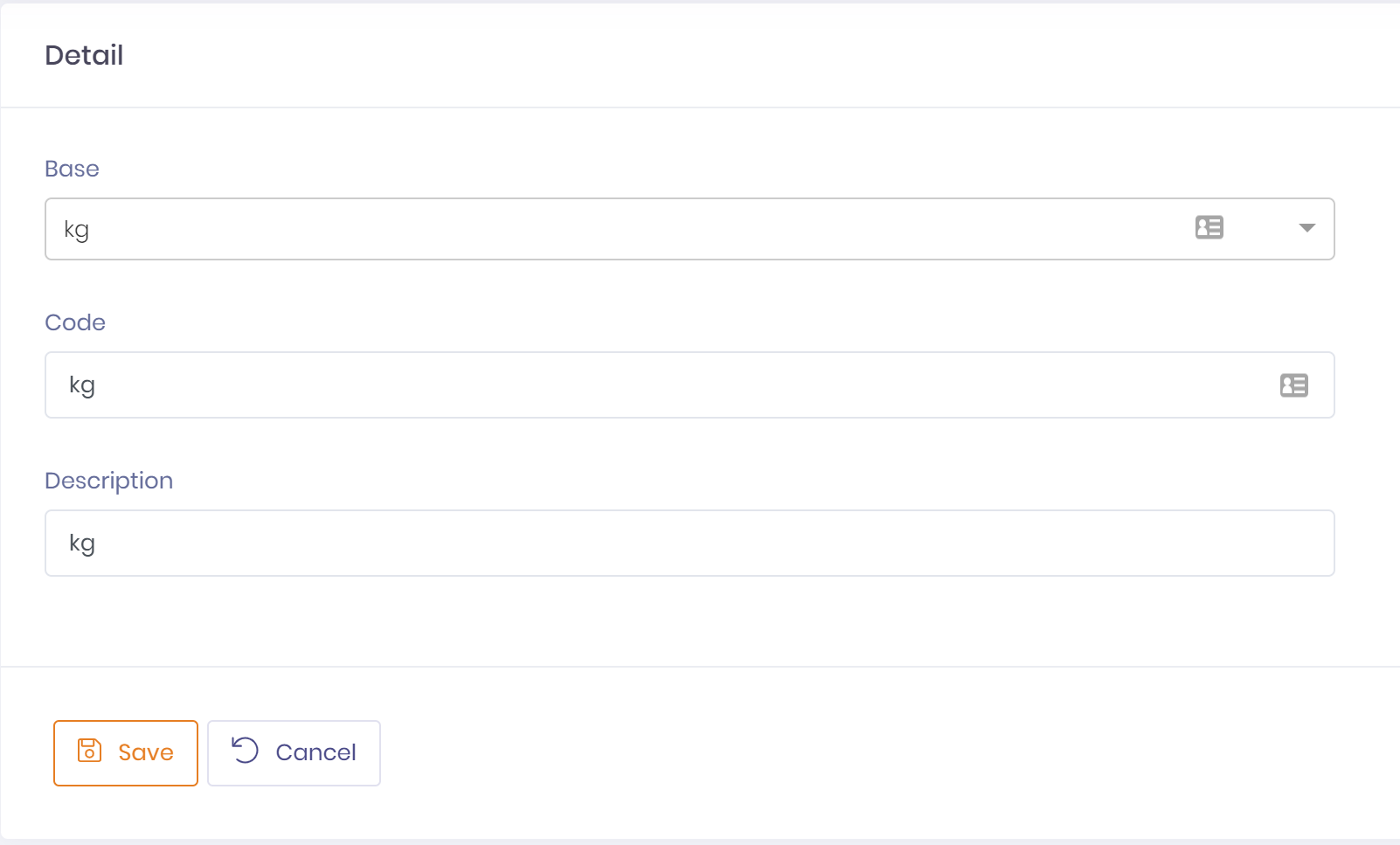
Unit of measures (UOM) define what a given quantity is measured in. QTRACA has a number of built in unit of measures that can automatically be converted between each other. If you wish to use these on a site they must still be created to be made available.
In addition custom unit of measures can be defined by using the custom base unit of measure 'unit'.
To setup a unit of measure perform the following steps:
- Go to Setup ---> Unit of Measures
- Click the button 'New Unit of Measure'
- Select the base unit of measure
- mg - milligrams
- g - grams
- kg - kilograms
- t - tonne
- mL - millilitre
- L - litre
- tsp - teaspoon
- tbs - tablespoon
- cup - cup
- unit - custom UOM
- Assign a code and description to this unit of measure, these will usually be the same as the base unit of measure
- Save unit of measure