
If a user enters an out of range temperature on an inwards good line you can force approval by a supervisor before the line can be saved and accepted.
By switching on the 'Must Approve Out of Range Temperatures' parameter in Account Settings a user will be required to seek approval for out of range temperatures before the line can be saved.

To specify what users can approve out of range temperatures specify a user access group in the 'Temperature Approval Group'.

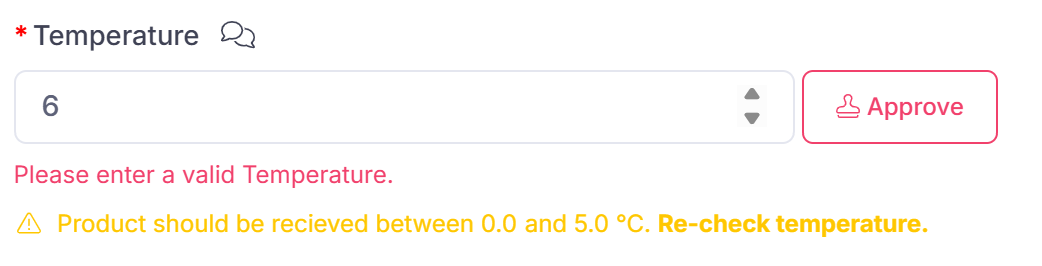
Once switched on if a user enters an out of range temperature they will be warned and an 'Approve' button will appear next to the temperature.
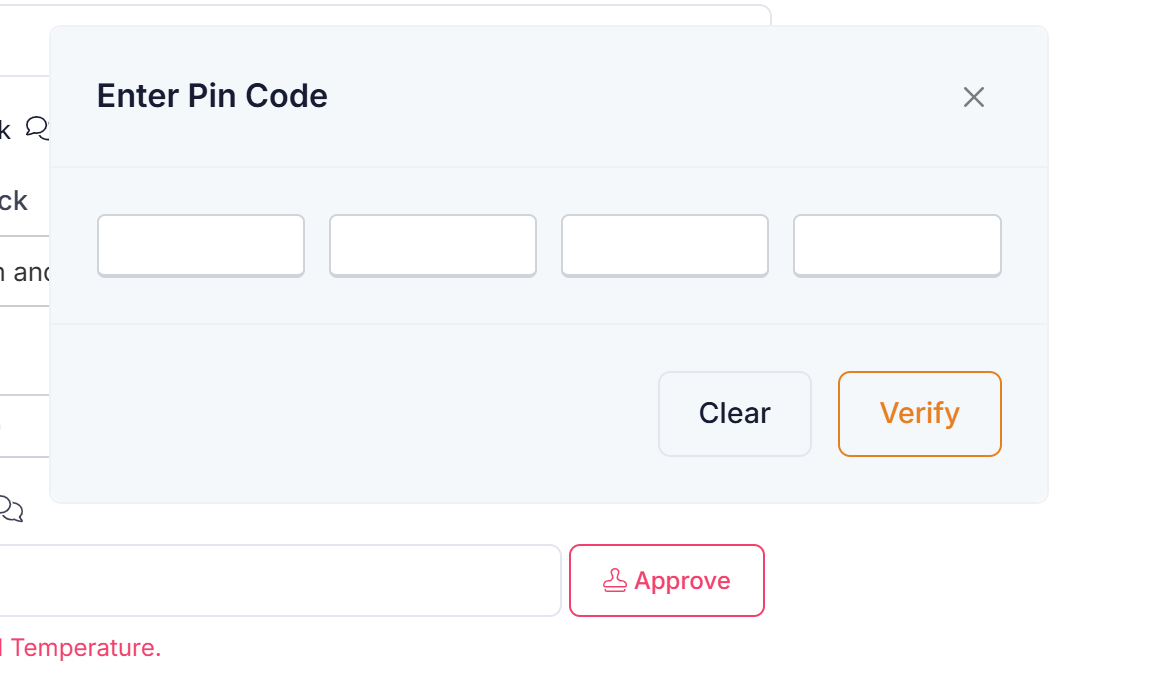
Clicking the approve button, the approver will be prompted for their pin code.
On successful entry of pin code the approver name and date of approval will be stamped next to the temperature recording.
