
The Checklist Summary Component can be used in conjunction with one or more Checklist components.
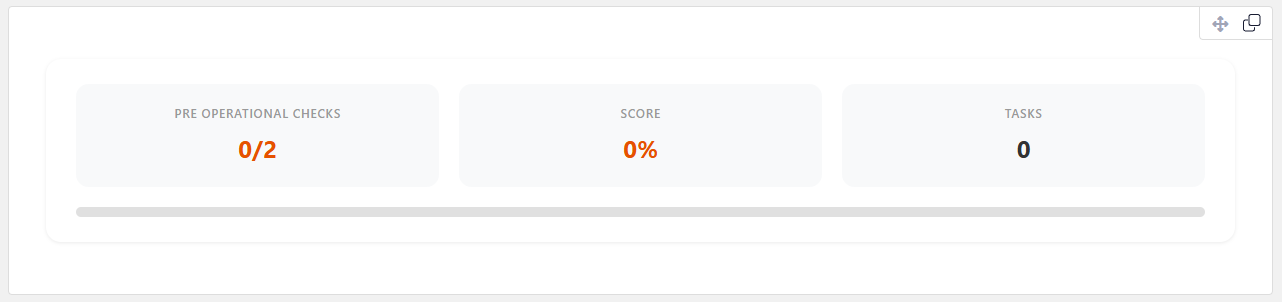
The checklist summary component will summarize the score across all checklist components on the form and display the totals.
Setting up the Checklist Summary Component
Click on the summary component and then in the properties specify a custom label for the score.
The component will always display:
- Score.
- Score Percentage.
- Critical scores (if enabled).
- Tasks that have been added in checklist components.
| Note: See Checklist form component for more detail. |