
Inventory movement flows allow a specified path to be followed when moving stock between locations. They enable you to quickly identity and move stock between locations.
In addition, controls can be put in place to make sure all paperwork is complete before stock is moved from one location to the other.
To setup an inventory flow perform the following steps:
- Go to Setup --> Inventory Flows
- Click on 'New Inventory Movement Flow' button to add a new flow
- Enter a name and description for the flow
- Add required Location flows.
- Click on 'Save' to save the device
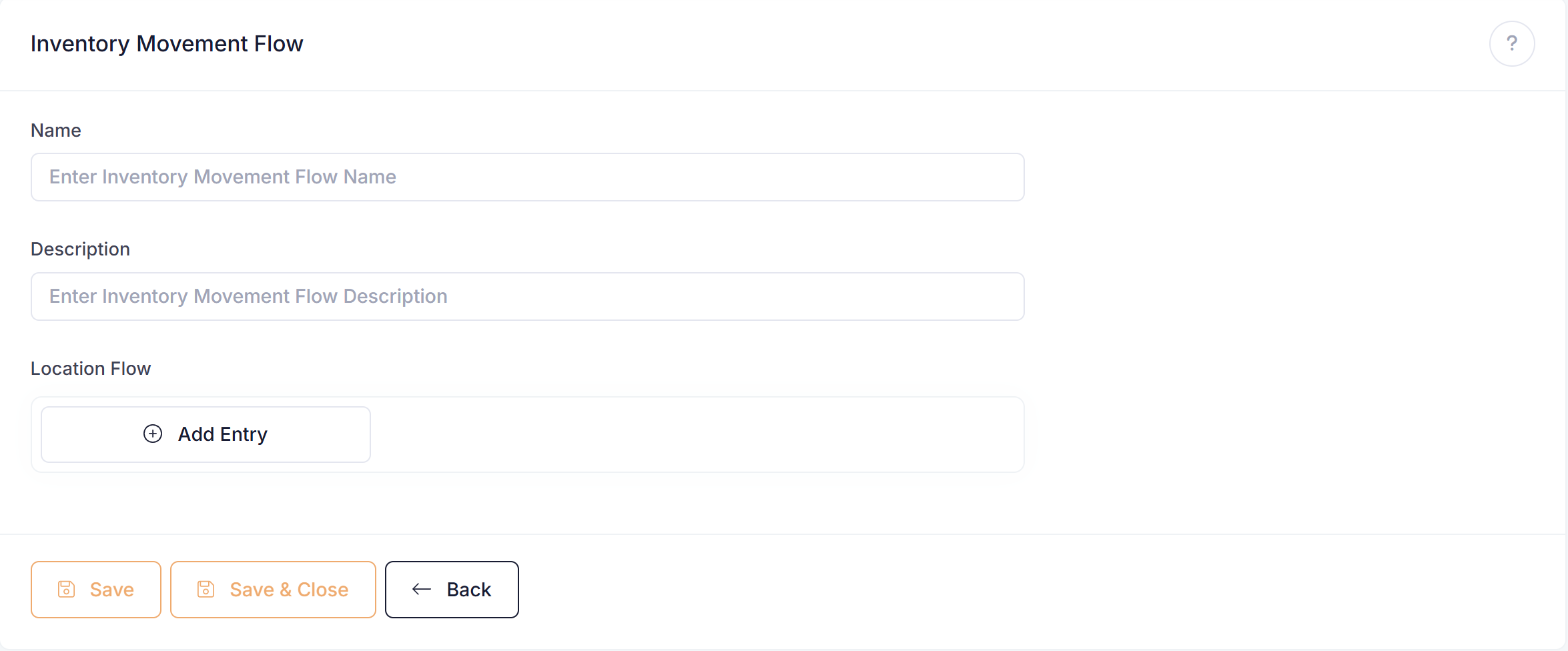
Location Flows
You may add as many locations as required to your flow.
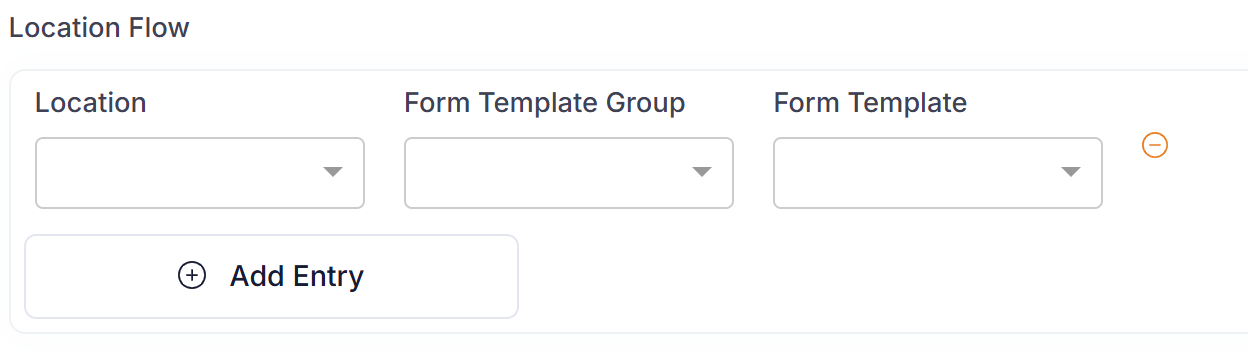
For each location you may enter a form template group, a form template, or leave them both blank.
Form Template Group Entered: When you move from the location a user will select a form in the template group to complete before stock is moved.
Form Template Entered: When you move from the location a user will need to complete the assigned form before the stock is moved.
Blank Form Template Group and Blank Form Template: When you move from the location user will not have to complete a form and stock will be moved straight away.