
The table aggregates component can be used to sum a column in a table.
Add the 'Table Aggregate' component to the form canvas, below the table. Give it a label.

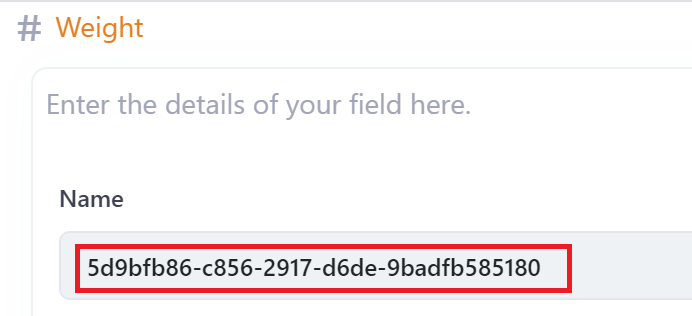
Identify the Number column in the table you wish to SUM. Select this field and copy its name.
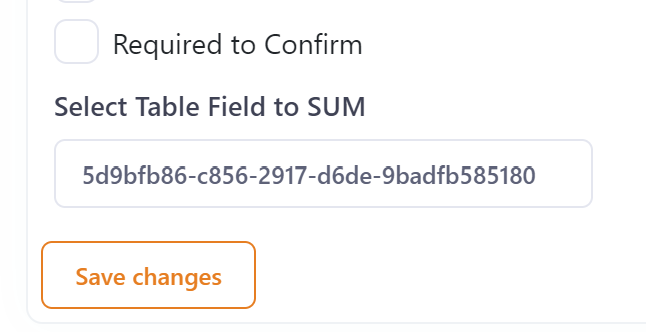
Select the table aggregate component and Paste the name into the 'Select Table Field to SUM' field, and save changes.
The field being summed will be displayed at the bottom of the table. Text can be added before or after the summed total using the prepend and/or append properties.
