If a form has been 'Confirmed' then the next step is to 'Approve' it. However, if the form is not complete or incorrectly submitted you can 'Reject' the form.
Clicking the 'Reject' button will prompt for a comment.
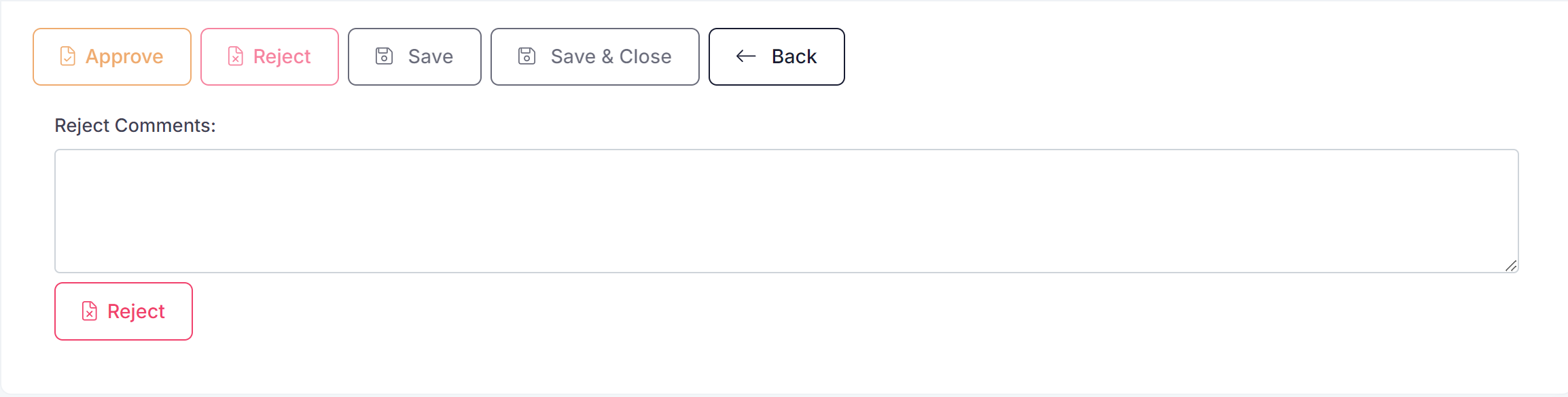
After a comment is entered then the 'Reject' button can be pressed again to reject the form.
Once the form is rejected it will move back to an 'Active' status. Users can then update the form and re-submit for approval.
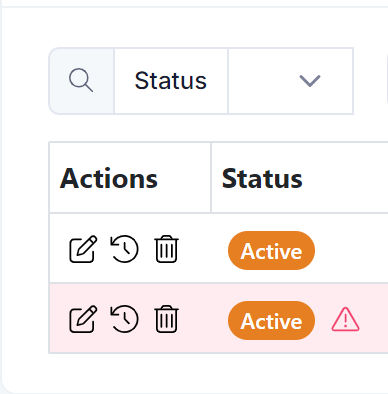
If a form has been rejected it will be highlighted to users in the form list view.
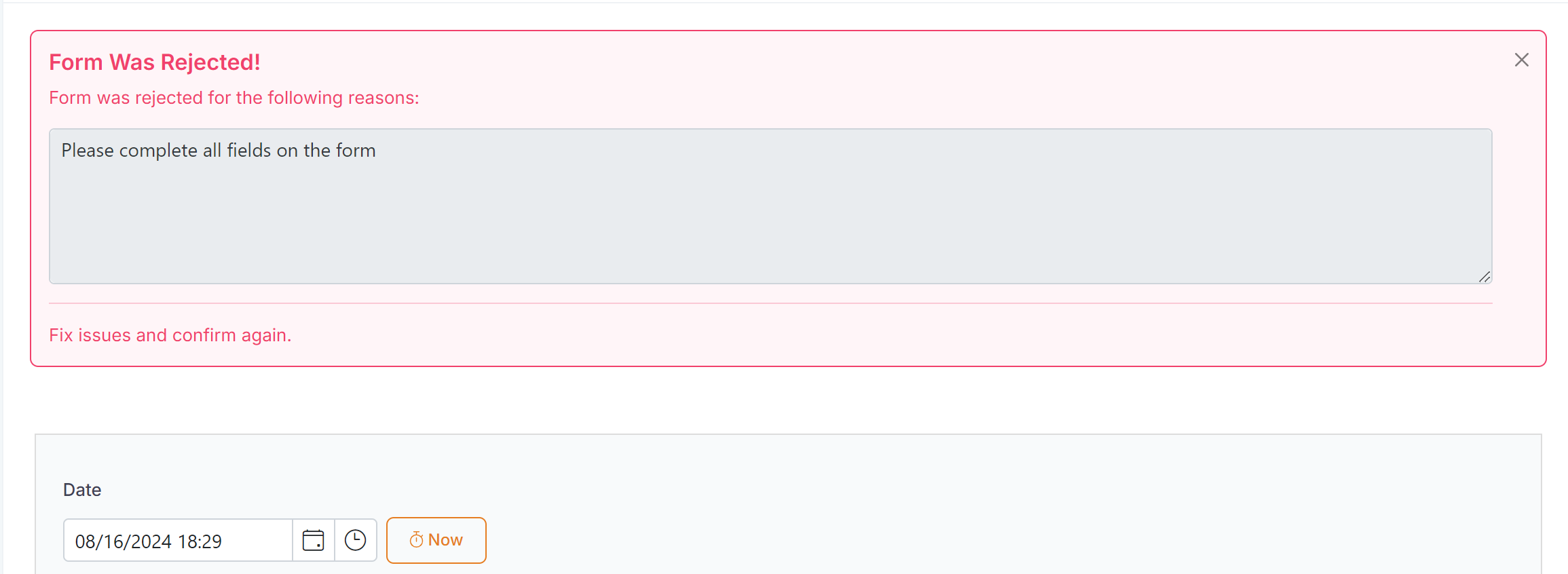
When a user opens the form the reject comment will be displayed to the user. The comment will remain at the top of the form until it is dismissed or the user clicks on 'Confirm' again.