Request lines can be used if you would like to be able to handle multiple deliveries against the one request.
Request lines can be switched on using the following feature in 'Account Settings':

Two types of request lines can be added to a inwards good record:
- Inventory request line
- Miscellaneous request line
For each request line you will specify the product, requested quantity, and unit of measure.
A request line can have the following statuses:
- Created: Line has been created.
- Receiving: A delivery line has been added against request line
- Delivered: Requested line has been fully delivered. Note, when the delivered qty is equal or higher than the requested qty the request line will automatically go to delivered.
- Undelivered: A request line was not delivered, i.e. cancelled or did not arrive.
Delivery lines for a request can be entered and posted as discussed here: https://qtraca.freshdesk.com/en/support/solutions/articles/47000880533-receipting-inwards-goods
Closing a request line
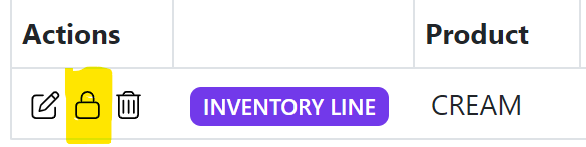
A request line can be closed manually at any time by clicking on the padlock icon in the list view.
Re-opening a request line
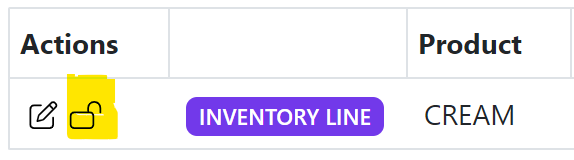
A request line can be re-opened manually at any time by clicking on the open padlock icon in the list view.