To setup a dashboard read this first: Creating and Modifying a Dashboard.
The following components are available to use on a dashboard.
Stats Display
The stats display will display stats on the following numbers for the current site:
- Batches in production
- Batches on hold
- Open non conformances
- Open complaints

Inwards Goods Scheduled
This component will display all inwards goods scheduled to arrive either:
- Last week
- This week
- Next week
This component will display inwards goods from across all sites.
To use this component you must have the 'Use inwards Goods Requested Date and Qty' setting turned on.

Dispatches Scheduled
This component will display all dispatches scheduled to leave either:
- Last week
- This week
- Next week
This component will display dispatches from across all sites.

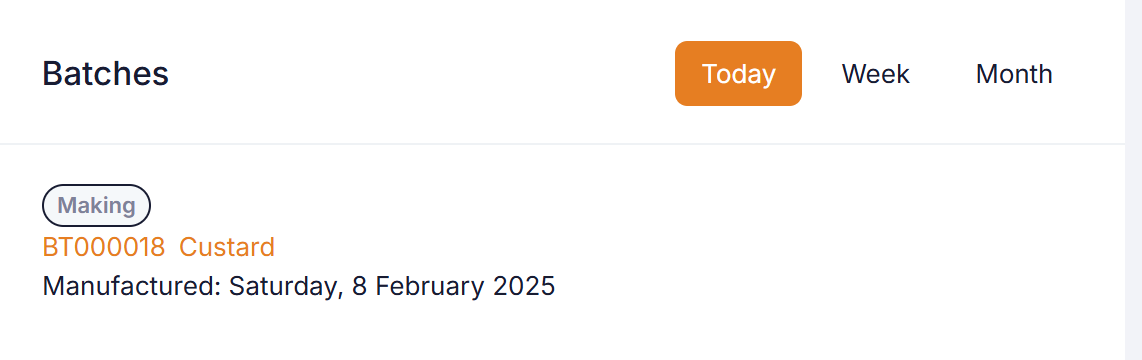
Batches
This component will display batches set for manufacture within the selected time period:
- Today
- Week
- Month
This component runs for the selected site.
Recent Activities
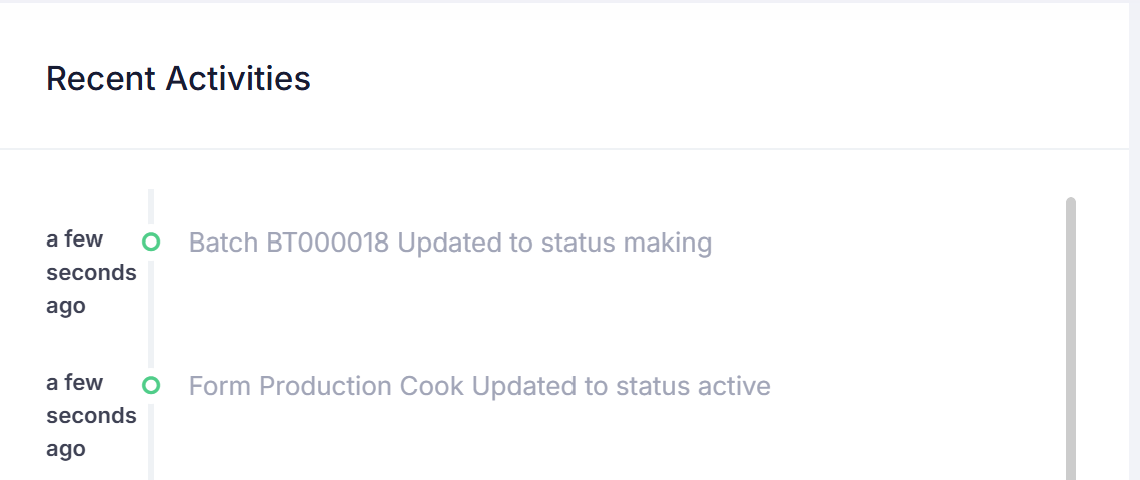
This component will display a timeline of recent activities on the selected site. This is used for informational purposes only.
Tasks (Current Site)
This component will display a list of active tasks assigned to you over the selected time period:
- Today
- Week
- Month
- All
You can add up to 2 task components on your dashboard and these can be filtered by the task title, enabling you to break tasks up in views.
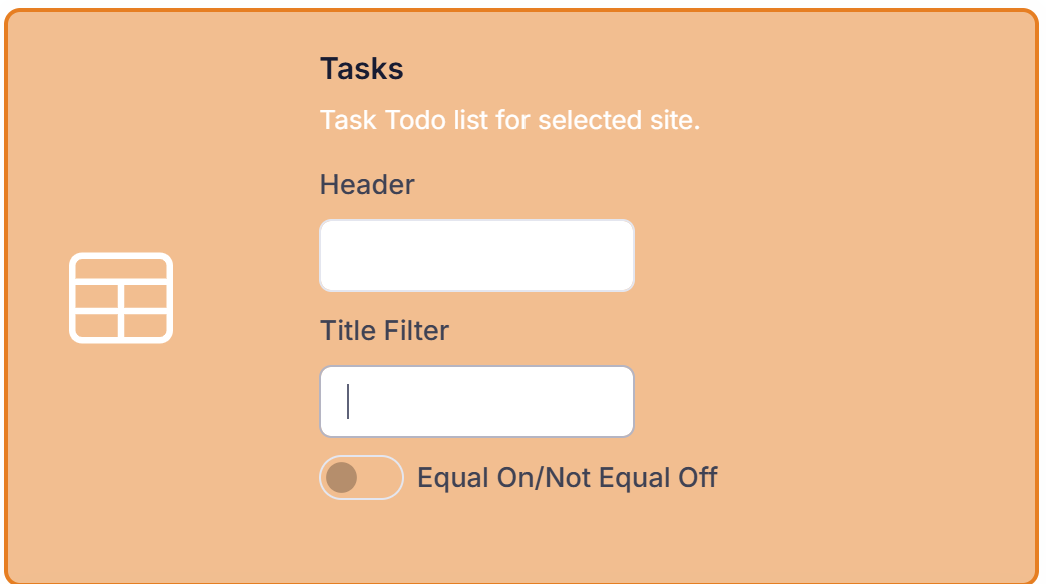
If filtering provide the following settings when adding the component to you dashboard:
Header: Name to display on dashboard.
Title Filter: Case insensitive matches search on task title.
Equal On/Not Equal Off: If switch on then tasks matching filter will be found, if off tasks not matching filter will be found.
This component runs for the selected site.
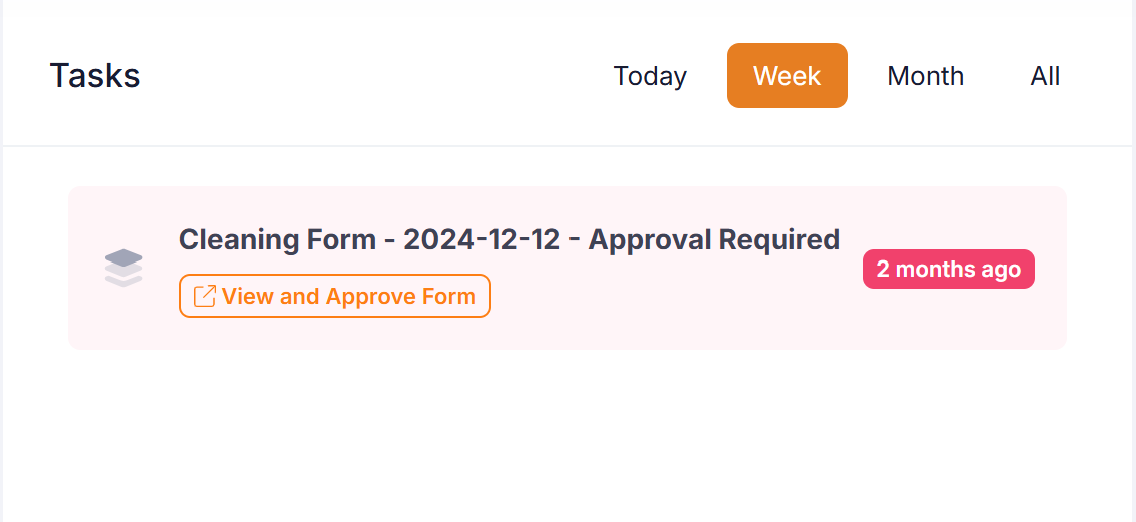
Tasks (All Sites)
This component is the same as the 'Tasks (Current Site)' component except runs across all sites.
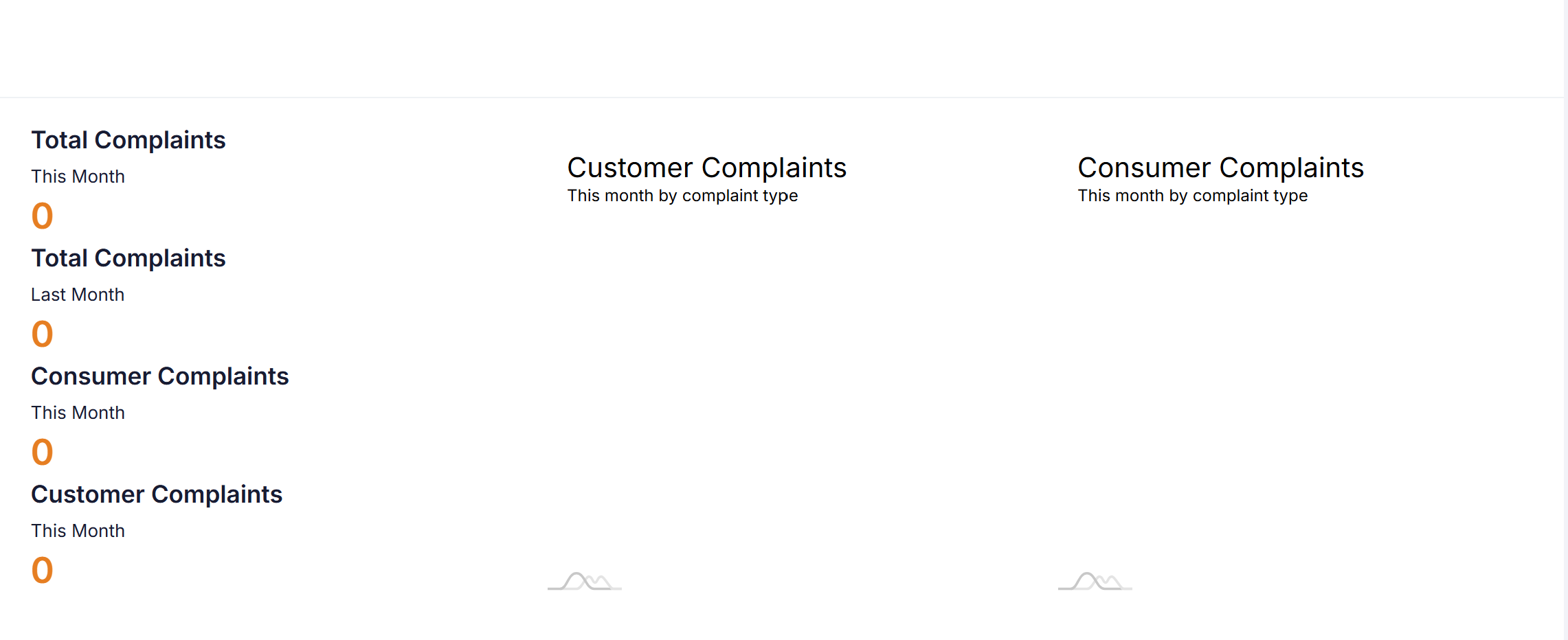
Complaint Analysis
This component reviews complaints for current month and compares to previous month.
This component runs for the selected site.
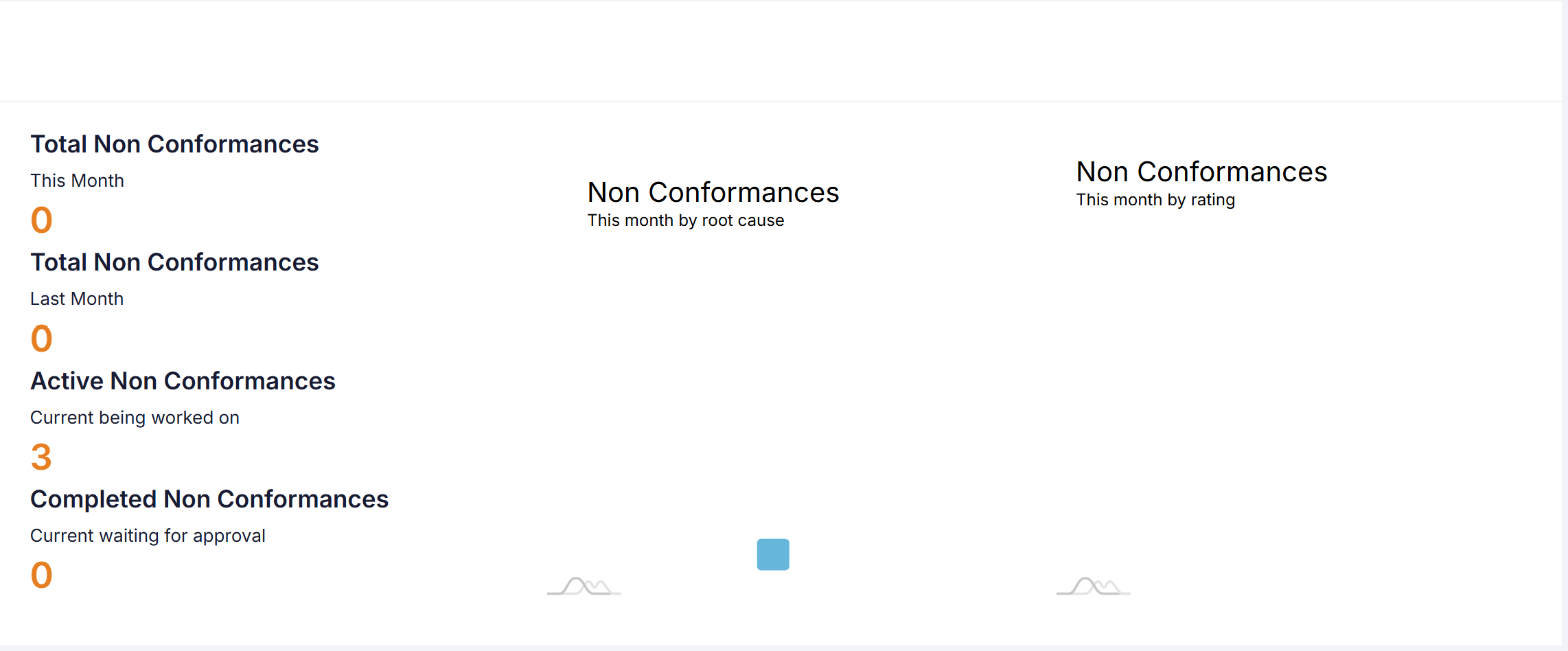
Non Conformance Analysis
This component reviews non conformances for current month and compares to previous month.
This component runs for the selected site.
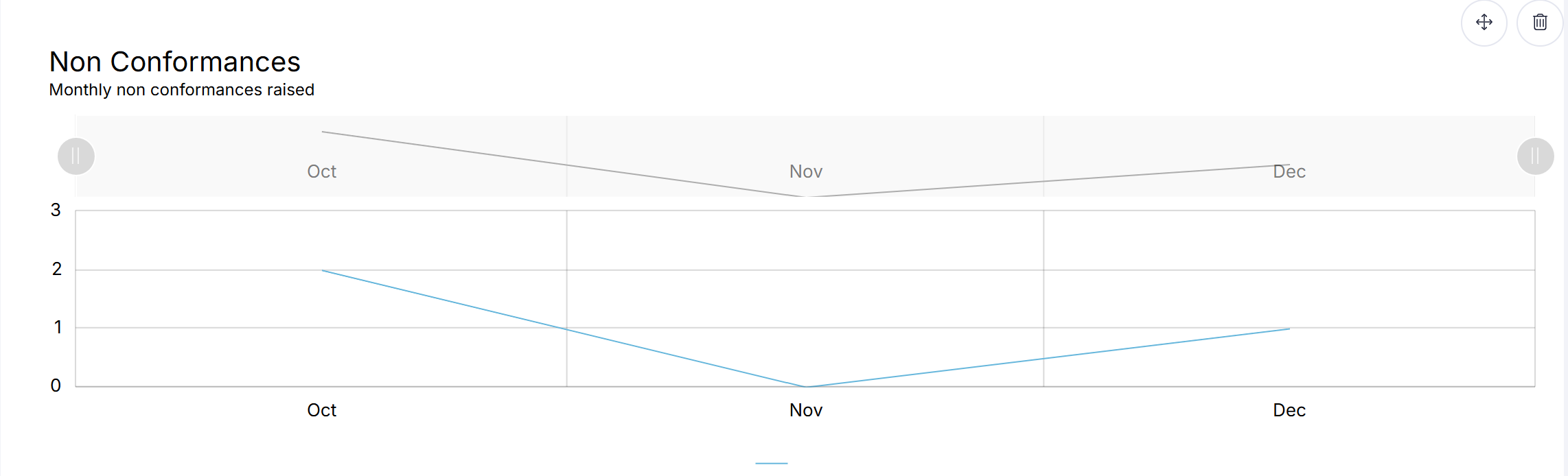
Non Conformances Over Time
This component shows the non conformance trend over the last 3 months.
This component runs for the selected site.
Form Lists
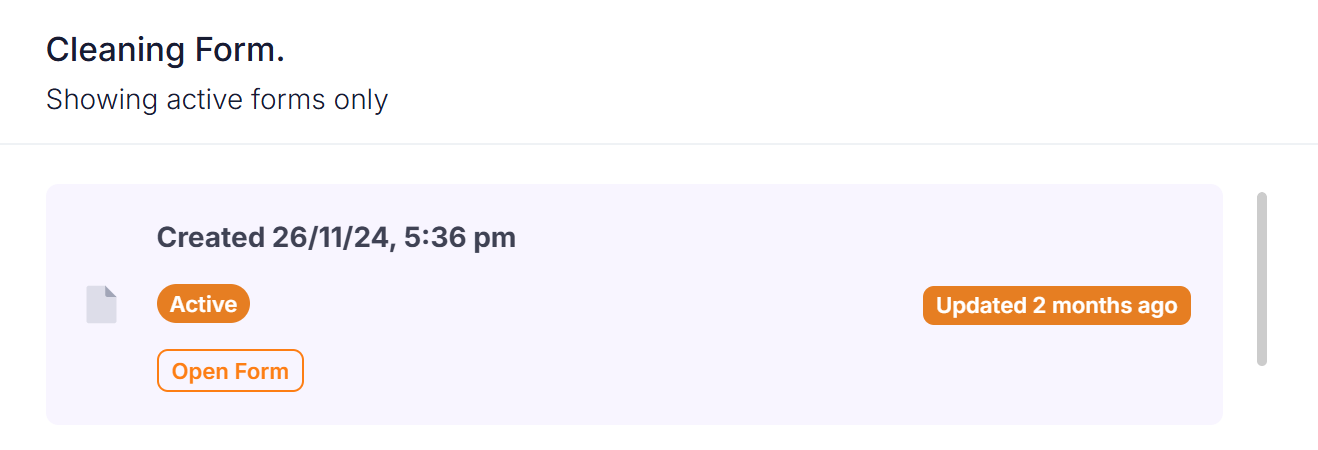
Under the 'Form Lists' group all form templates are displayed. You can choose one or more templates to display on the dashboard.
This component will display active forms with the following options available:
- Approvals Only
- My Approvals/Forms Only
These options will let you display the following for a component:
- All active forms.
- All active forms where you are assigned as the owner.
- All active forms ready for approval.
- All active forms ready for approval where you are the approver.
This component runs for the selected site.
Form Completion Summary
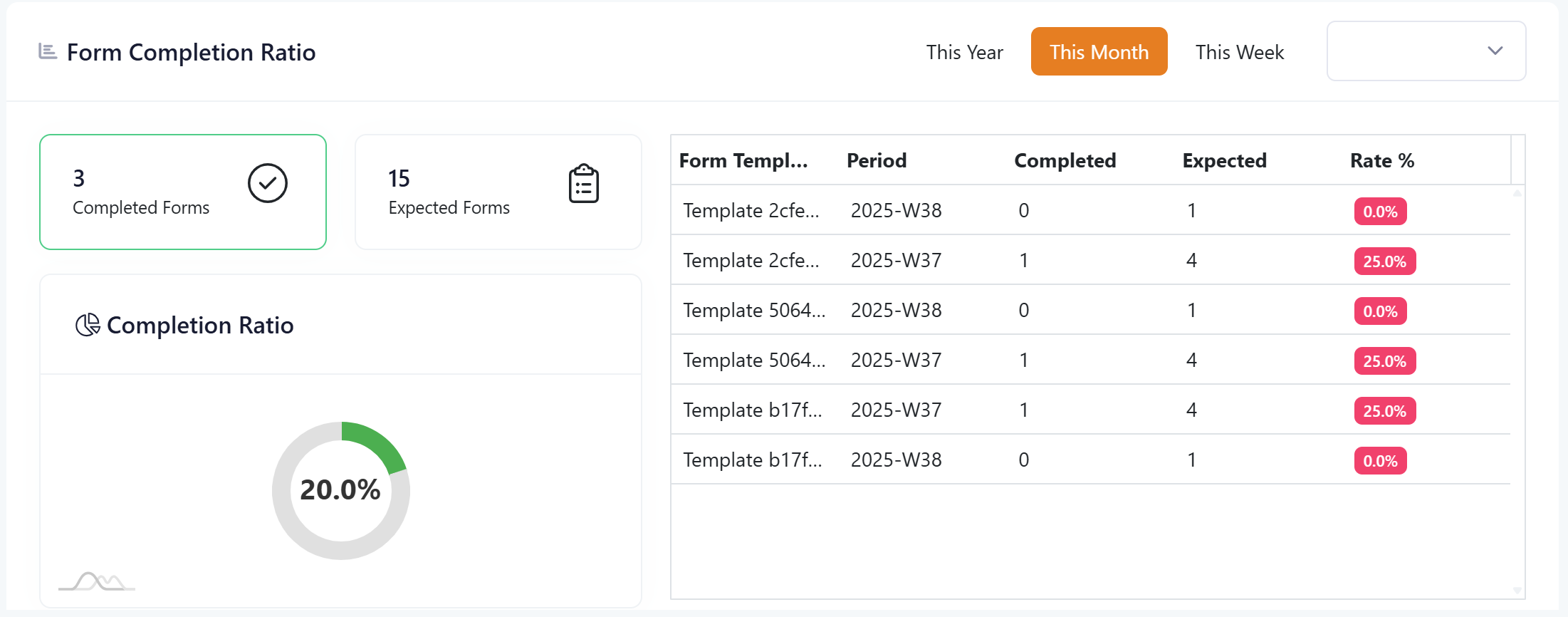
Under the 'Form Summaries' group the form completion summary component can be selected.
This component will display the completion ratio for forms across a week, month, or year.
The calculation uses forms connected to form workflows, and the work calendar, to work out whether a form should have been completed on a certain day.
A completed form is considered one that has reached a 'Confirmed' status.
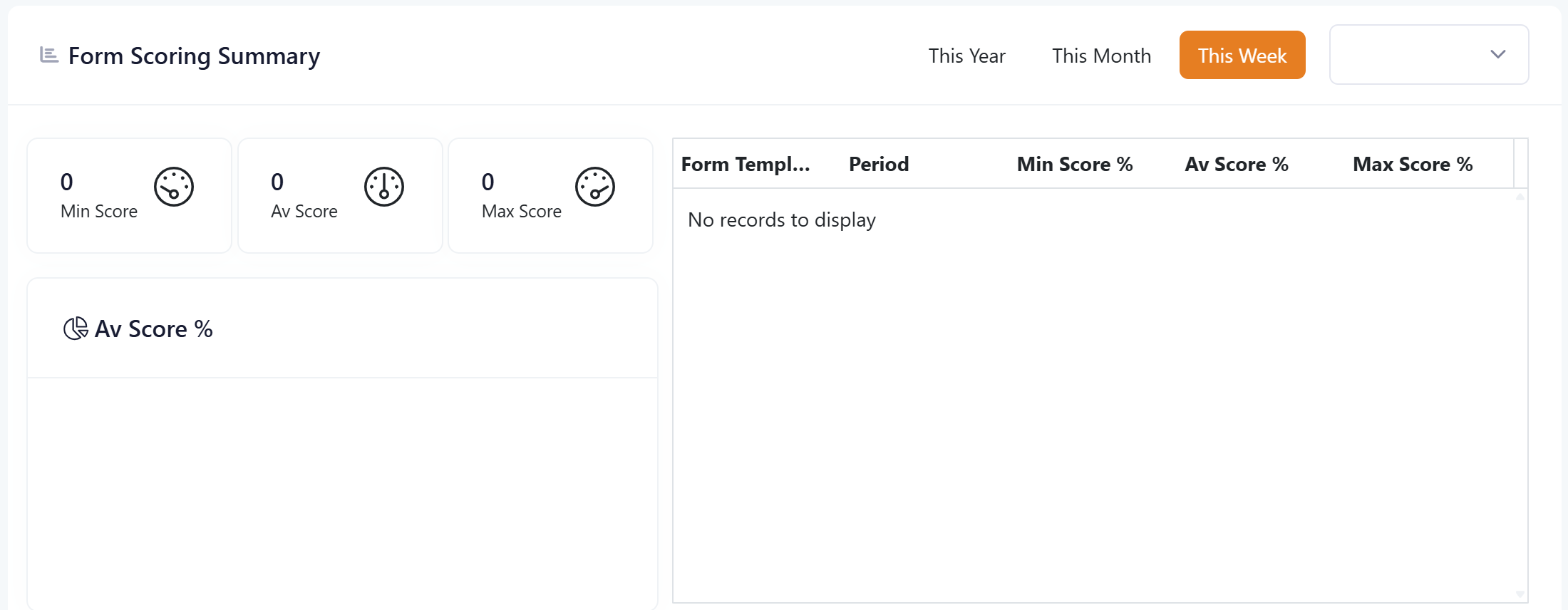
Form Scoring Summary
Under the 'Form Summaries' group the form scoring component can be selected.
This component will display the related scores for forms which utilize the following in them:
- Checklist component (with scoring)
- Checklist summary component
The results from the checklist summary component will be summarized into this dashboard component to give you a view of the min, average, and max scores for a form template across the week, month, or year.