
The voice to text component will allow you to talk and have your voice converted into text as you talk.

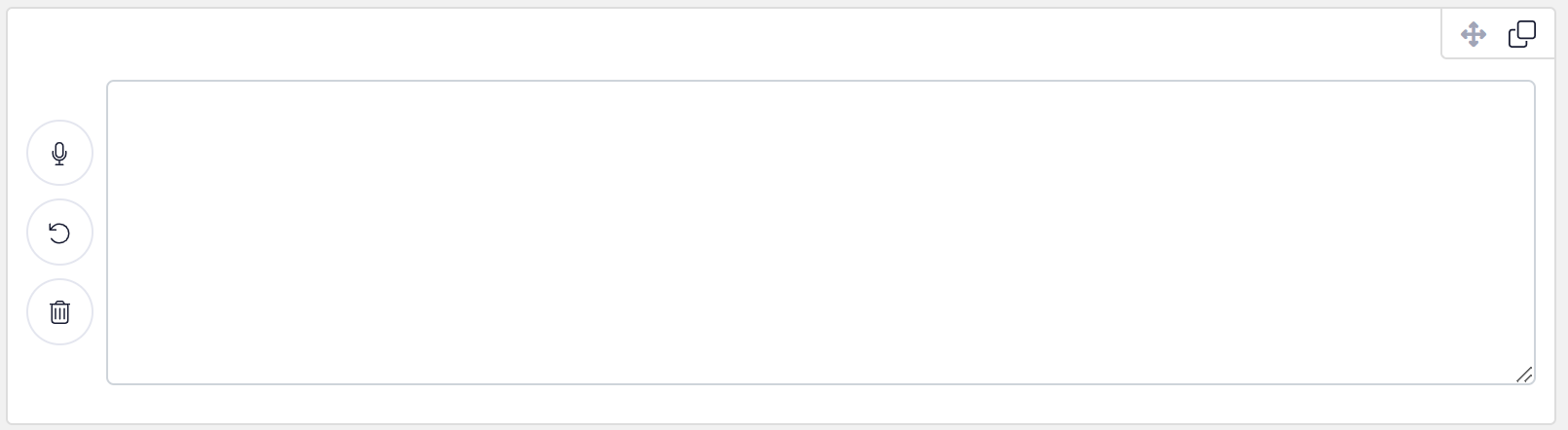
The voice to text component is essentially an extended text area that allows you to press a button to start and stop recording. While recording voice will be converted to text in the text area.
You must allow access to your devices microphone in order for voice to be converted to text.
There are three buttons available on a voice to text component:

Start/Stop Recording: Start or Stop recording voice into text.

Undo: Undo last recorded text.

Clear: Delete all text in text area.
You may manually update the text area by typing as well.