
Sometimes you may need to update your batch with the latest product version. To do this you can go to the batch and from the menu select 'Resync Batch With Product'.
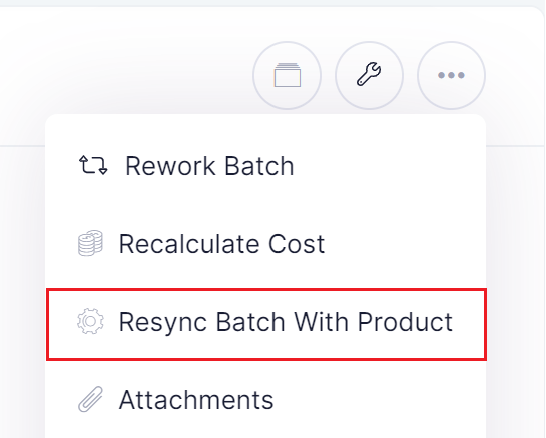
Choosing this option will:
- Update batch to latest product recipe
- Any new ingredients will be added to batch.
- Any old ingredients will be removed from batch.
- Update batch to latest product process
- Any new process steps will be added to batch.
- Any old process steps will be removed from batch.
- Update batch to latest product packaging
- Any new packaging will be added to batch.
- Any old packaging will be removed from batch.
- Add any missing forms to batch.
Note: Care should be taken to make sure you will not lose information previously entered on batch when resyncing to the latest product version.