
Setting a form template as a PDF form allows you to overlay any pdf with the following controls:
- Text field
- Checkbox
- Radio-group
- Selection list
- Signature or initials
This can provide a good alternative to native forms if you want to display a complex form design and collect data.
Setting a form template to use a PDF
To activate a PDF form, in your form template tick the 'PDF Rendered Form' in the PDF Form section of the details screen.
If you would like to see the PDF toolbar when creating and viewing forms then also tick the 'PDF Show Toolbar' field. It is recommended that the toolbar is not displayed when rendering the PDF.
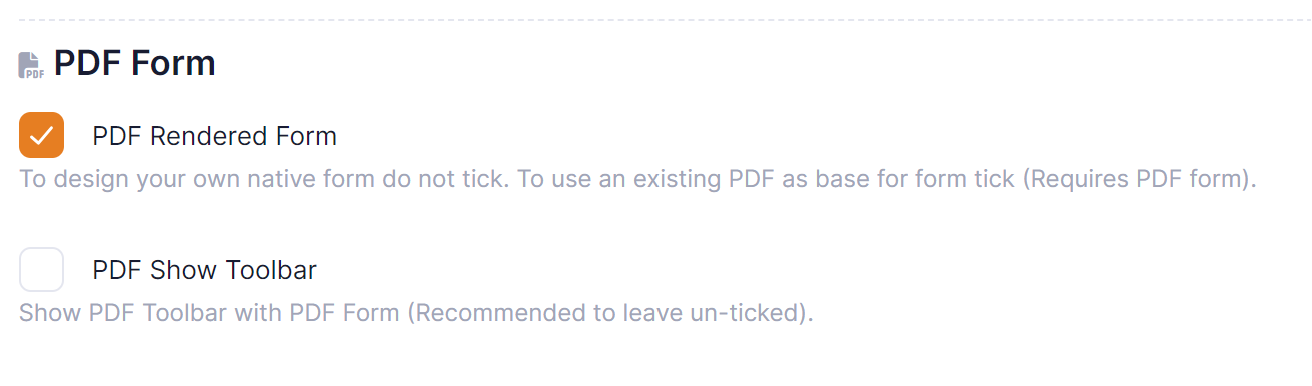
Once selected save the detail screen.
Building a form with a PDF
When you create and edit a new version of the form you will need to upload the pdf form that is going to be used as the base form. This can be done by clicking on the 'Load PDF' button.
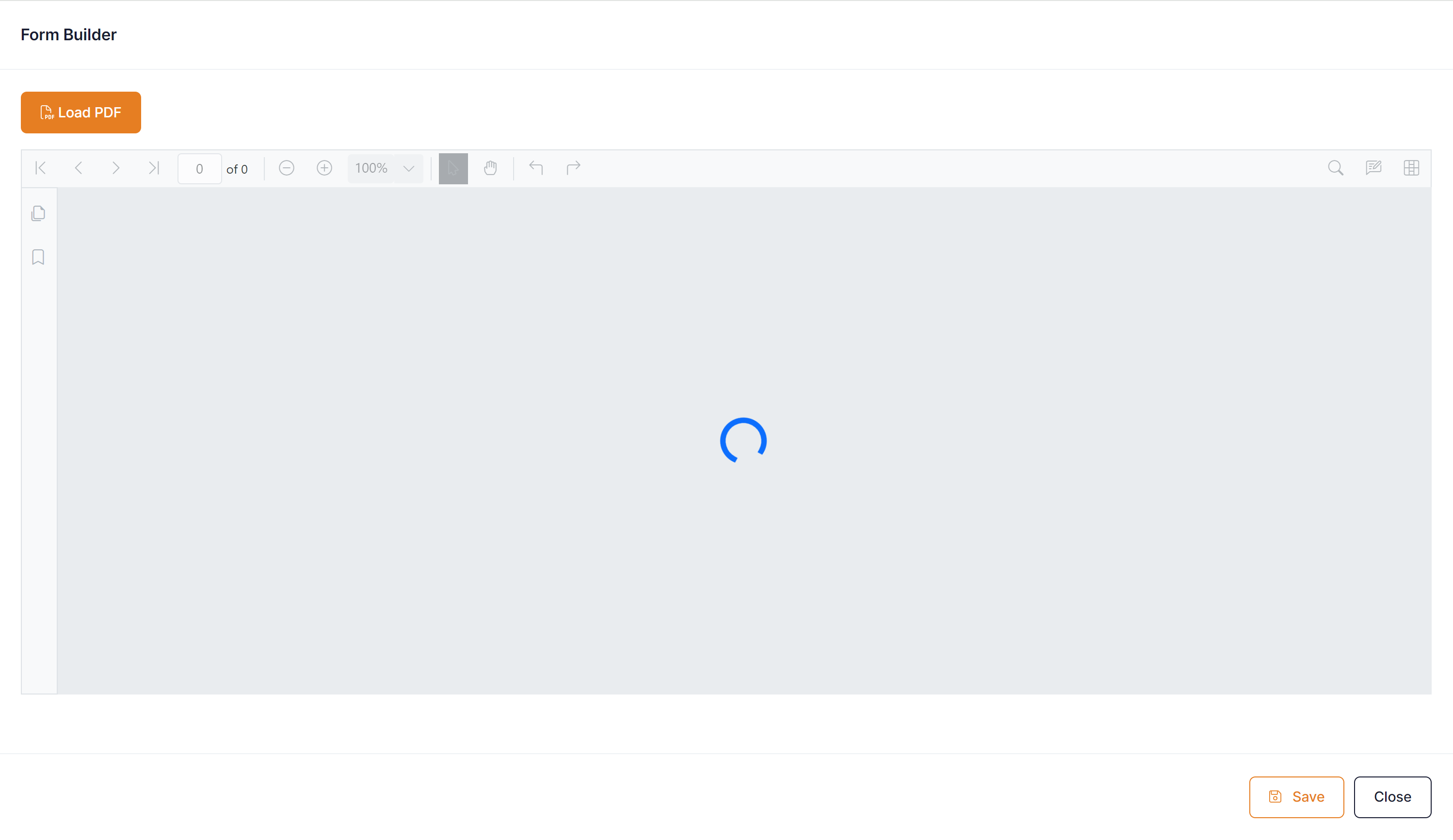
Once you have uploaded a pdf it will be displayed on the screen.
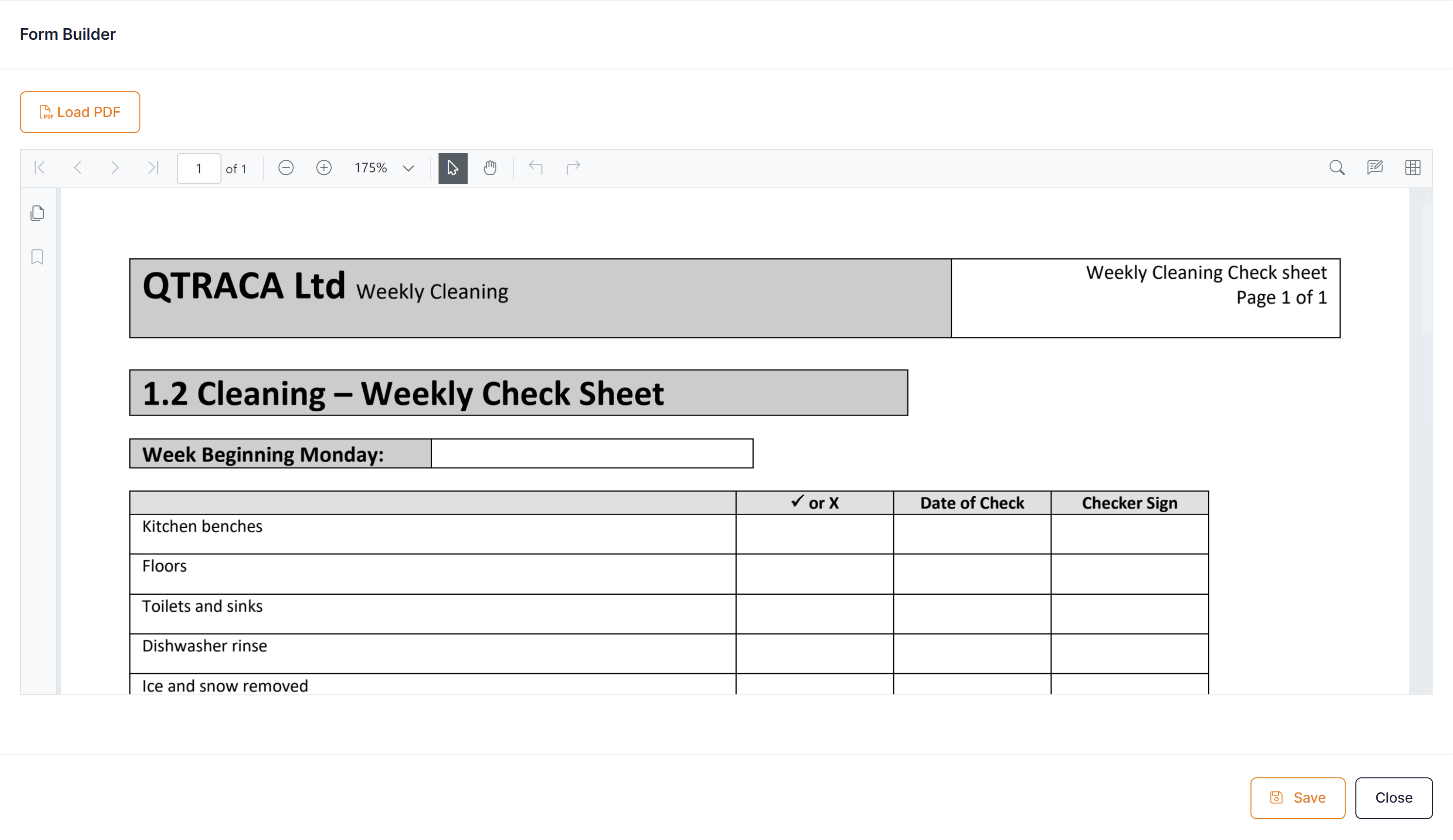
To add fields over pdf click on the 'Add and Edit Form Fields' button on the top right of pdf.

This will display the fields toolbar across the top of the pdf.

Drag and drop fields from the toolbar on to the PDF