| Note: To switch on barcoding for inventory see here |
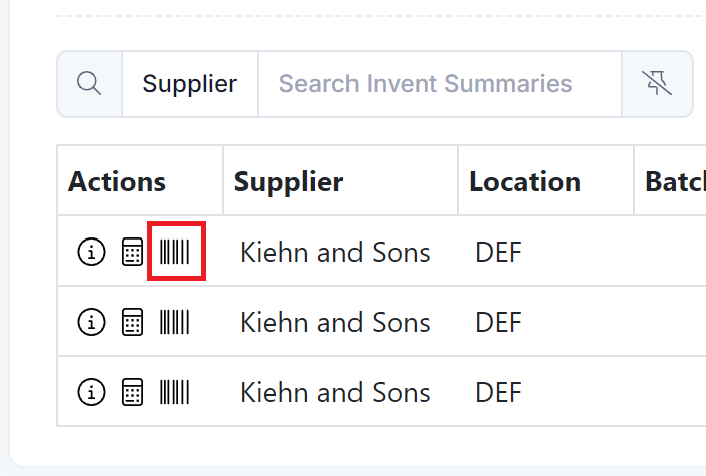
You can print a barcode when required from the stock on hand screen.
Go to Inventory --> Stock, select your product and then click on the barcode icon for the stock you which to print a barcode for.