
| Note: To switch on barcoding for inventory see here |
When barcoding is turned on you will have the option to scan a barcode when logging an ingredient against a recipe.
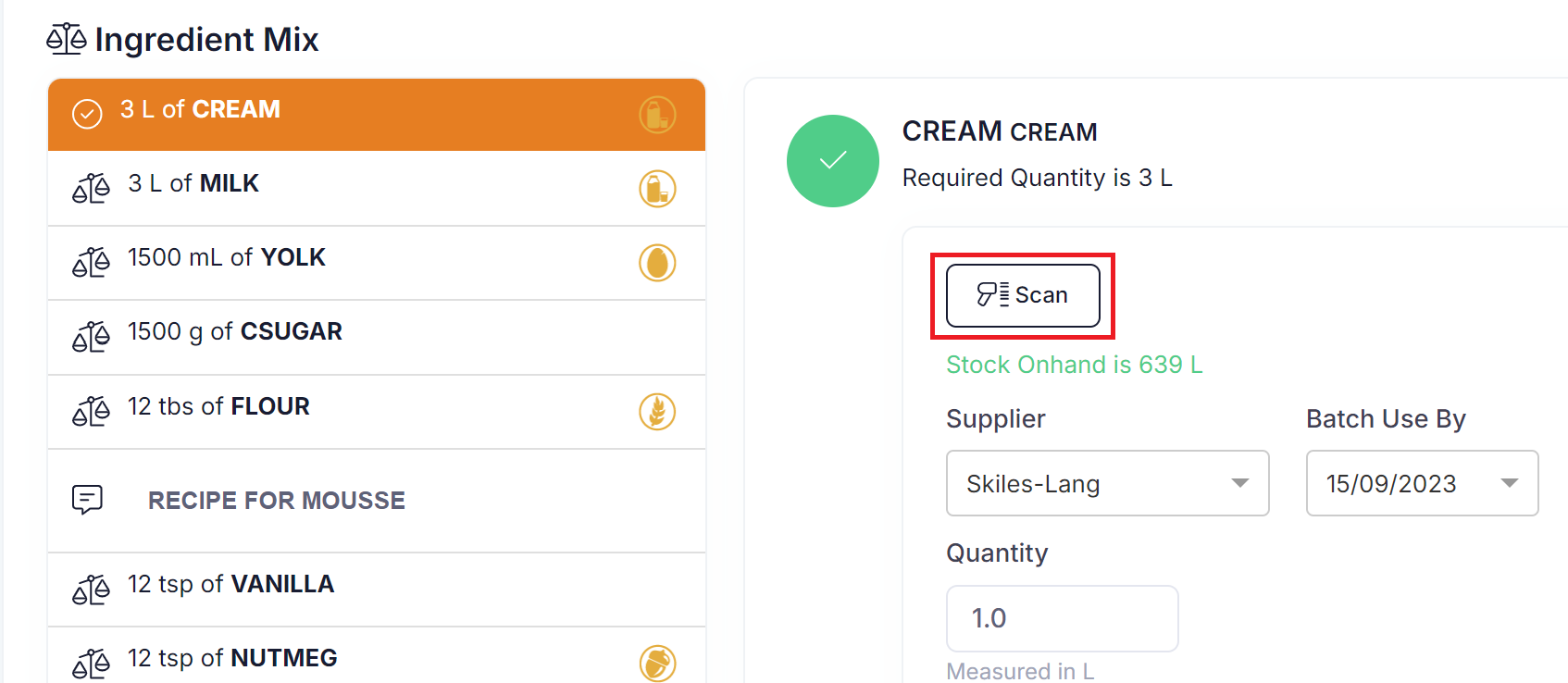
Clicking on the 'Scan' button will open the camera and allow you to scan a QR code.
When the QR code is successfully scanned the following will be populated on the ingredient screen:
Raw Materials
- Supplier
- Batch number/ BB Date / UB Date
WIP
- Batch number