
QTRACA allows you to produce a QR barcode for all raw materials, WIP, and finished good products.
The QR code will be coded with all the product and traceability details for the stock, and therefore can be printed and then scanned through the application when performing any stock transaction.
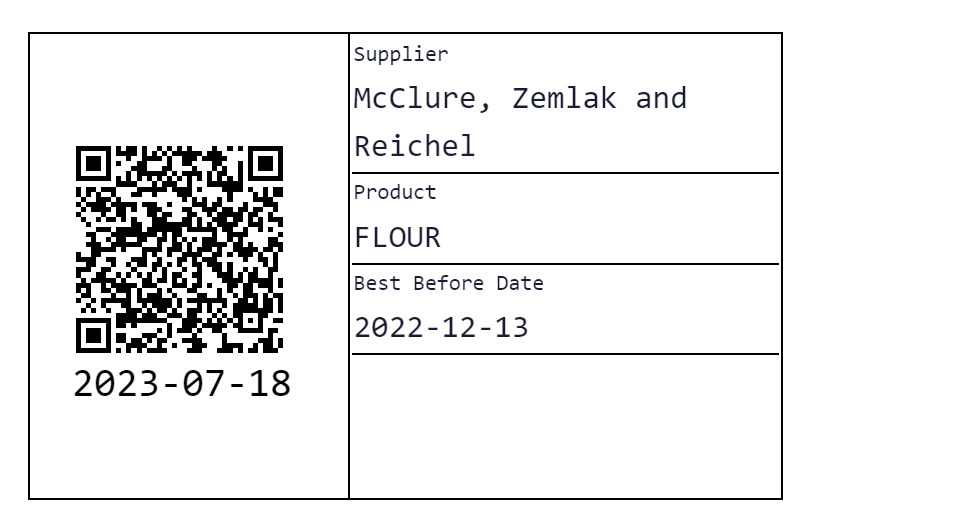
Printing Barcodes
QR codes can be printed from the following places:
- Inwards Good
- Batches
- Stock
QTRACA should support any label printer, but recommends and is tested with the following printers:
- Brother QL-700 (Cable only)
- Brother QL-1110NWB (Recommended to print from tablets using Bluetooth)
QTRACA supports the following label sizes:
- 62mm x 100mm
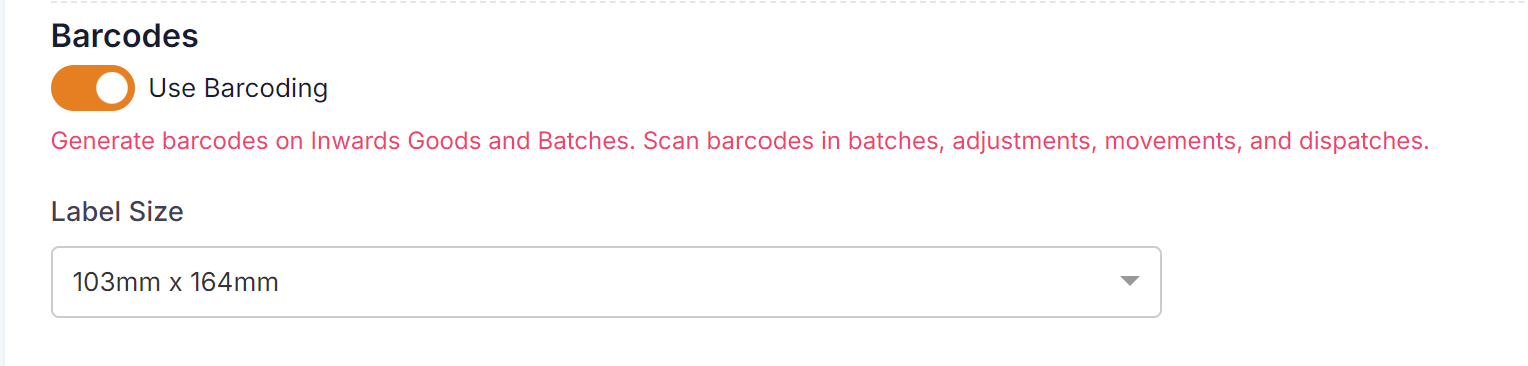
- 103mm x 164mm
The label size being used can be specified in Settings --> Account Settings:
Text Under QR Code
By default the text displayed under the barcode is the current date when the label is printed.
This can be change to print either:
- BB Date
- UB Date
- Batch Number
What is printed depends on how the product is setup under supplier products.
To print traceability information rather than the current date turn on the 'Display Traceability Info under QR Code' setting in Settings --> Account Settings.

Scanning Barcodes
QR codes can be scanned from any device where QTRACA has access to a camera. You can scan barcodes from any of the following places in QTRACA and automatically populate the traceability information:
- Batches
- Dispatches
- Stock Adjustments
- Stock Movements
- Stock Transfers