| Note: To switch on barcoding for inventory see here |
Printing Barcodes
When barcoding is turned on you will have the option to print a barcode when creating a new line.

Once the line is saved you will be able to click on the 'Print Barcode' button to print barcode.
Scanning Barcodes
If you add a GS1 GTIN to the raw material
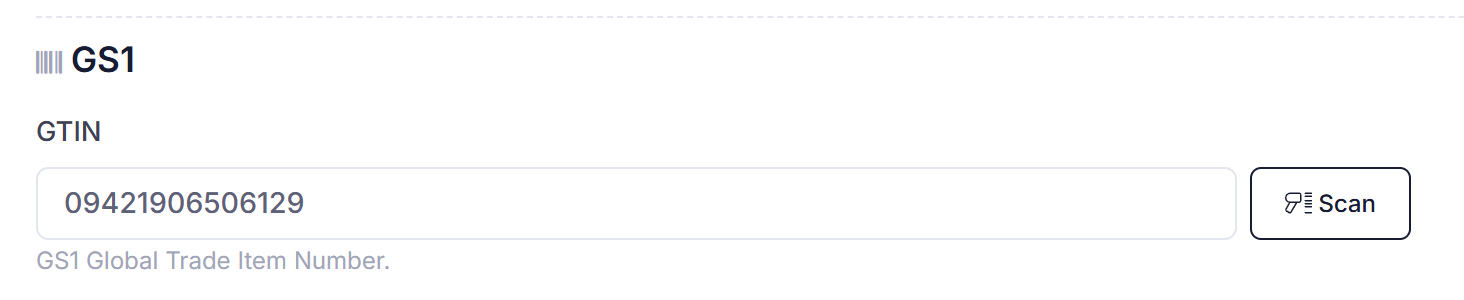
you will be able to scan the raw material during inwards good receipt. The product in QTRACA will be found using the GTIN in the barcode.

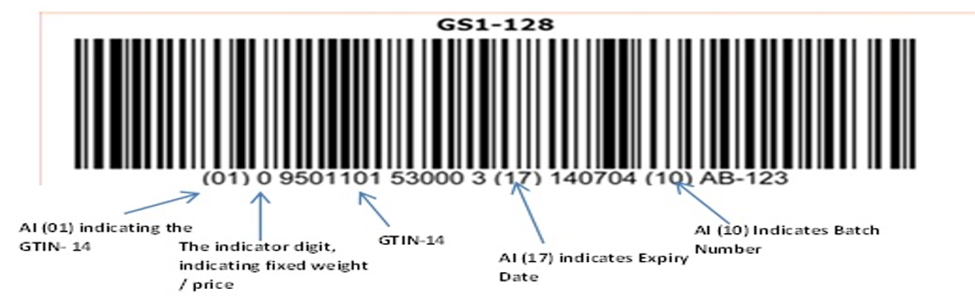
If the barcode is a GS1-128 barcode then if the encoded information in the barcode matches your supplier setup for the product then the BB Date, UB Date, or Batch Number can also be automatically populated from the barcode.
For example: