
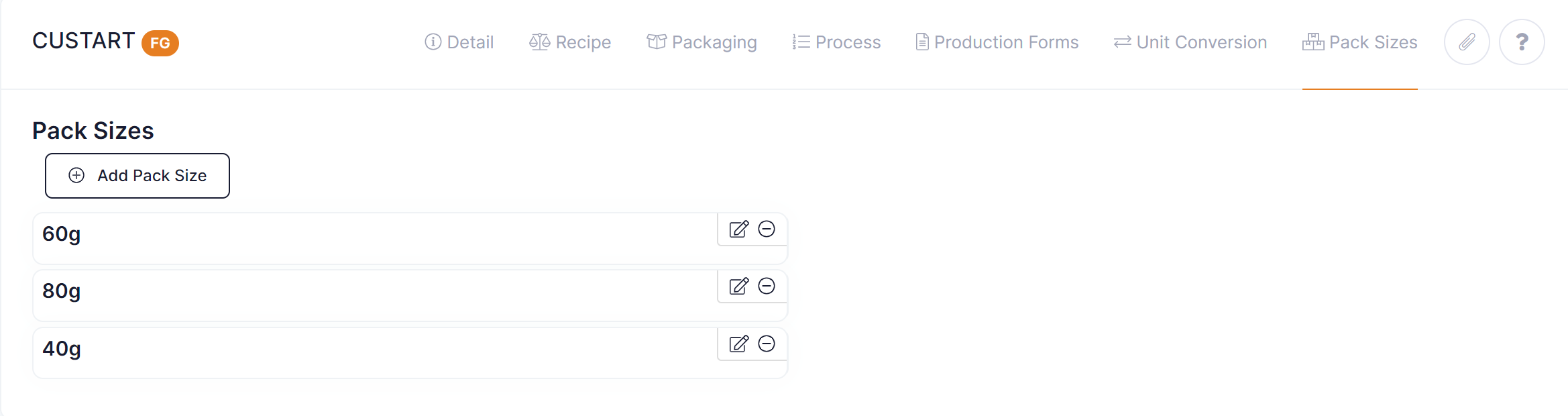
Once you have added pack sizes to the system you must assign them to the relevant FG products.
To add a pack size to a product perform the following steps:
- Go to Setup ---> Products
- Open your FG product
- Select the 'Pack Sizes' tab
- Click on then 'Add Pack Size' button to add required pack sizes
- Save the product
Unit of Measure Conversions
If your pack size requires any conversions i.e. your pack size has a stocking unit of measure or a dispatch unit of measure that requires a conversion then you should enter these under the 'Unit Conversion' tab in the product.
For example if your pack size is stocked in units and you wish to dispatch in cartons then you will need to setup a unit conversion to get from unit to carton on your product.