
Pack Sizes can be setup to help control stock. You can setup pack sizes for finished goods stock only.
When pack sizes are in use you will need to enter a pack size when producing and dispatching goods.
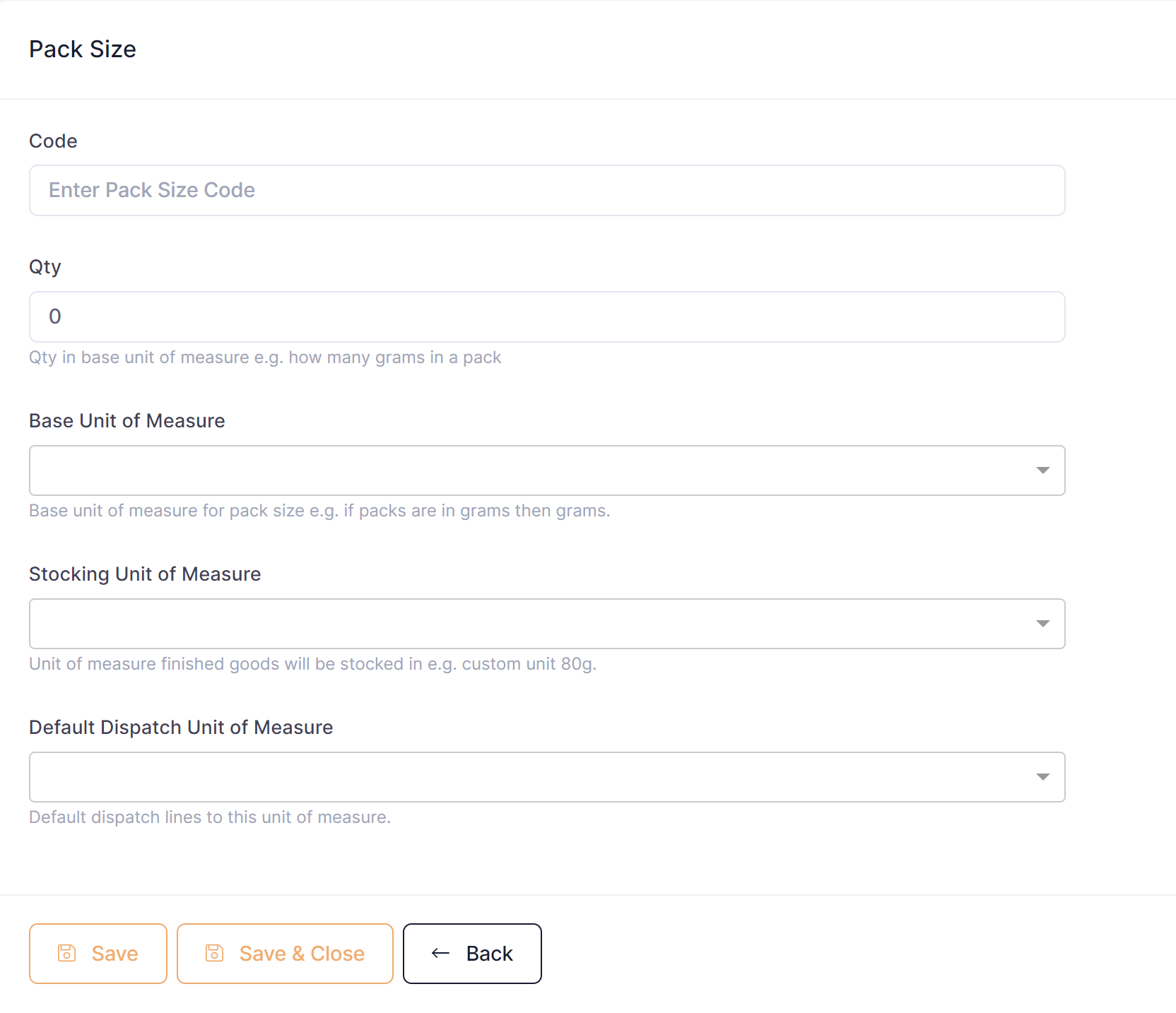
To setup a pack size perform the following steps:
- Go to Setup ---> Pack Sizes
- Click the button 'New Pack Size'
- On the 'Detail' tab, enter a unique code to identify the pack size
- Enter the qty for the pack size, for example if it was a 70g pack then you would enter 75
- Enter the base UOM for the pack size, for example if it was a 70g pack then you would enter grams(g) as the base UOM
- Enter the stocking UOM for the pack size, for example if it was a 70g pack then you would add a custom unit of measure 70g and then use this as the stocking UOM
- Enter the default dispatch UOM for the pack size, for example you may always ship boxes, if so you could enter a box UOM here so that it will always default on the dispatch record
- Save the pack size
Once your pack sizes have been setup you should assign them to relevant products.