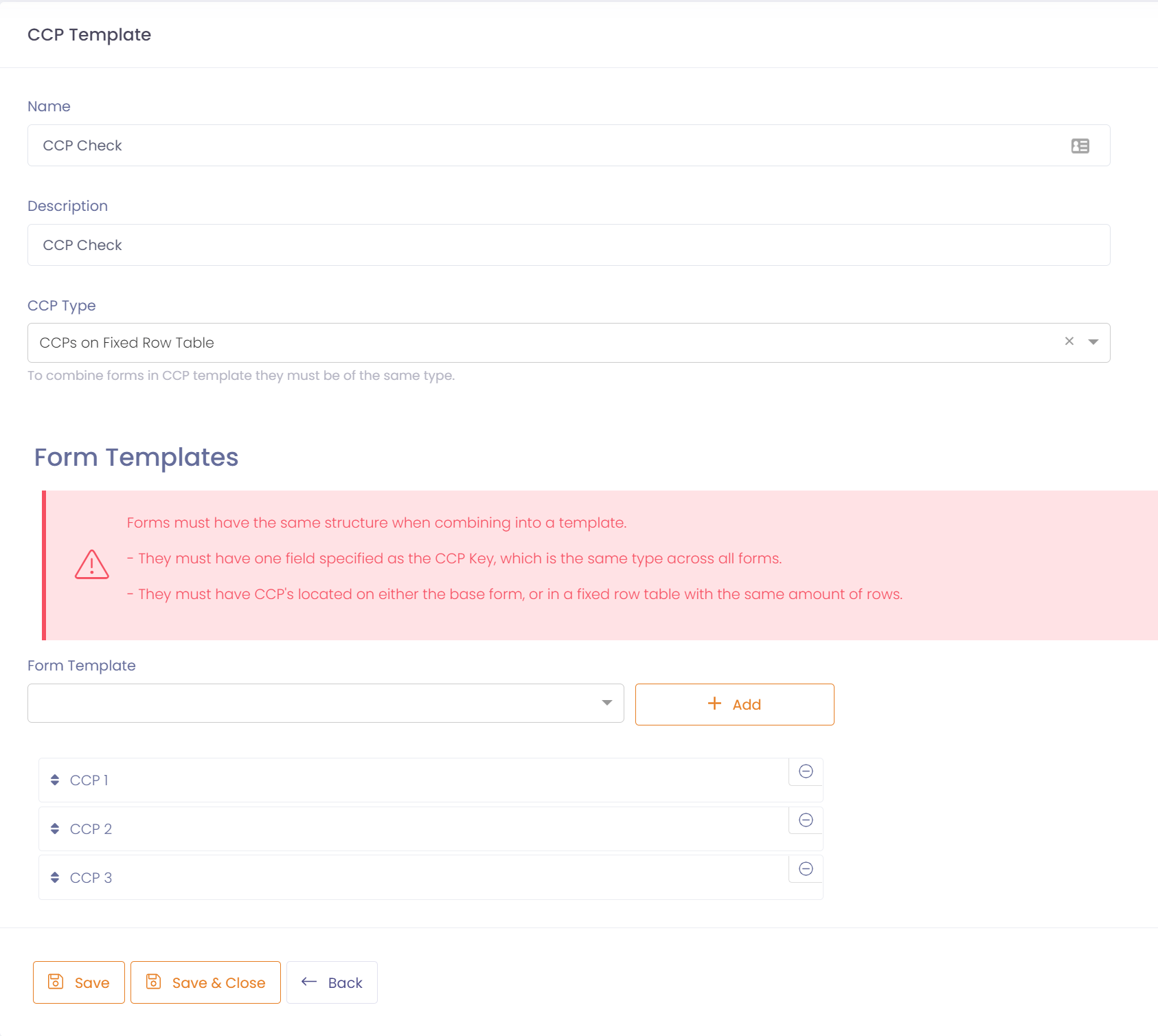
A CCP Template specifies the form templates used to build the CCP Form.
To create a CCP Template go to Setup --> Forms --> CCP Templates, and click the 'New CCP Template' button.
- Enter a name to identify the template, and a description.
- Enter the CCP Type for this template, either:
- CCP's on base form
- CCP's on Fixed Row Table
- Add the form templates you wish to include in the CCP Form (Templates will be filtered on CCP Type).
- Form Templates must have the same CCP Type
- Form Templates must have a CCP Key defined of the same field type. i.e. date or string.
- Order the templates from top to bottom in the order you wish to view form data, do this by dragging a form template up or down the list.
- Save the CCP template.