
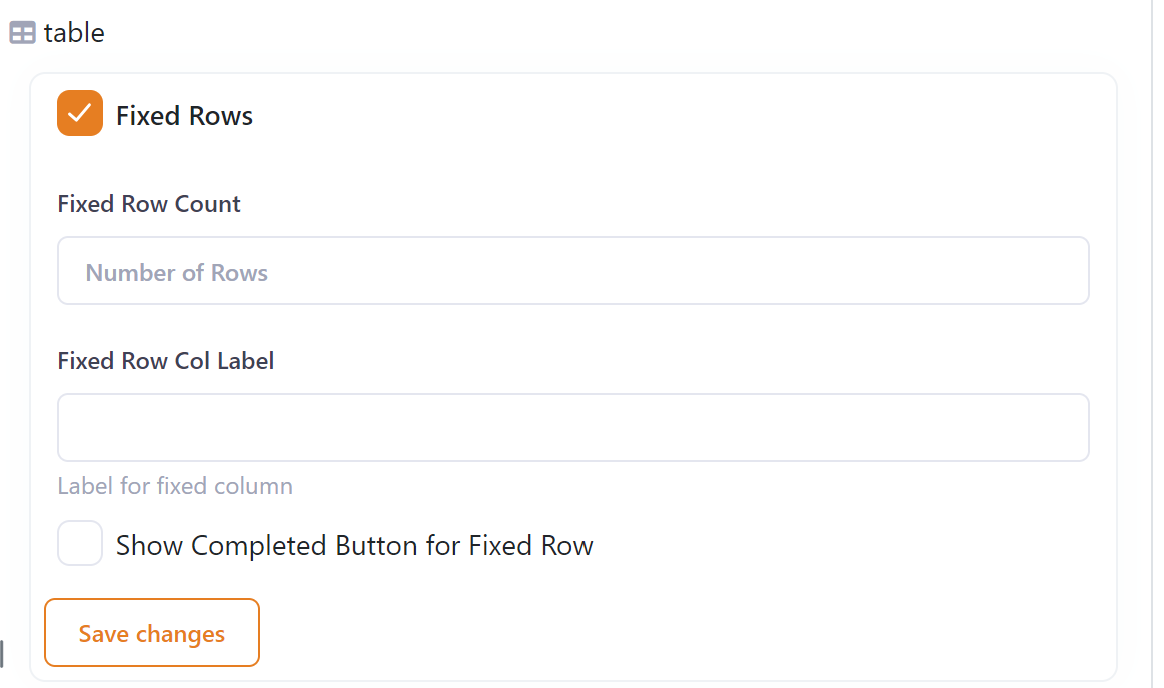
A table can be turned into a fixed row split table by changing these table settings:
- Tick the 'Fixed Rows'
- Enter the number of fixed rows
- Enter the label for the key
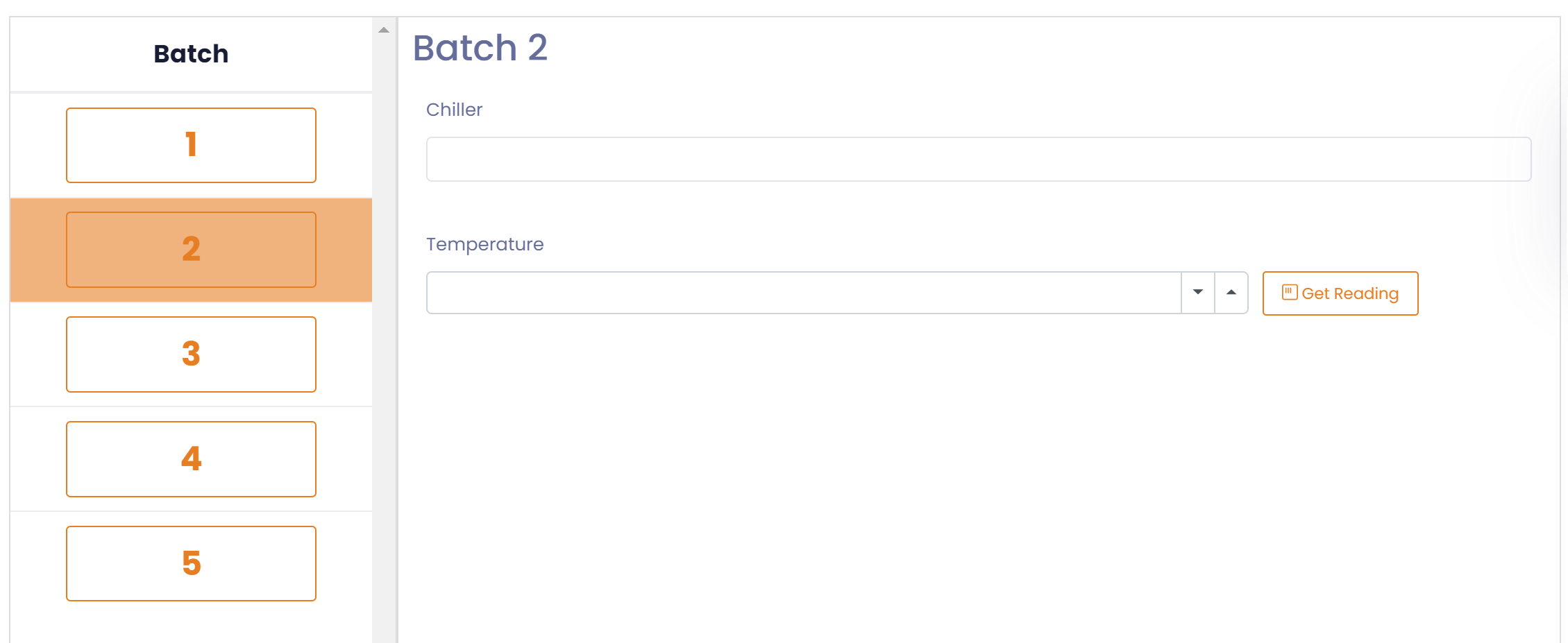
For each fixed row the table will be displayed as a form.
Completed Button
To help tell which rows have been completed you can set the 'Show Completed Button for Fixed Row' flag.
Selecting this option will place a 'Completed' button in the detail section of each row. When the button is selected the row will be marked as 'Completed'.