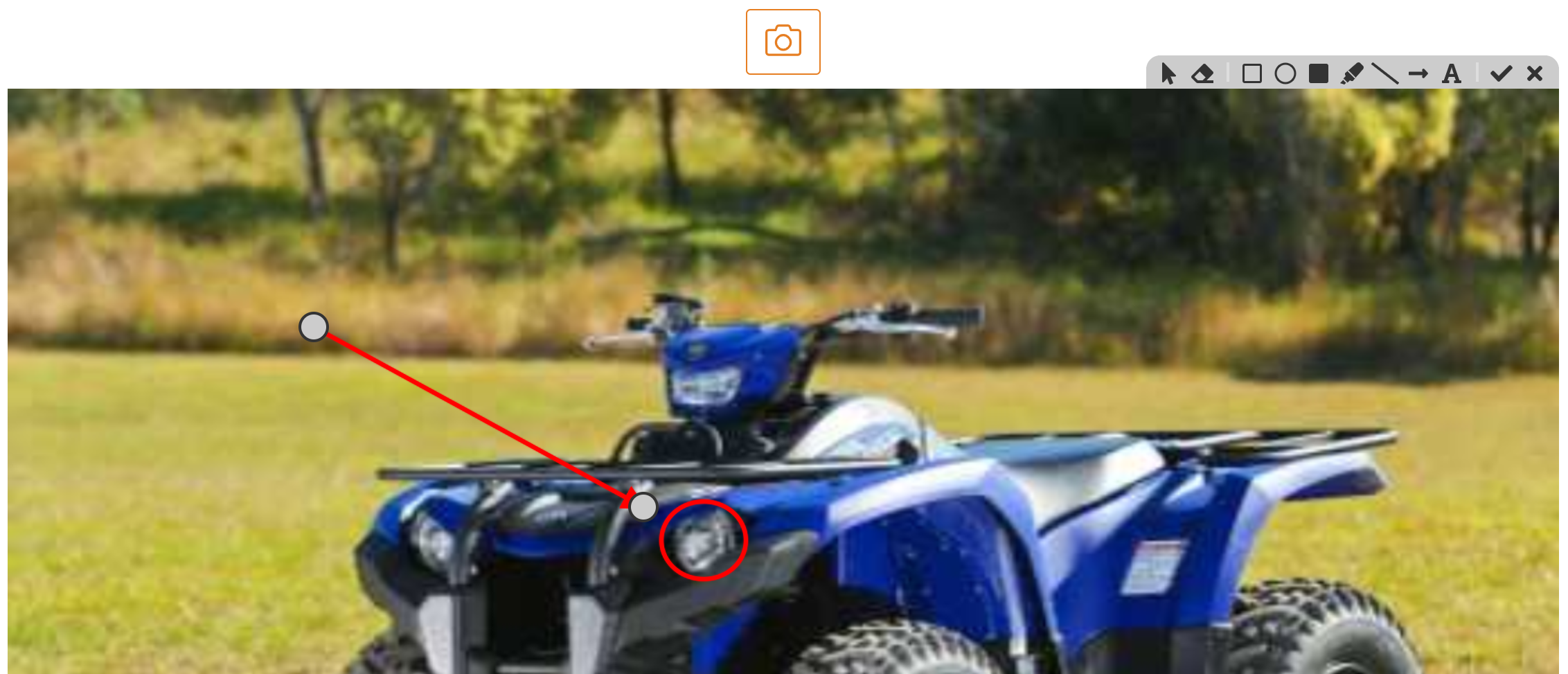
The marker component allows you to take a photo and then draw on the photo to highlight objects.

The marker component has the following settings:
- Name: This defaults to a unique name, and is ready only.
- Label: Label displayed for text field
- Help Text: Help text displayed below field
- Editable by: Specifies who can edit this field - Everyone, Approver 1, Approver 2
- Can Comment: Allow comments to be entered against field
When a form is loaded the marker component will look like:

Once an image has been loaded use the marker tool to annotate on the photo:

- Click on the image
- The toolbar will appear on the top right
- Use the toolbar to select drawing tool to draw
- When finished click on the tick in the toolbar, to cancel click the cross