
The signature pad component will display signature panel in a form. This will allow a user to mark a signature in the panel.

The signature component has the following settings:
- Name: This defaults to a unique name, and is ready only.
- Label: Label displayed for text field
- Help Text: Help text displayed below field
- Editable by: Specifies who can edit this field - Everyone, Approver 1, Approver 2
- Can Comment: Allow comments to be entered against field
- Signature width: Leave blank unless you need to explicitly change the width
- Signature height: Leave blank unless you need to explicitly change the height
When a form is loaded the signature component will look like:
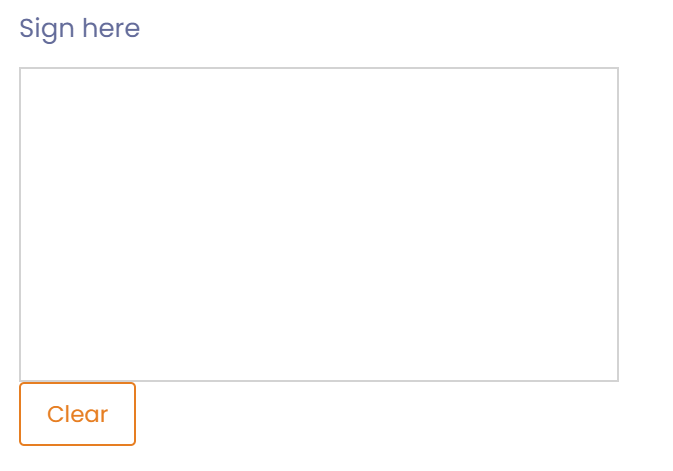
Note: Its is recommended to use the Signature Stamp over the signature pad component. The signature stamp component will record link to the actual user signing and record the date and time.