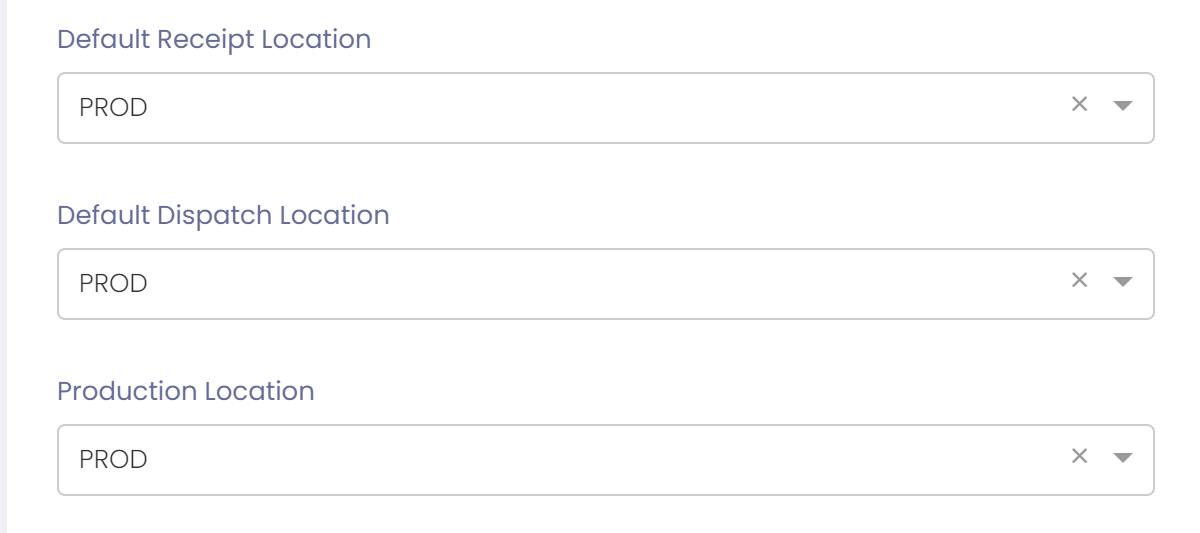
Default locations can be specified per site.
Default locations should be specified before turning locations on. |
To set default locations follow these steps:
- Go to User Management ---> Sites
- Find site and go to site detail to edit
- Enter the 'Default Receipt Location'.
- This will be the default location used for inwards goods.
- Enter the 'Default Dispatch Location'.
- This will be the default location used for dispatches.
- Enter the 'Production Location'.
- This will be the default location used for inventory adjustments.
- This will be the location where WIP/FG stock is released.
- When ingredients are assigned to a batch they will be selected from the production location. This means that in order to consume a raw material in a batch its stock must be located in the production location.
- Save the site