
If a dispatch is posted it will become read only. If a wrong batch has been entered on the dispatch line it can be fixed by following these steps.
Role Required: QA Manager |
- Go to the dispatch line
- On the line detail click on the 'Unlock' button
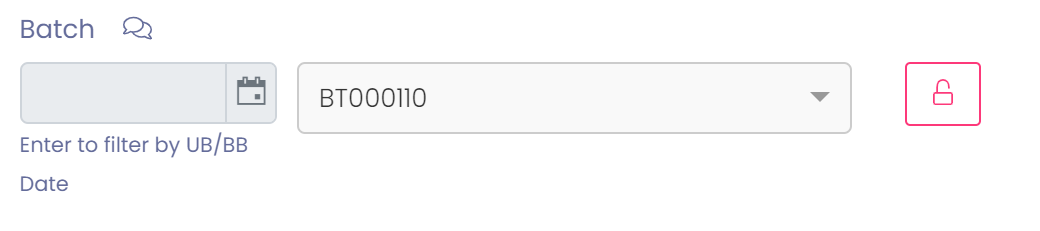
- Enter a reason for the change by clicking on the comment bubble
- Correct the batch number

- Press the 'Save' button
Your dispatch line will now reflect the batch. In addition stock will be adjusted correctly and traceability of new batch will be established.