
If a batch is released it will become read only. If a wrong UB or BB date, or batch number, has been entered on an ingredient or packaging it can be fixed by following these steps.
Role Required: QA Manager |
- Go to the released batch
- On the 'Recipe' or 'Packaging Detail' tab select the incorrectly coded ingredient/packaging
- Click on the 'Unlock' button
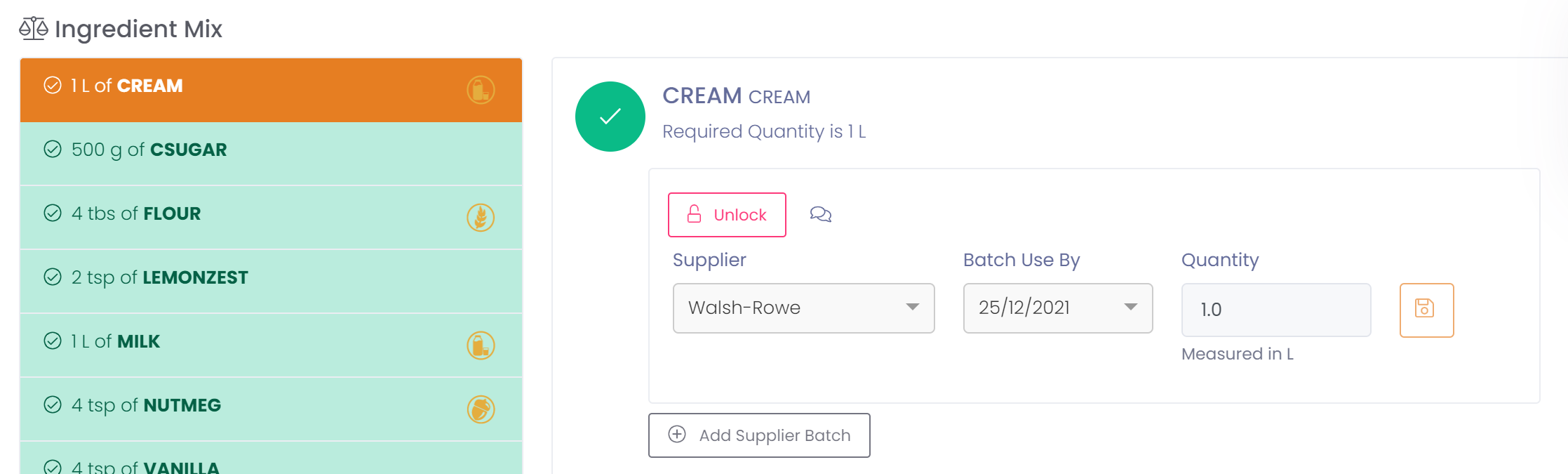
- Enter a reason for the change by clicking on the comment bubble
- Correct the date or batch number
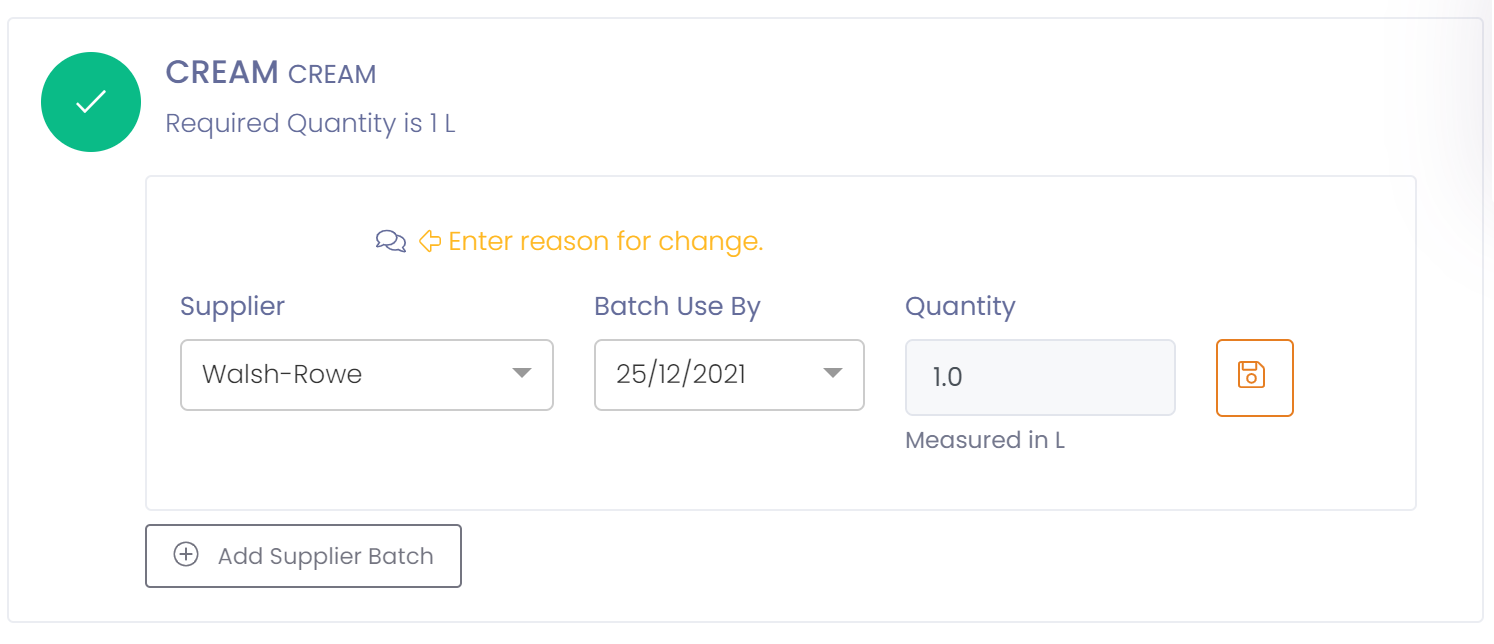
- Press the 'Save' button
Your ingredient/packaging will now reflect the correct UB/BB date or batch number. In addition stock will be adjusted correctly and traceability of new batch will be established.
Optional Packaging
If you are using optional packaging then you can 'Unlock' a default record and set the date or batch number, as well as modify the quantity.
You may also 'Add' new supplier batches if required.
When the 'Save' button is clicked the packaging record will be saved and posted, consuming the packaging from stock.