
The FCP View is where you can go to view your FCP Sections and how they relate to information in QTRACA.
The FCP View will provide a view of sections which can be selected to show the corresponding forms, reports, training categories, and procedures for that section. You are then able to drill through to the actual form, report, or procedure.
In addition you are able to view any files attached to the FCP Section.
The FCP View can be found by going to FCP --> FCP View.
Clicking on a section will show the section on the right hand side
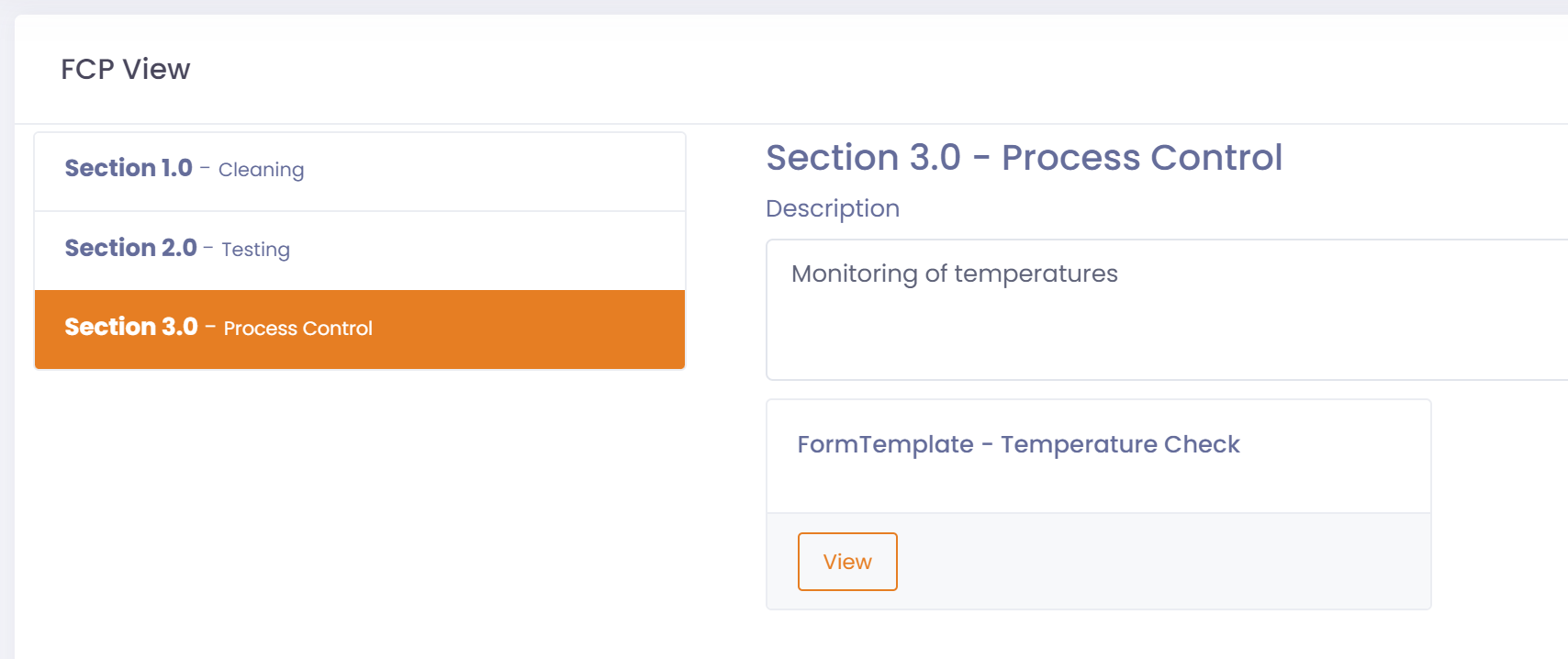
Clicking on 'View' of a form, report, training category, or procedure will take you to the item.

Navigate back to the FCP View by clicking on the 'Go Back' button on the top right of screen.