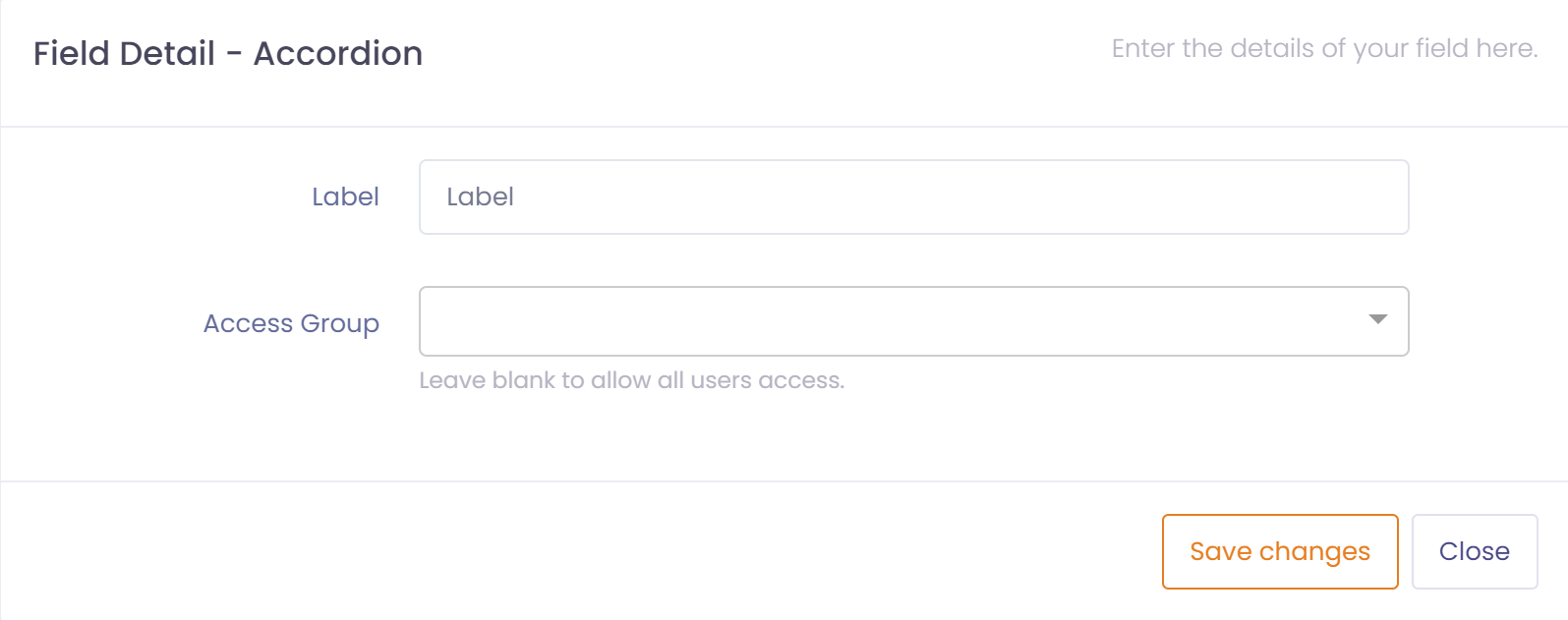
Access groups are used in conjunction with forms, form accordions, form workflows, and dashboards to limit access to a form, workflow, dashboards, or the fields within the accordion component.
For example if you wanted certain groups of users to be able to see one accordion but not another then you can assign an access group to the accordion to limit access.
To setup an access group perform the following steps:
- Go to User Management ---> Access Groups
- Click the button 'New Access Group'
- Assign a name and description for this access group
- Save the access group
- Add users to the access group by clicking on 'New User'
Once the access group has been defined it can be assigned to an accordion in the form builder.