
You can generate a zero stocktake for all inventory transactions with a stock onhand. For each inventory transaction with a SOH value a stock adjustment line with zero quantity will be generated.
- Go to Stock Adjustment
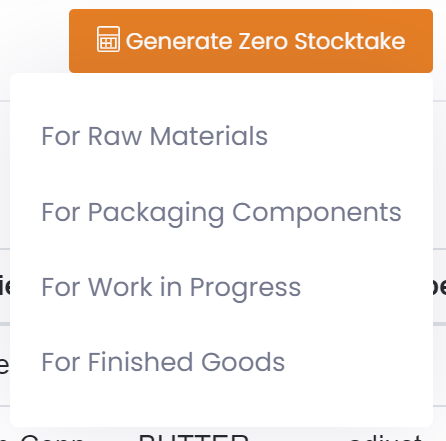
- In the list click on 'Generate Zero Stocktake' and then select either Raw Materials, Work In Progress, Packaging Components, or Finished Goods.
- Wait for the stock adjustment records to be generated. This may take a minute, so refresh the list to see results.