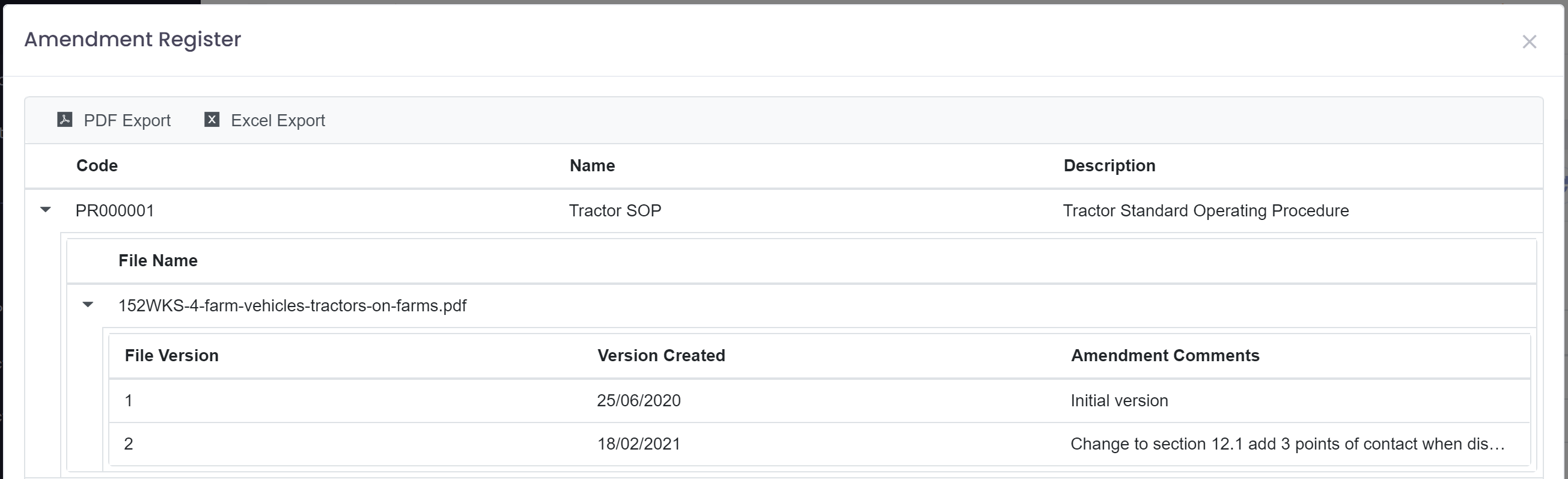
The amendment register is a report that allows you to all the changes made to your procedures.
When modifying a procedure and uploading a new version it is important to add a comment summarising the changes made to that version.
If this is done then the amendment register can be used by an auditor to quickly see all changes made to any procedures.
To access the amendment register go to 'Procedures' under the 'Quality' section of the main menu.

Clicking on the 'Amendment Register' button will display all changes made to procedures.