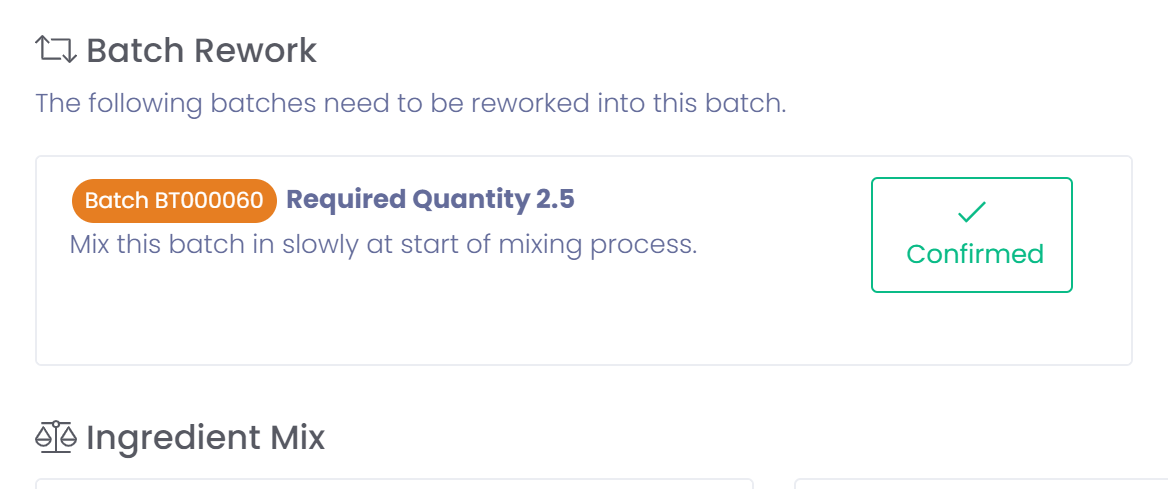
A batch may be reworked into another batch by using the following process.
Hold Batch
If a batch is put on hold then it can be processed as rework.
- Hold batch

- Move batch to rework by selecting 'Rework Batch'.
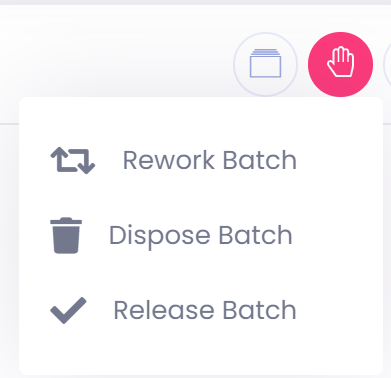
- Batch is now in rework and can be reworked into another batch.
Add Batch for Rework
If a user has permission to rework a batch into another batch they can select the batch to rework from the batch menu. This function should be performed by a supervisor before production. During production the operator will confirm that they have reworked the batch in.
- Go to batch to rework another batch into
- Select 'Rework Batch' from the batch menu
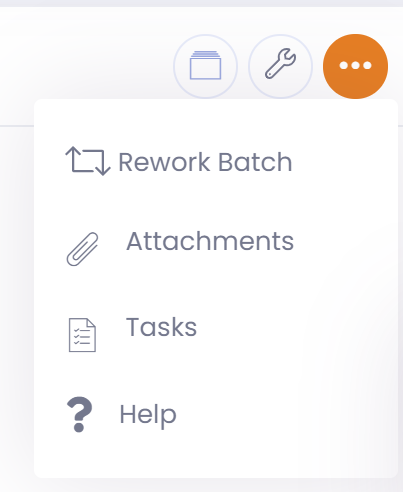
- Add one or more rework batches by clicking on the 'Add Rework Batch' button
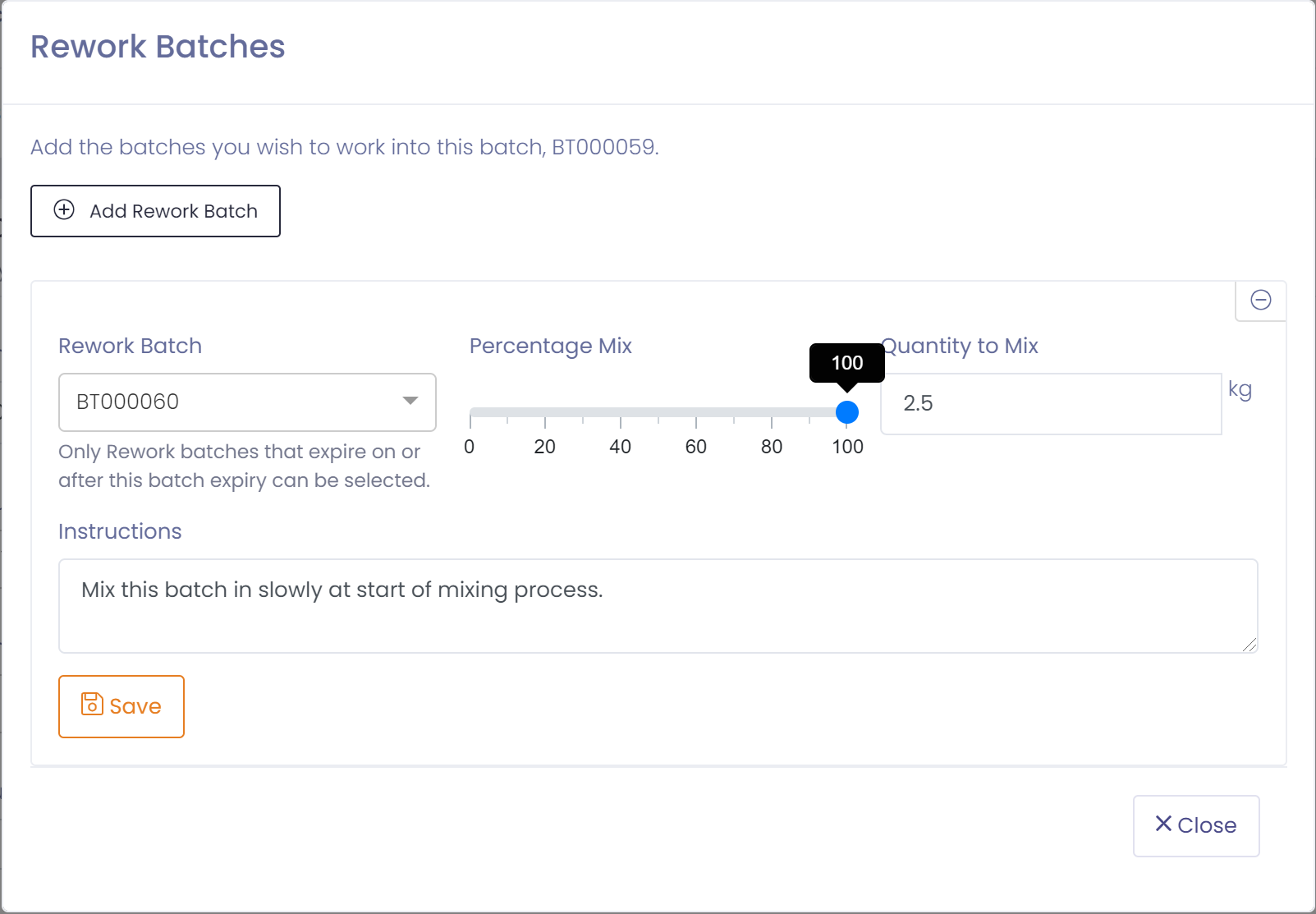
- Select a batch and enter the quantity to rework into this batch
- Click the 'Save' button and press 'Close'
Rework Batch
When the batch is being produced the operator will be prompted to confirm they have reworked required batches.
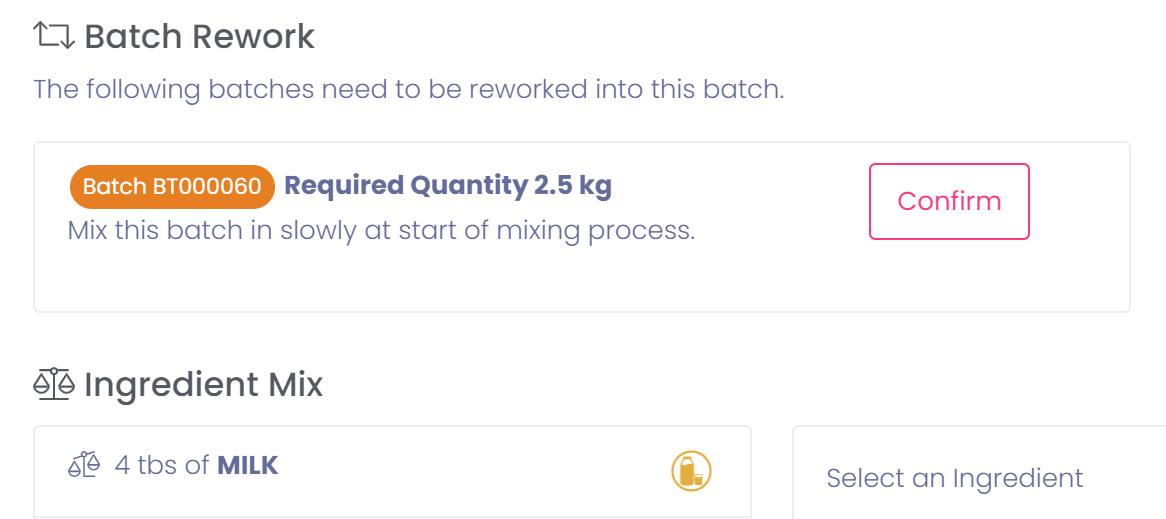
They should rework the required quantity of the specified batch and then click the 'Confirm' button.