
Prior to connecting to Shopify you should perform the necessary setup detailed here Setting up QTRACA to work with Shopify
You can connect to Shopify by performing the following steps:
- Go to Setup --> Integrations
- Click on 'New Integration'
- On the Shopify integration click 'Connect'

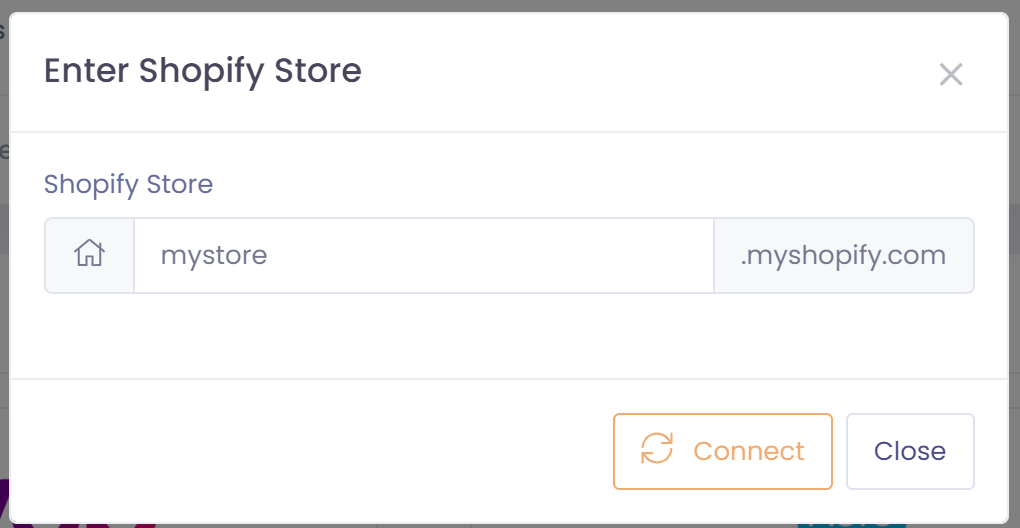
- You will be prompted for your Shopify store name. Enter you store name in the window provided
- You will now be taken to the Shopify website. Enter your Shopify username and password
- Choose to 'Install App' when prompted
- You will now be taken back to QTRACA and a Shopify integration record will exist
- The integration is now enabled to receive sales from Shopify
After performing the above step your Shopify integration will run continuously in the background. Shopify will be polled every 15 minutes for new changes.
Sync Options
Sync Sales Invoices for Dispatches
When switched on, sales invoices in Shopify will be created/updated every 15 minutes from new sales in Shopify .
A manual sync can also be done from any date. Performing a manual sync will create all invoices from the selected date in QTRACA as dispatches.
