
QTRACA allows you to synchronise your customer, suppliers, and products from MYOB to QTRACA.
If you already have customers, suppliers, or products in QTRACA then prior to setting up the MYOB integration you should map the records in QTRACA to those in MYOB.
If you wish to create records directly from MYOB then the manual mapping can be skipped.
Tip: You can create all customers, suppliers, and products from MYOB to QTRACA initially, then switch off the automatic synchronisation, and finally remove the customers, suppliers, or products not required in QTRACA.
Mapping Customers and Suppliers
A customer/supplier in QTRACA can be mapped to a contact in MYOB by adding the Contact ID to the external reference of the customer/supplier.

The Contact ID can be found in the contact card when you view a customer/supplier contact in MYOB.
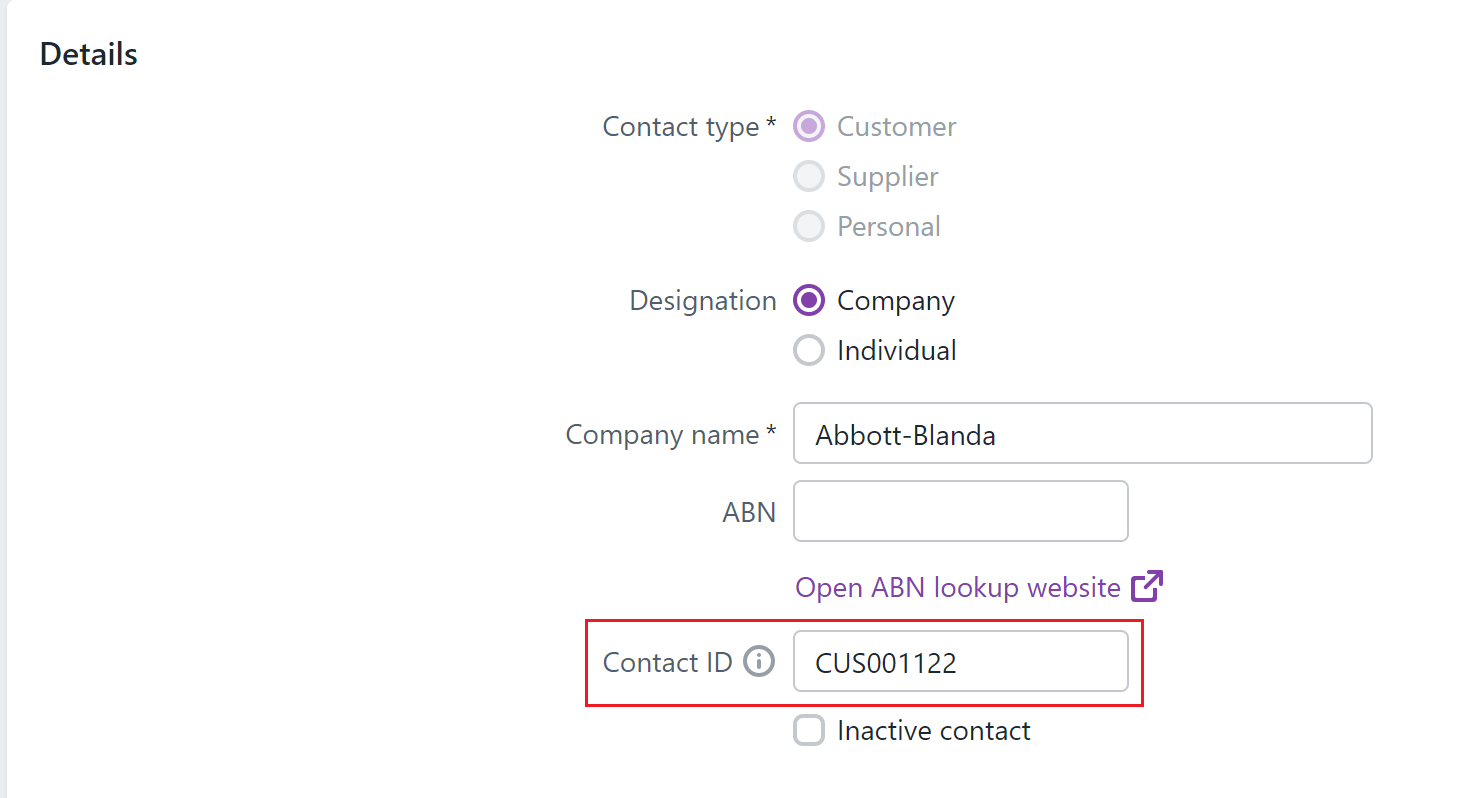
Note: If you do not enter an external reference in QTRACA the integration will try and find a customer/supplier where the name in QTRACA matches the name in MYOB.
Mapping Products
A raw material/packaging/product in QTRACA can be mapped to a product in MYOB by adding the Item ID to the external reference.

The Item ID can be found in the item card when you view a item in MYOB.
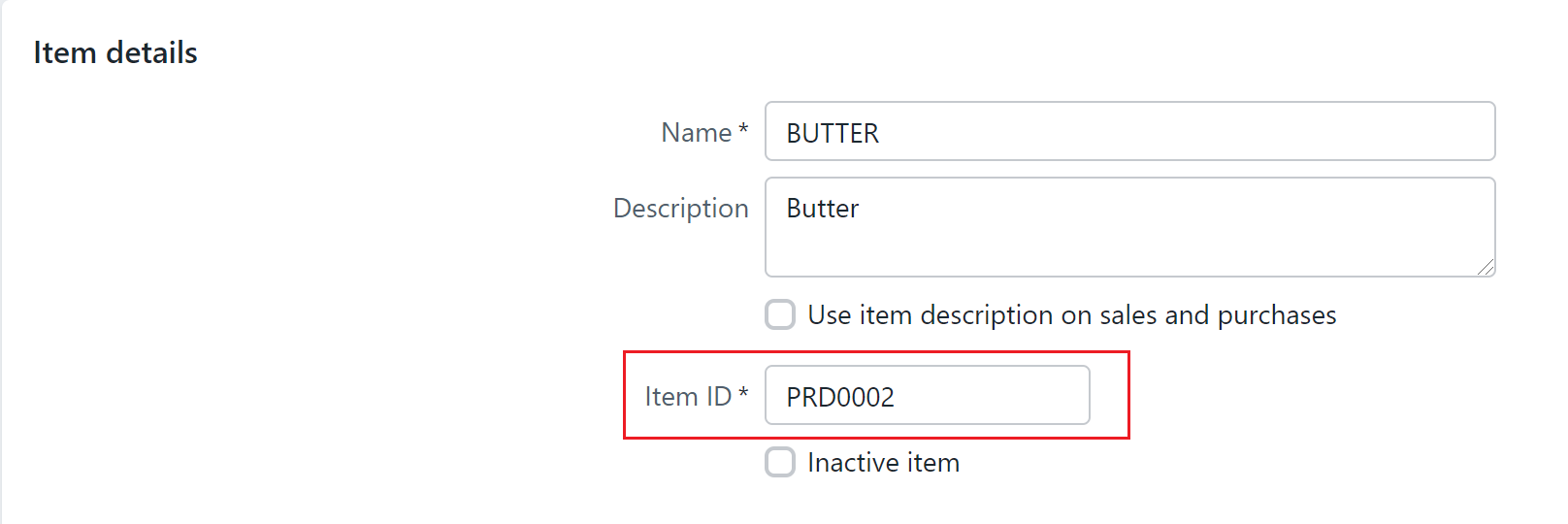
Note: If you do not enter an external reference in QTRACA the integration will try and find a raw material/packaging/product where the code in QTRACA matches the name in MYOB.