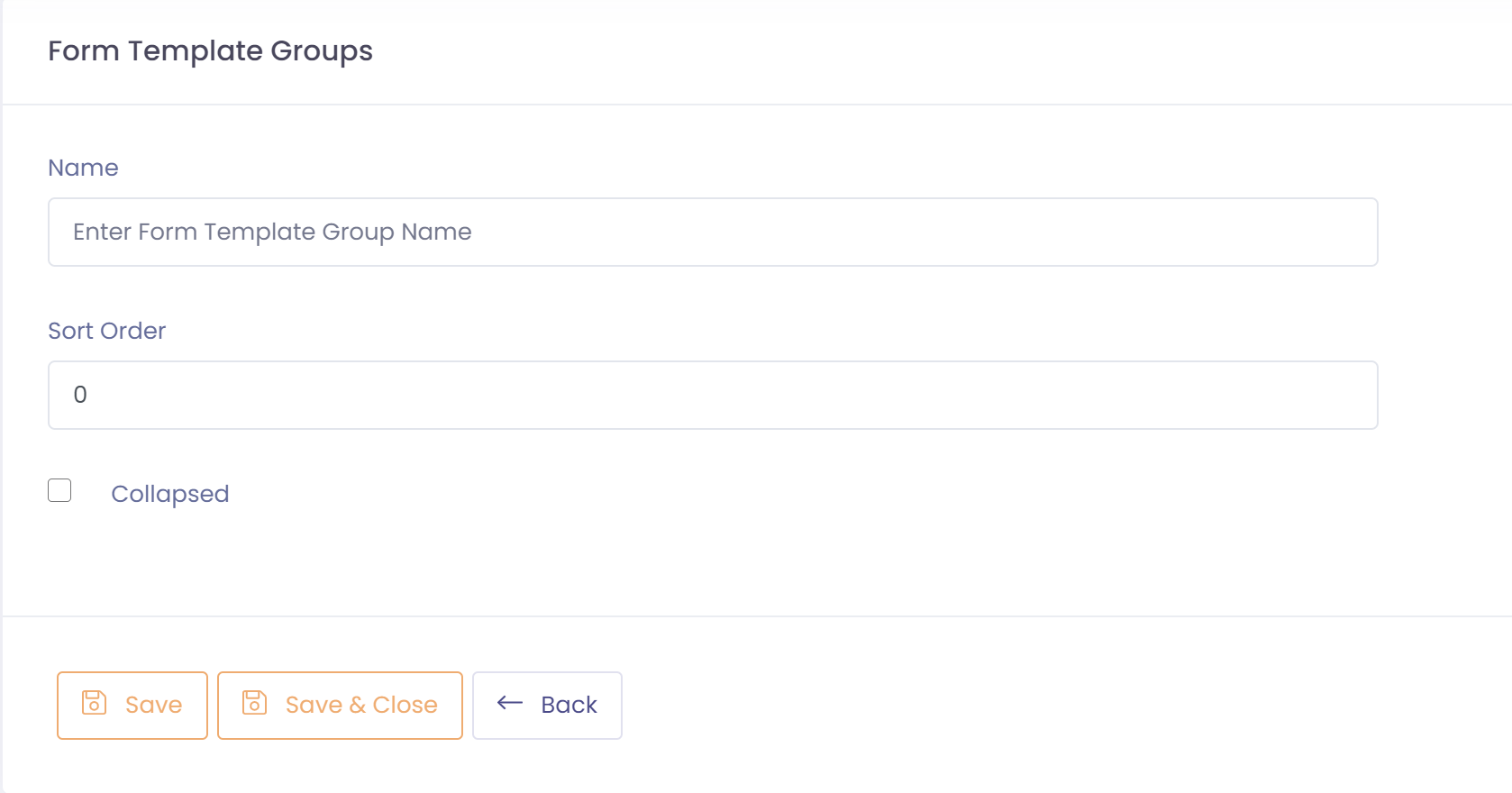
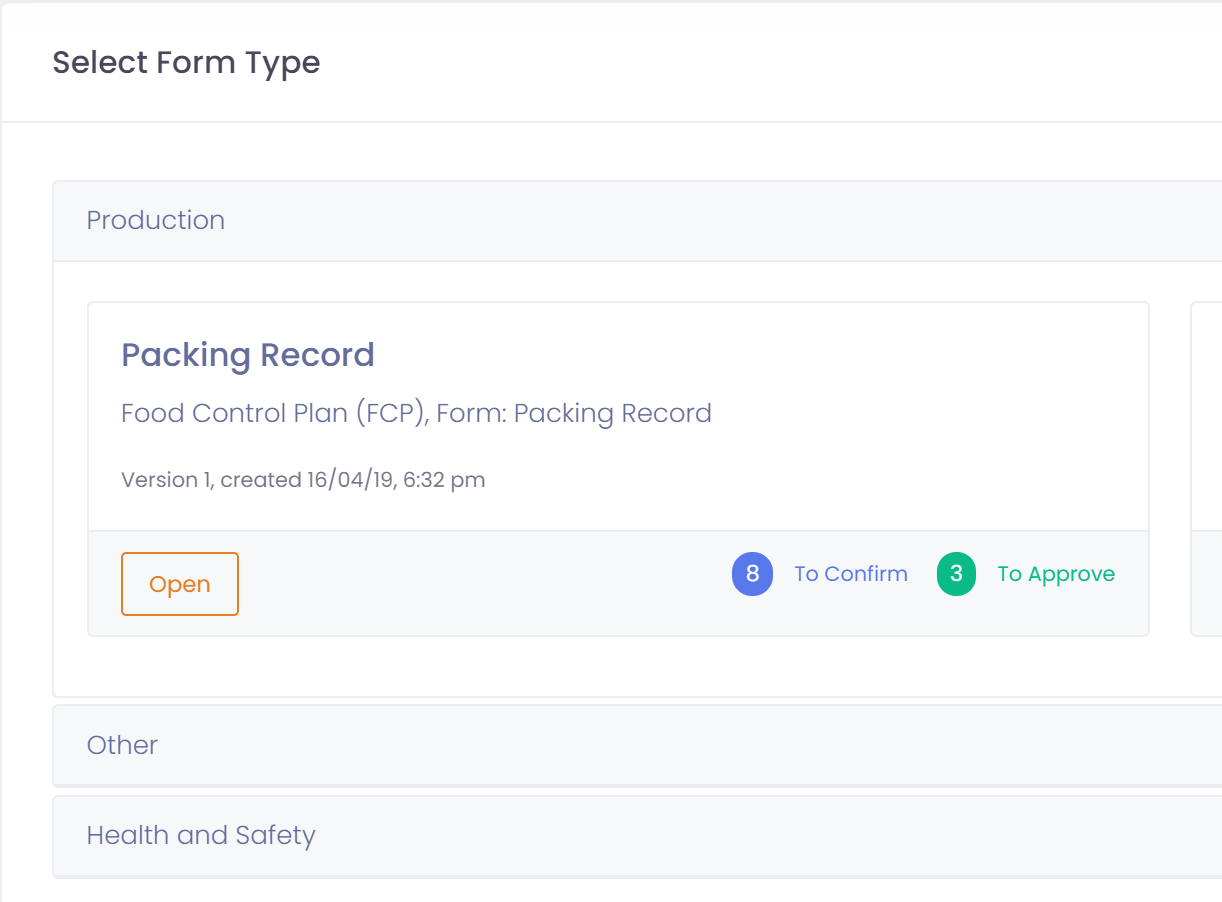
Form template groups allow you to group forms into display categories so that they can be easily found. Examples of some groups might be:
- Production
- Maintenance
- Employee
- Health and Safety
To setup a form template group perform the following steps:
- Go to Setup ---> Form Template Groups
- Click the button 'New Form Template Group'
- Assign the group a name, this is what will be displayed as the group name when viewing form templates
- Enter the Sort Order, this controls the order that form template groups are displayed in
- Set whether the group will be displayed collapsed or expanded.
- Save form template group