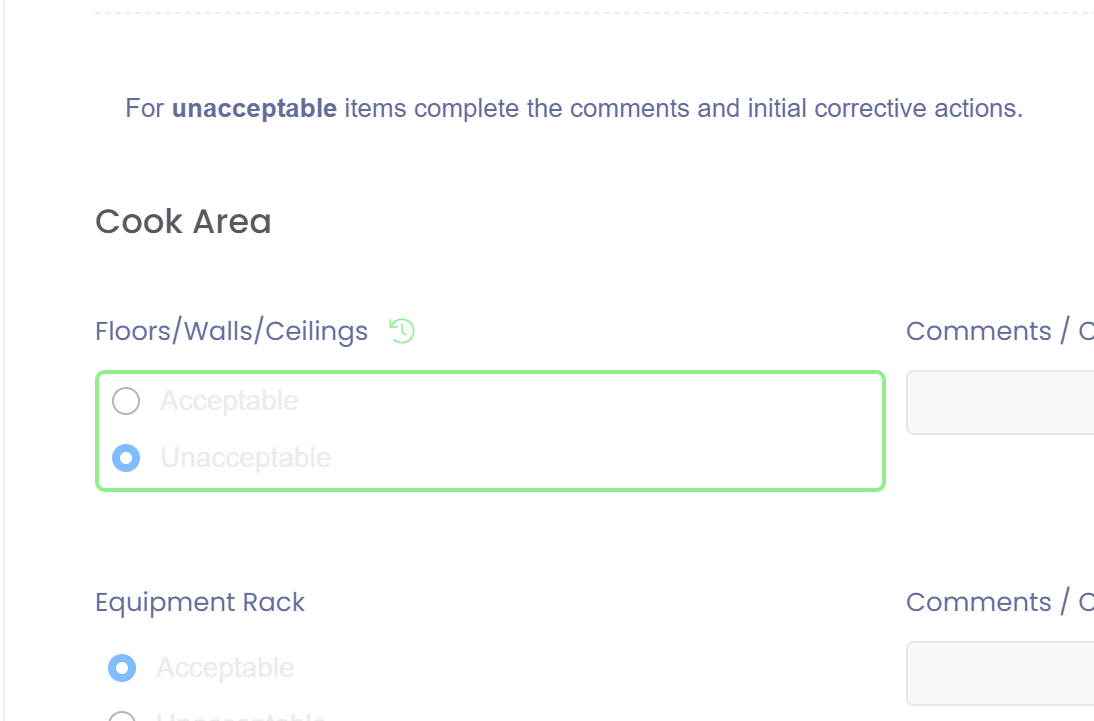
All changes to forms are recorded and can be viewed in version history.
To view a form history go to the Form List by selecting a form template from the 'Forms' main menu.

In the list will be the version history button. Click on this button to view all the changes to a form.
Each version of a form can be viewed in the left panel.
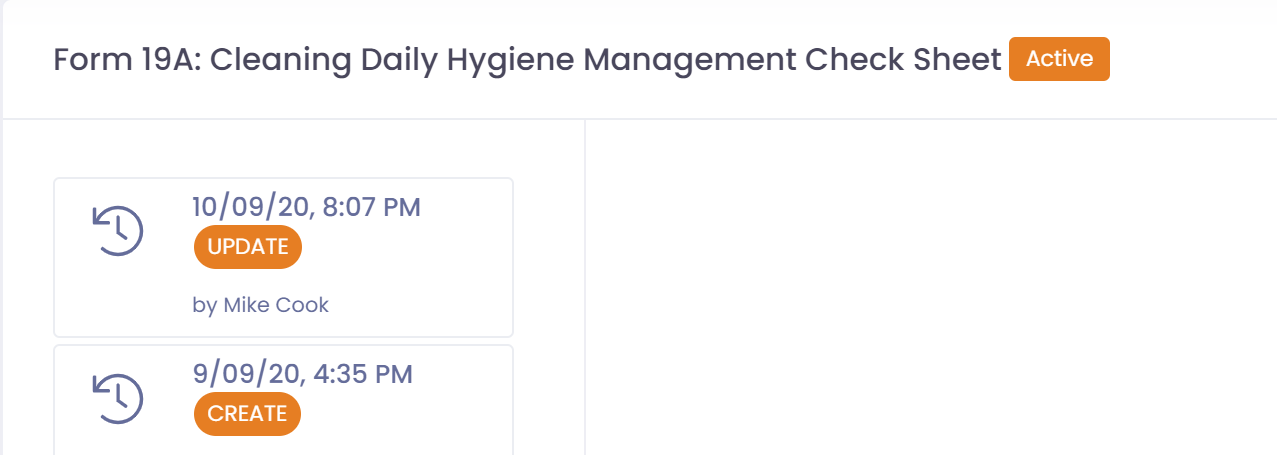
Clicking on a version in the left panel will display what the form looked like at that point in time. Changes will be outlined in green. If a table exists on the form and a row is deleted then the row will be outlined in red.
Hovering of the green version history icon will let the user know what the value was before the change outlined in green.