
When setting up a form field one of the options is whether or not you can make comments against a field.

Checking the 'Can Comment' field will allow you to make comments when modifying a form.

When a field has commenting activating the user will see some speech bubbles next to the field label when editing a form. If the field is within a table the speech bubbles will appear at the end of each row and apply for the whole row.
Clicking on the speech bubble will display a comments section where comments can be added for the field.
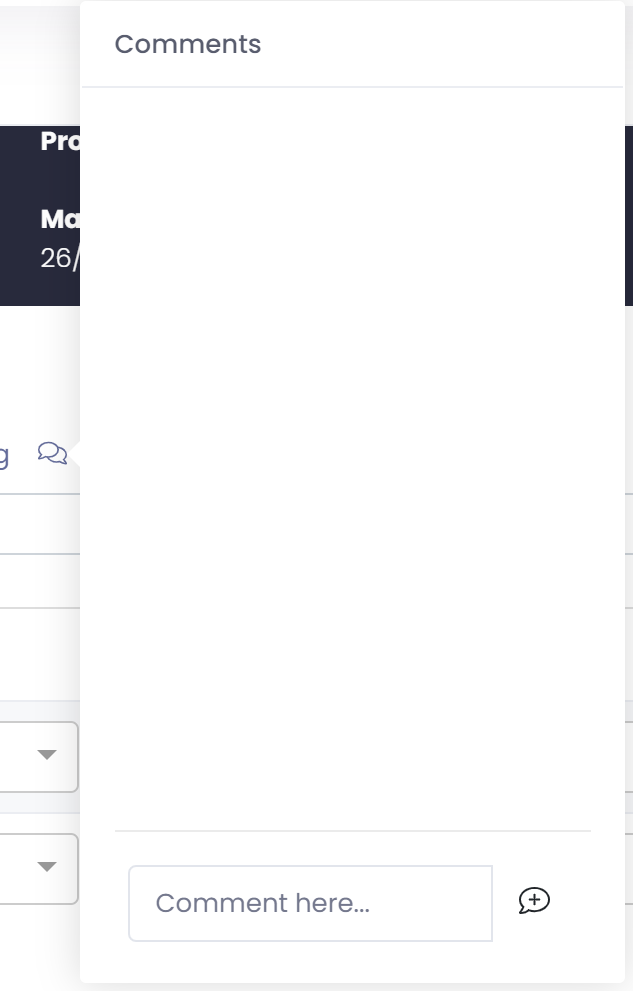
This is a handy way to add context to any field values that are stored or changed.