A user can update a task directly in QTRACA by replying to either a task assigned or task overdue email. The features available are to complete a task, or add a comment to a task.
Completing a Task
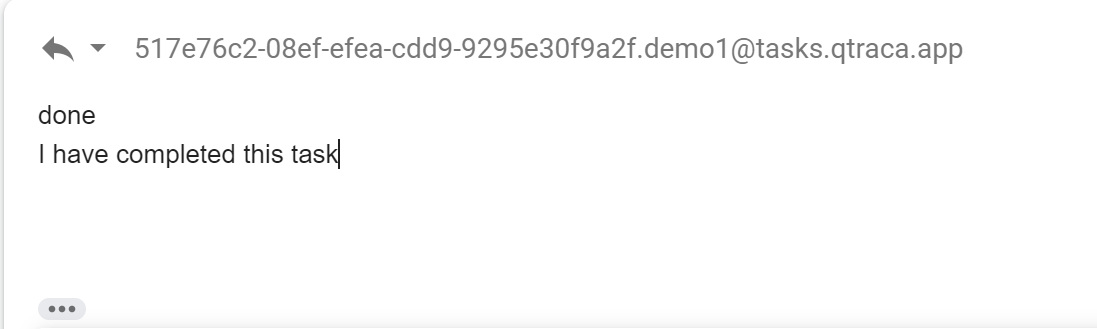
To complete a task simply reply to the email and enter 'done' or 'complete' on the first line of email and press send.
Adding a Comment to a Task
To add a comment to a task simply reply to the email and on the first line of the email type your comment. Your comment may span multiple lines, however it must be text only.
If you want to complete a task and add a comment simply type 'done' or 'complete' on the first line, and then on the next line enter your comment.