
The following emails can be customised for each site within your QTRACA instance:
- Task Assignment Email
- Task Completion Email
- Task Overdue Email
- Trainee Invitation Email
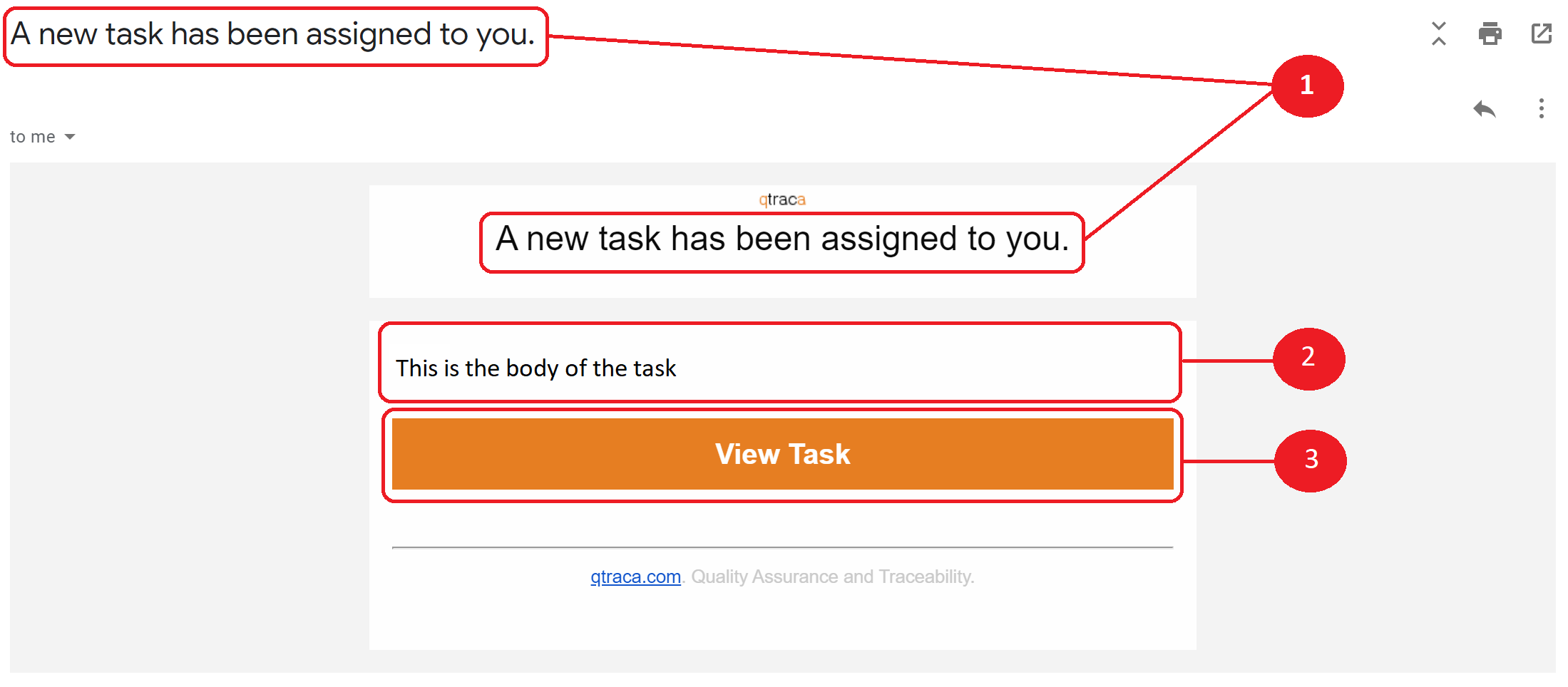
Within each template you can modify the defaults and change the
- Subject
- Body
- Button text
Template Merge Fields
When building your template you can add merge fields to the subject, body, or button text.

Simply select the field from the field list, and then copy and paste the merge field to where you want it to display.
When the email is sent the appropriate text will be inserted.
For example, on a task email template, if you copy and paste %{title} into the subject field then the task title will be displayed in the subject line of the email