Trainee's access forms and training courses through a separate portal. When a trainee clicks on an invitation email the will be taken to a welcome screen.
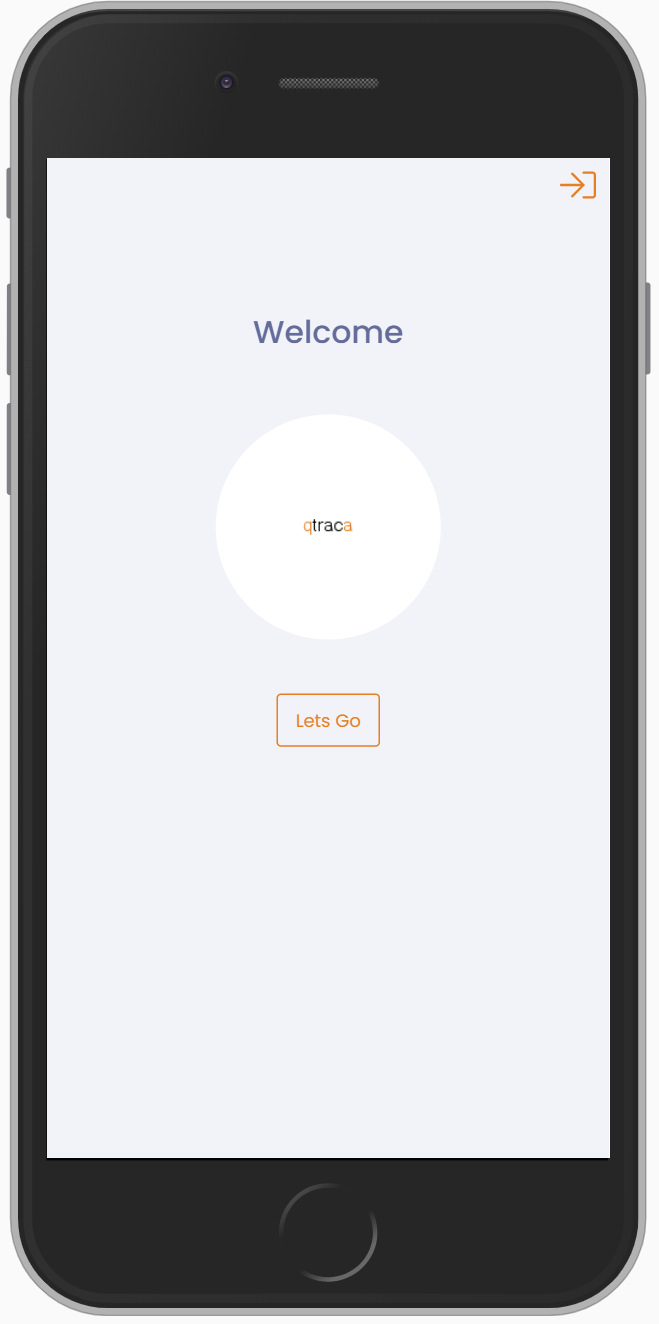
Once the trainee clicks on the 'Lets Go' button they will be taken to the main menu.
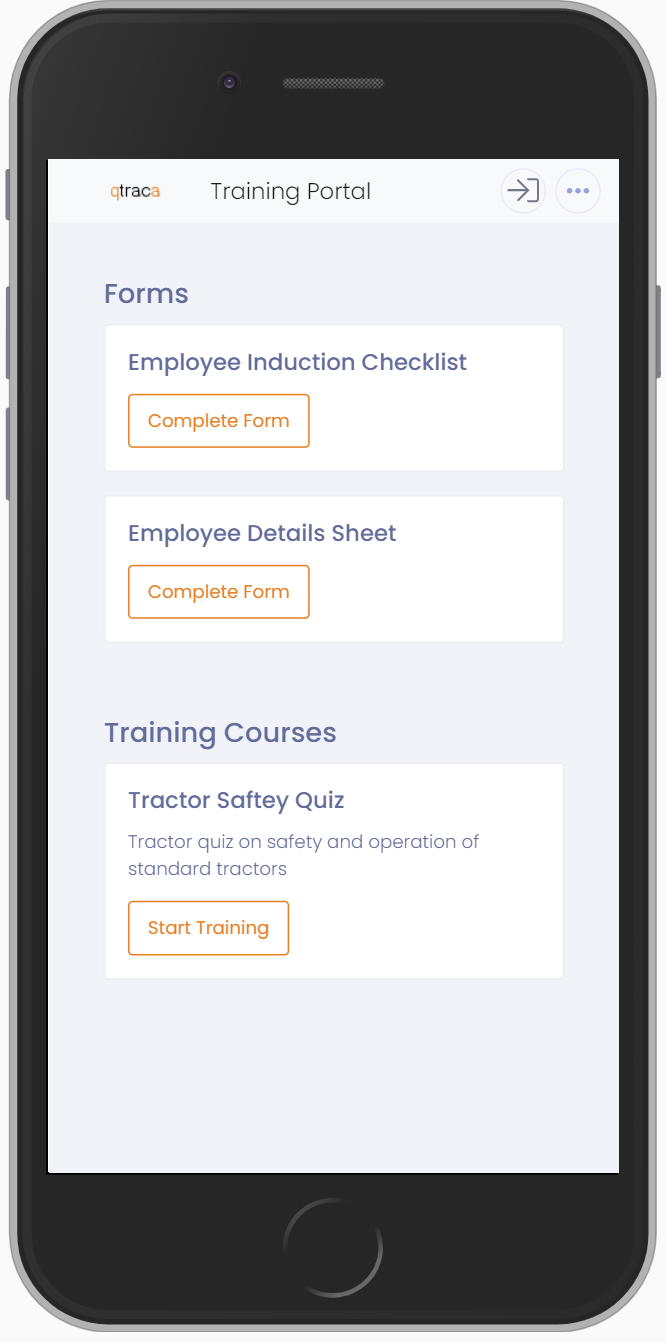
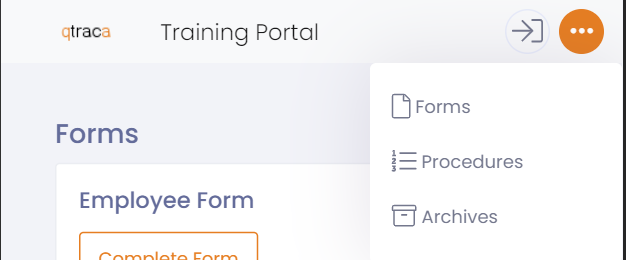
From the main menu the trainee will be able to:
- Complete any personnel forms they have been assigned
- Complete any training they have been assigned
- View any procedures
- Create and complete any standard form(s) that are accessible to them
- Switch to a different login screen
Personnel Forms
If a trainee has any personnel forms to complete they will be displayed under the forms section in the main menu.
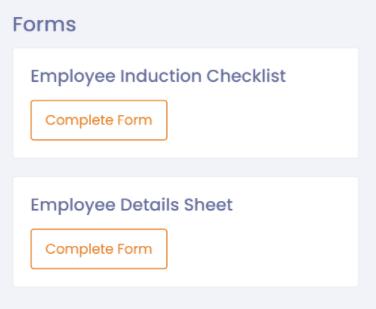
A trainee should click on the 'Complete Form' button to start filling in the form.
At the top of the form will be a menu bar

The menu bar will allow:
- A trainee to take photos and attach them to the form if required.
- A trainee to go back to the main menu.
At the bottom of the form will be a 'Save' and 'Confirm' button.
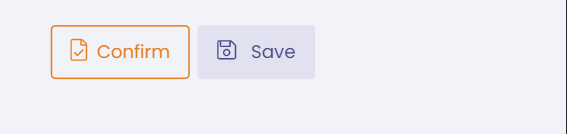
If the trainee which to save the form and continue at a later time then they can 'Save' the form.
If the trainee has completed the form then they should 'Confirm' the form to indicate they have finished filling the form in.
Once 'Confirmed' the form will be no longer visible in the trainee's main menu screen.
Training Courses
If a trainee has any training courses to complete they will be displayed under the training courses section in the main menu.
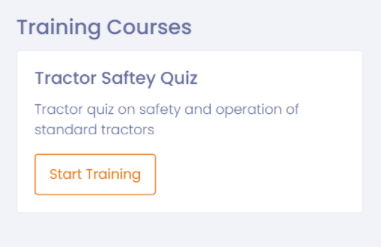
A trainee should click on the 'Start Training' button to start a training course.
At the top of the course will be a menu bar

The menu bar will allow:
- A trainee to go back to the main menu.
At the bottom of the course will be a 'Save' and 'Confirm' button.
If the trainee which to save the course and continue at a later time then they can 'Save' the course.
If the trainee has completed the course then they should 'Confirm' the course to indicate they have completed the course.
Once 'Confirmed' the trainee will be prompted to sign that they have completed the course and understood the training. Once the course has been signed off then form will be no longer visible in the trainee's main menu screen.
Procedures
Procedures can be viewed by trainees by clicking on the 'Procedures' menu option.
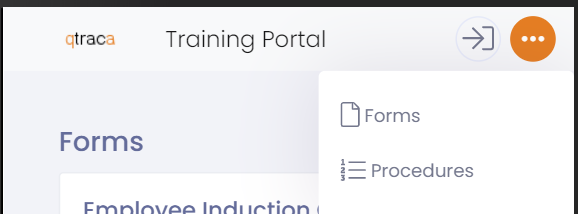
Selecting this option will display all the procedures, which can be downloaded and reviewed by the trainee.
Standard Forms
Standard forms can be setup to be available to trainees, for example a maintenance form.
These are available by clicking on the 'Forms' menu option.
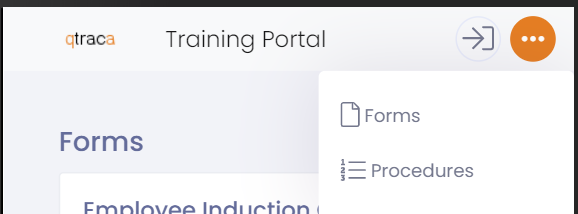
Selecting on this option will display the available forms. The trainee will either be able to create a new form, or view forms that they have previously created.
The forms will remain visible until they have been 'Confirmed' by the trainee.
Archives
If a trainee wishes to view a personnel form they have previously filled out and completed then they can do so through the 'Archives' menu option.
The trainee will be taken to a list of completed forms where they can select a form to view.
Login Screen
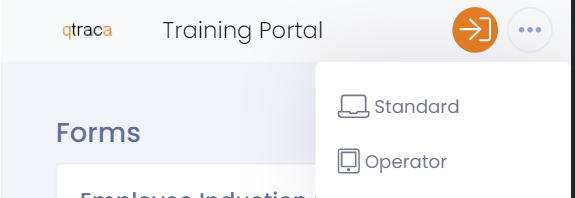
If you are an operator or standard user performing training then you can switch back to your appropriate login using the login switcher in the main menu screen.