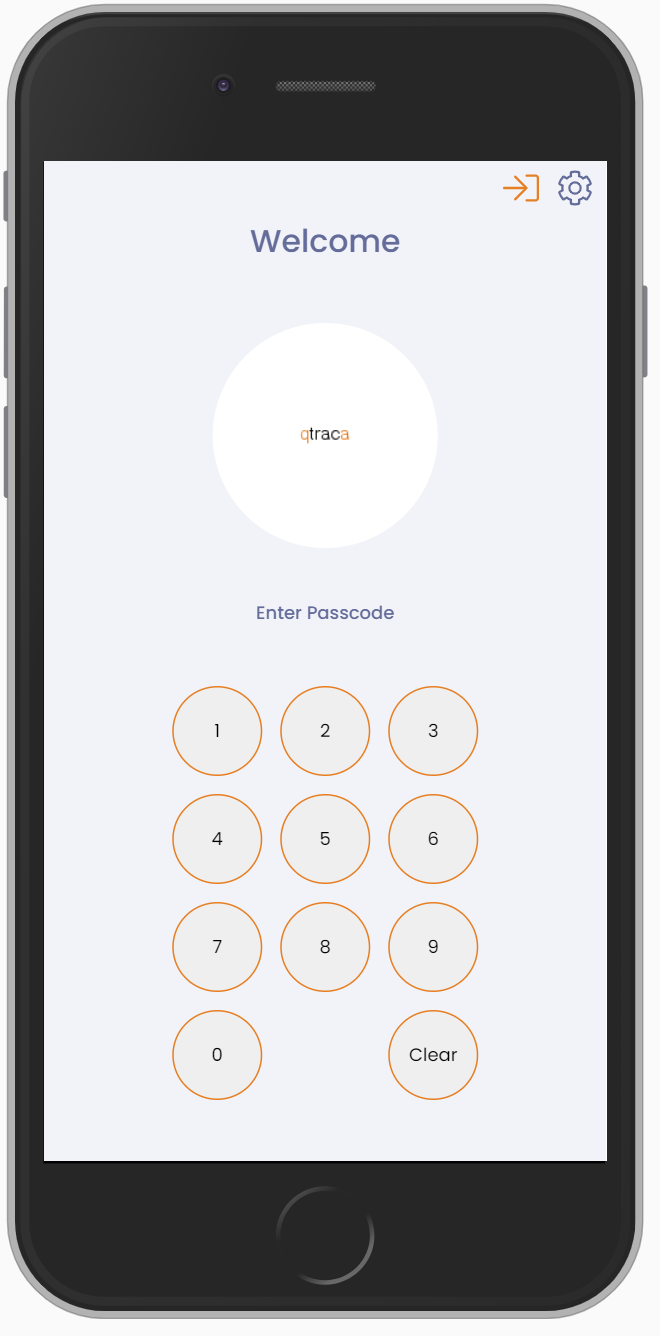
The operator login screen allows operators to login in pincode. The device must first be registered in QTRACA and the device id entered in the setting menu. See here for more detail.
If a passcode is not accepted, the message under “Enter your passcode” says why: “Incorrect login details”, “Too many attempts on this device. Wait a few minutes and try again.” or “Could not sign in. Check the connection and try again.” See I Can’t Log Into QTRACA With My Pin Code for what each means.
Logging in through the operator login screen takes you to a basic application allowing users to enter forms, batches, inwards goods and dispatches.
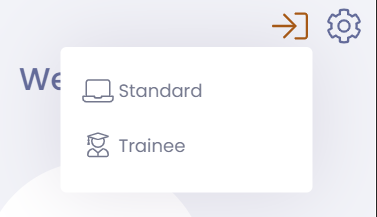
To switch to a different login screen use the login switcher and choose the login screen: