
Procedures can be used to store any of your standard operating procedures, or other documents. This keeps all your documents in a secure version controlled repository.
To add a procedure perform the following steps:
- Go to Procedures
- Click the button 'New Procedure'
- On each tab perform the following setup. The detail tab must filled in and saved before you can move to the other tabs.

Once the procedure is setup you can upload documents, images, etc against the procedure. When uploading new versions of a procedure make sure the file name is the same as previously uploaded versions so a new version of the file is created. After the upload is complete add a comment of changes in the file so that they can be reviewed through the amendment register.
After a scheduled task has been created it can be viewed from the tasks menu against procedures, even after it has been completed.
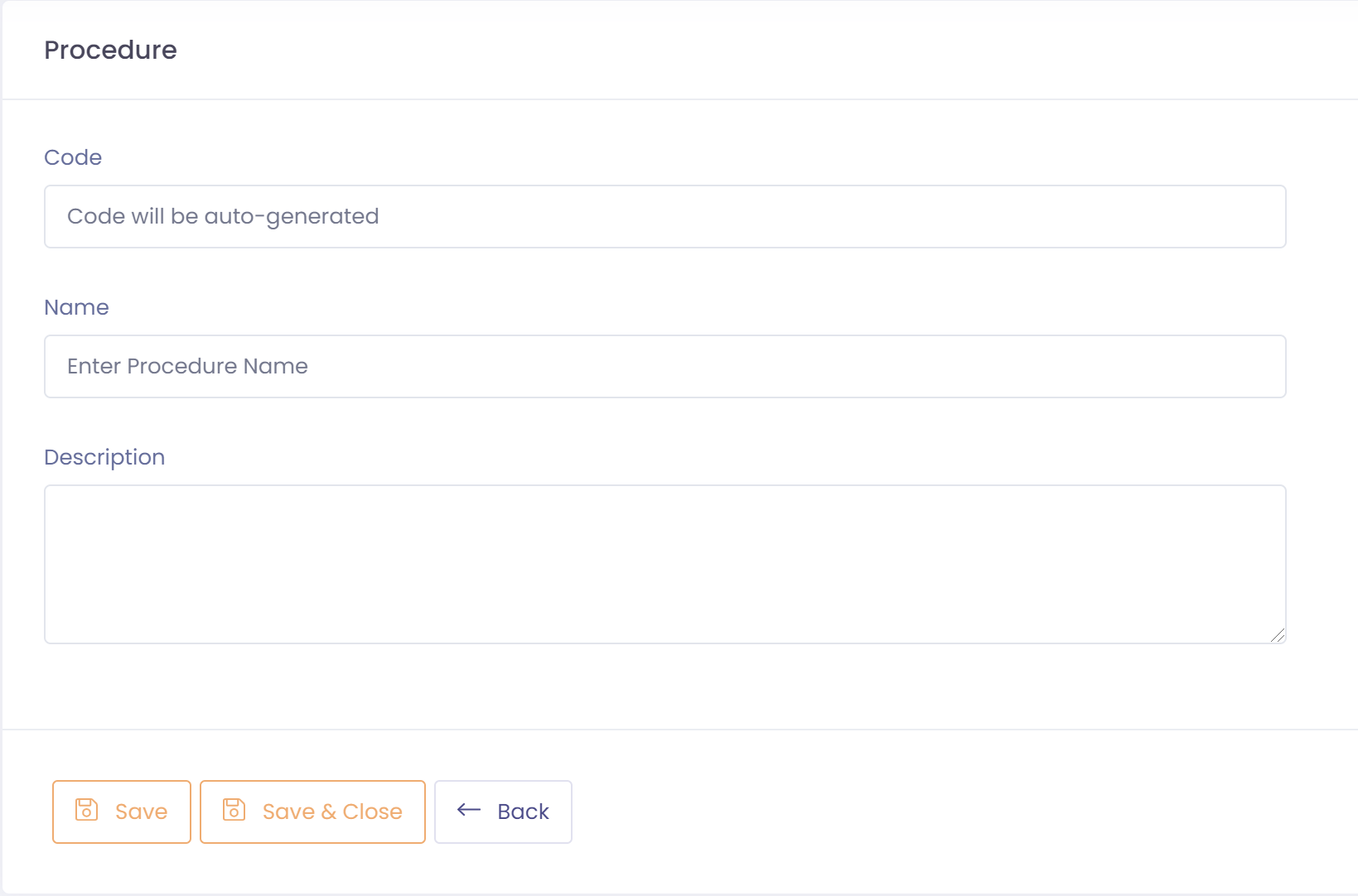
Detail
The detail tab holds the base information for the procedure.
- Assign a name and a description of this procedure
- Save procedure
- Attach documents through the attachments icon in the toolbar
Schedule
The schedule tab allows you to schedule tasks to be automatically generated at a specified interval and linked to the procedure.
To add a schedule:
- Click on the 'Add Schedule' button
- Enter the user to assign the task to in the 'Assigned to' field
- Make sure the schedule is active
- Specify the creation frequency, note that time is using 24 hour clock
- Enter the days a user has to complete the task
- Enter a title and description for the task.
- Click on 'Save' to save the schedule