The task icon in the toolbar allows a user to create a task for the associated record.
Tasks are created from associated records such as :
- Batches
- Forms
- Complaints
- Non Conformances
- Inwards Goods
- Dispatches
- Projects
- Procedures
Creating the task from the originating record links the correct detail together and creates an audit trail of the origin of the task.
If however a task is not related directly to any of the above it can be created directly from the task list screen.
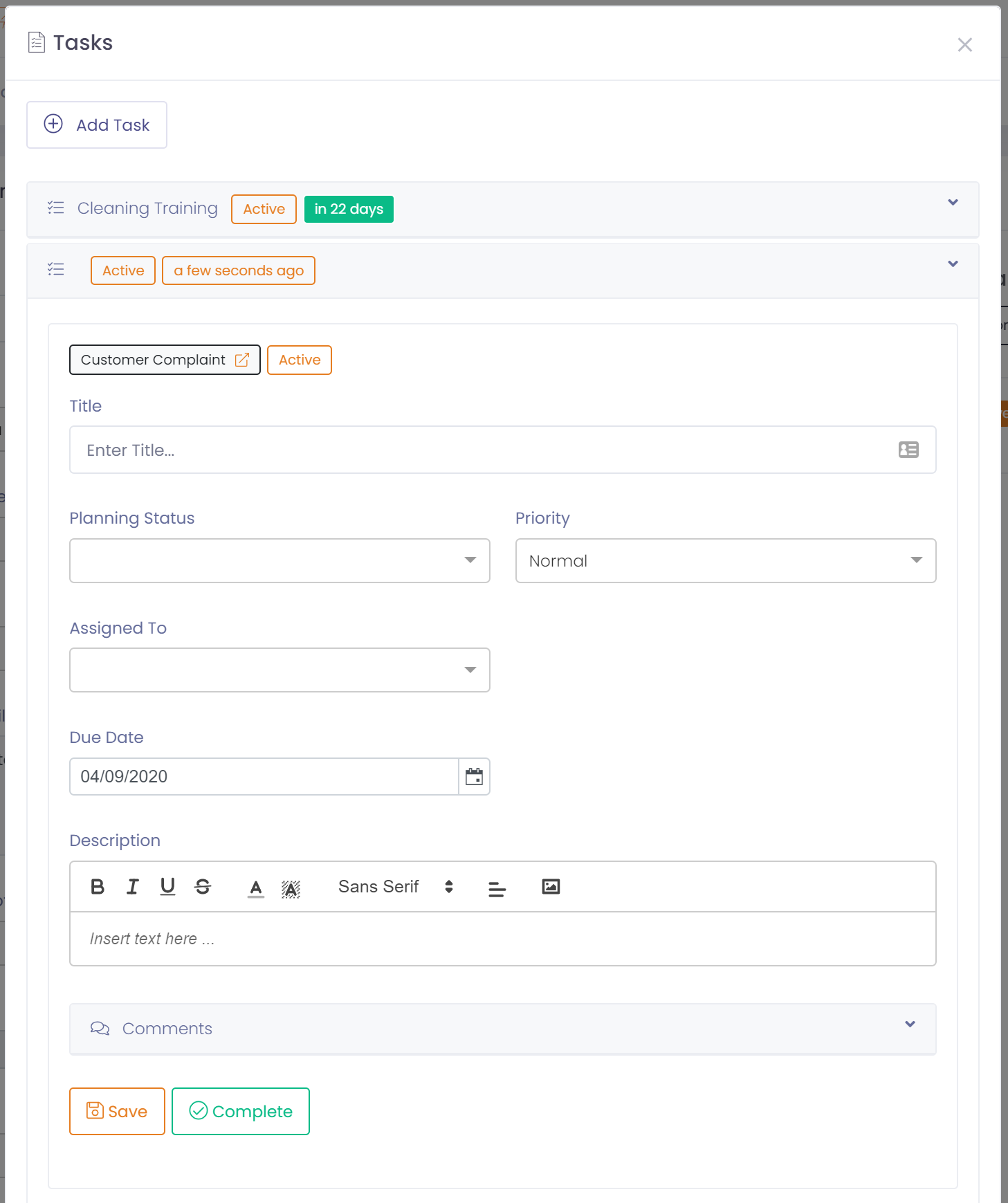
To create a task:
- Click the task icon in the toolbar, or go to the task list screen
- Click on 'Add task' in the task window
- Enter a title for the task
- Enter the planning status and priority of the task
- Enter who the task will be assigned to, i.e. who is responsible for actioning the task
- Enter the expected due date for completion
- Enter any further detail in the description
- Click on 'Save' to save the task
- Close the task window