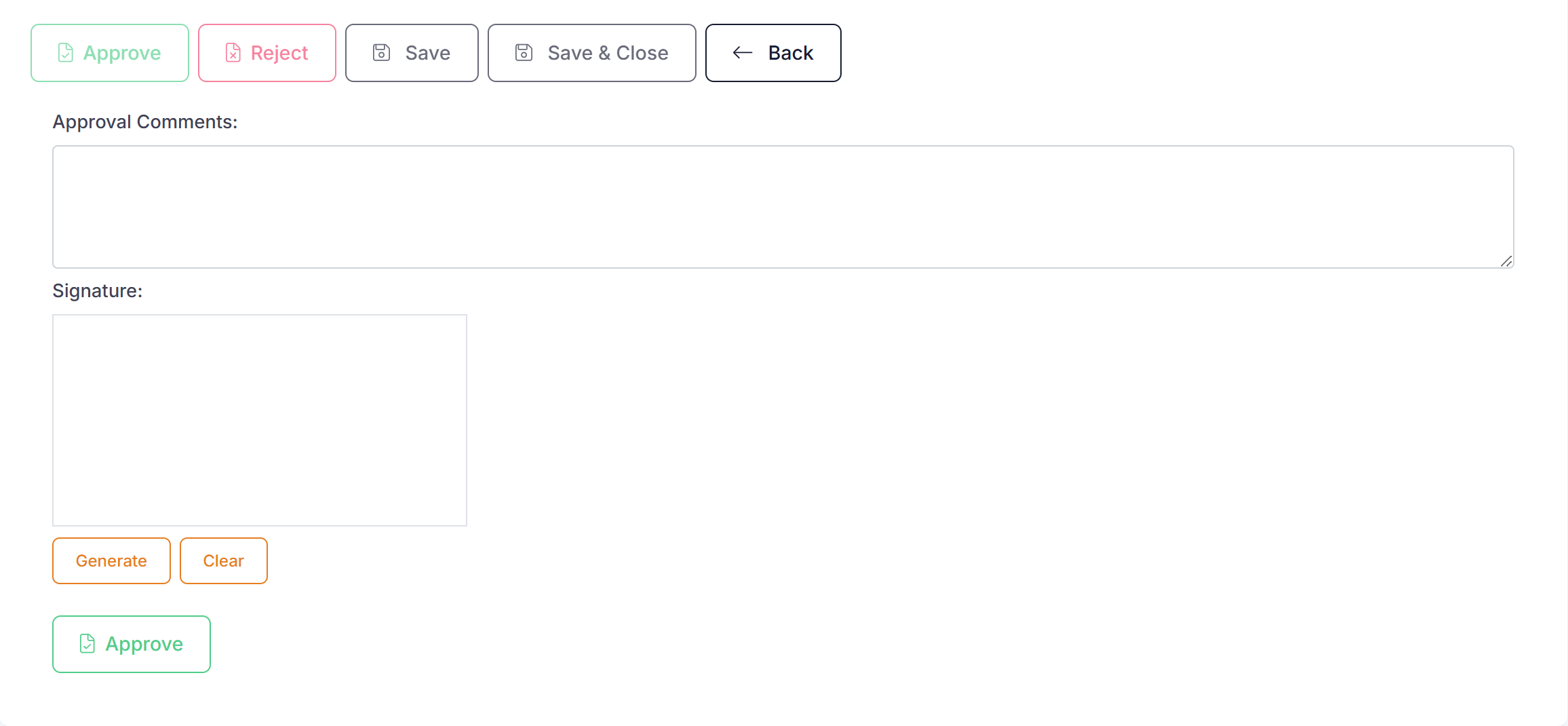
If a form has been 'Confirmed' then the next step is to 'Approve' it. Only the assigned approver(s) can approve the form by going into the form and clicking on the 'Approve' button.

Once the form is approved it will move to a 'Completed' status.
If tasks are set to be emailed (Setup --> Account Settings - Task Email Notifications) when the form is confirmed, then the approver will receive an email notification that they have a form to approve.
Approval Comment
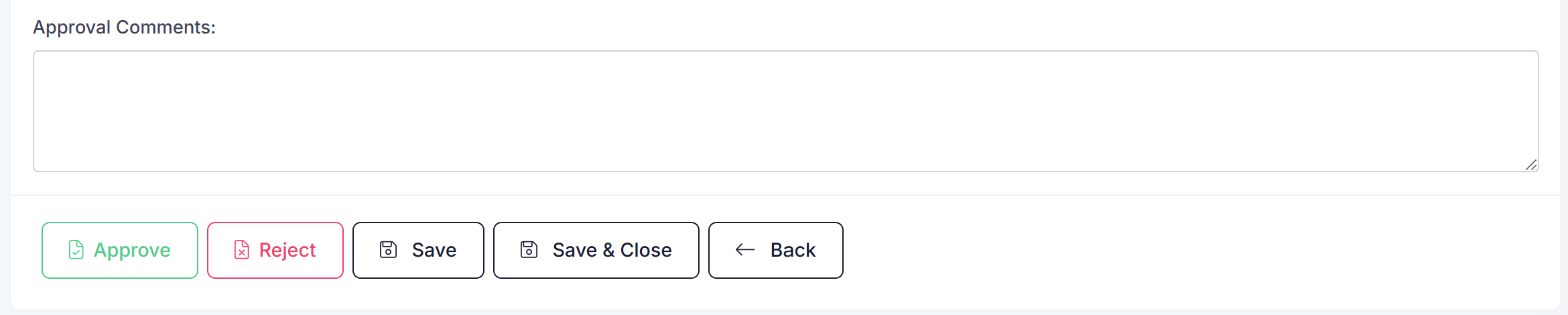
When a form is ready to be approved an approval comment box will be displayed above the 'Approve' button on the form.
If using approval signatures then the approval comment will be displayed above the signature box when approving.
Approval Signatures
When a form is approved you have the option to get the approver to sign the form prior to them approving it. If you would like this to happen then signatures can be turned on in Account Settings.

When switched on the user will be prompted for signature during approval.