
Forms can be created by going to the 'Forms' menu off the main menu.
A list of available form templates will be displayed to the user.
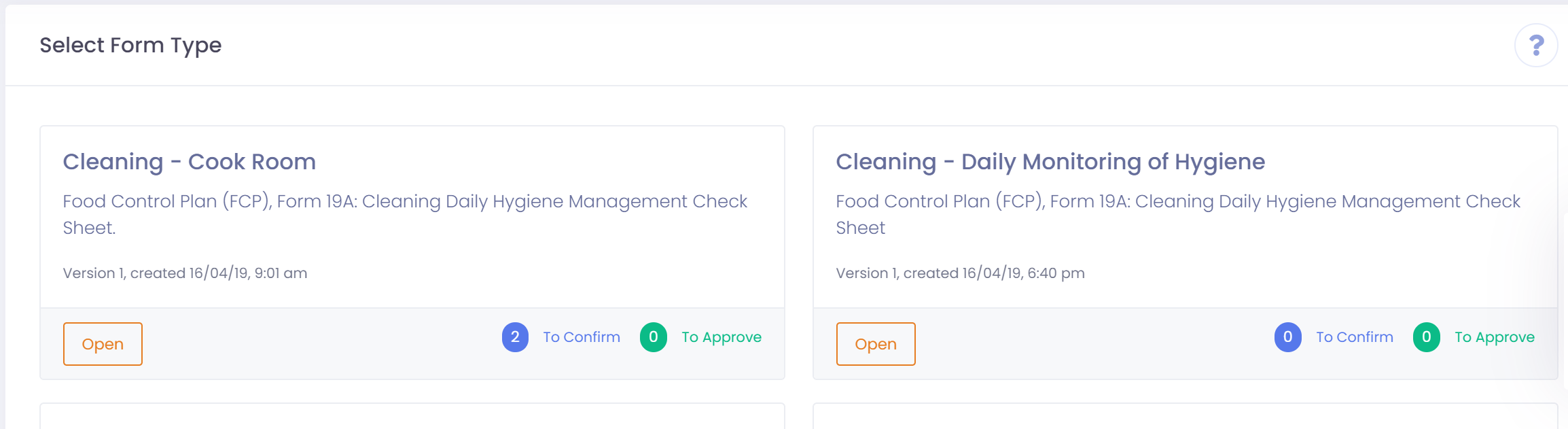
Once the user selects the form template they will be take to the form list. This is a list of all the forms that have been created for the selected template.
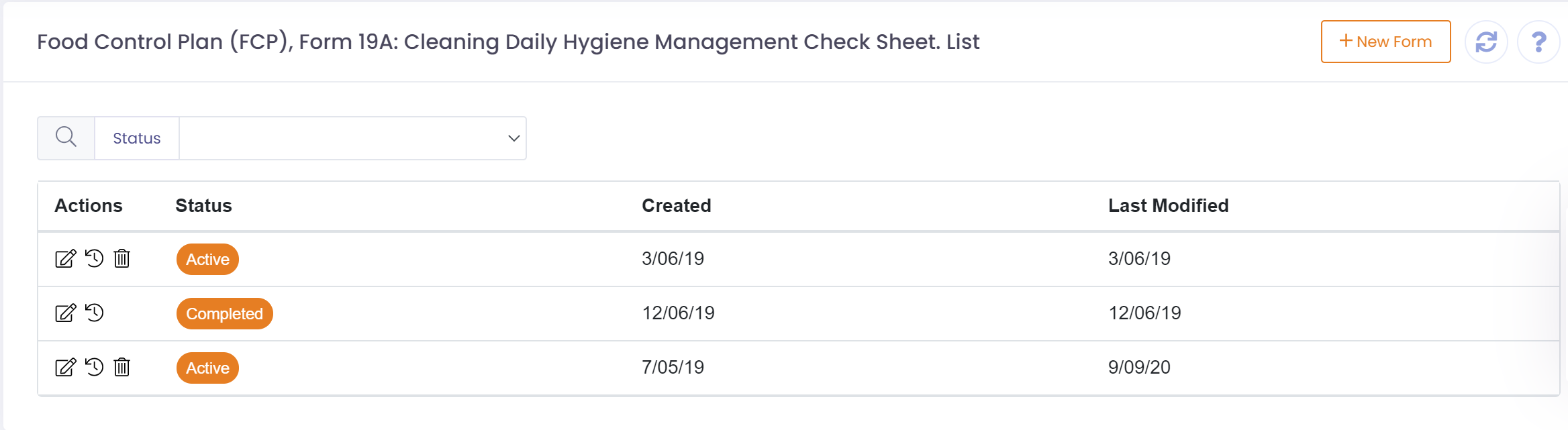
The user can modify or view existing forms from this list, or create a new form. To create a new form the user will click the 'New Form' button at the top right of the screen.
The form will be presented to the user and they can fill out and then 'Save' the form.